FreeVideo editing
Edit videos in your browser
A full video editor with a timeline: cut and trim clips, grade colour, mix audio, add titles and captions, then export an MP4. Editing is free, your first export is free, and your videos never leave your device.
- Free to edit
- First export free
- No upload
- Best on a computer

01Inside the editor
Cut, grade, mix. Export.
Real screens from the video editor, with its demo project open.
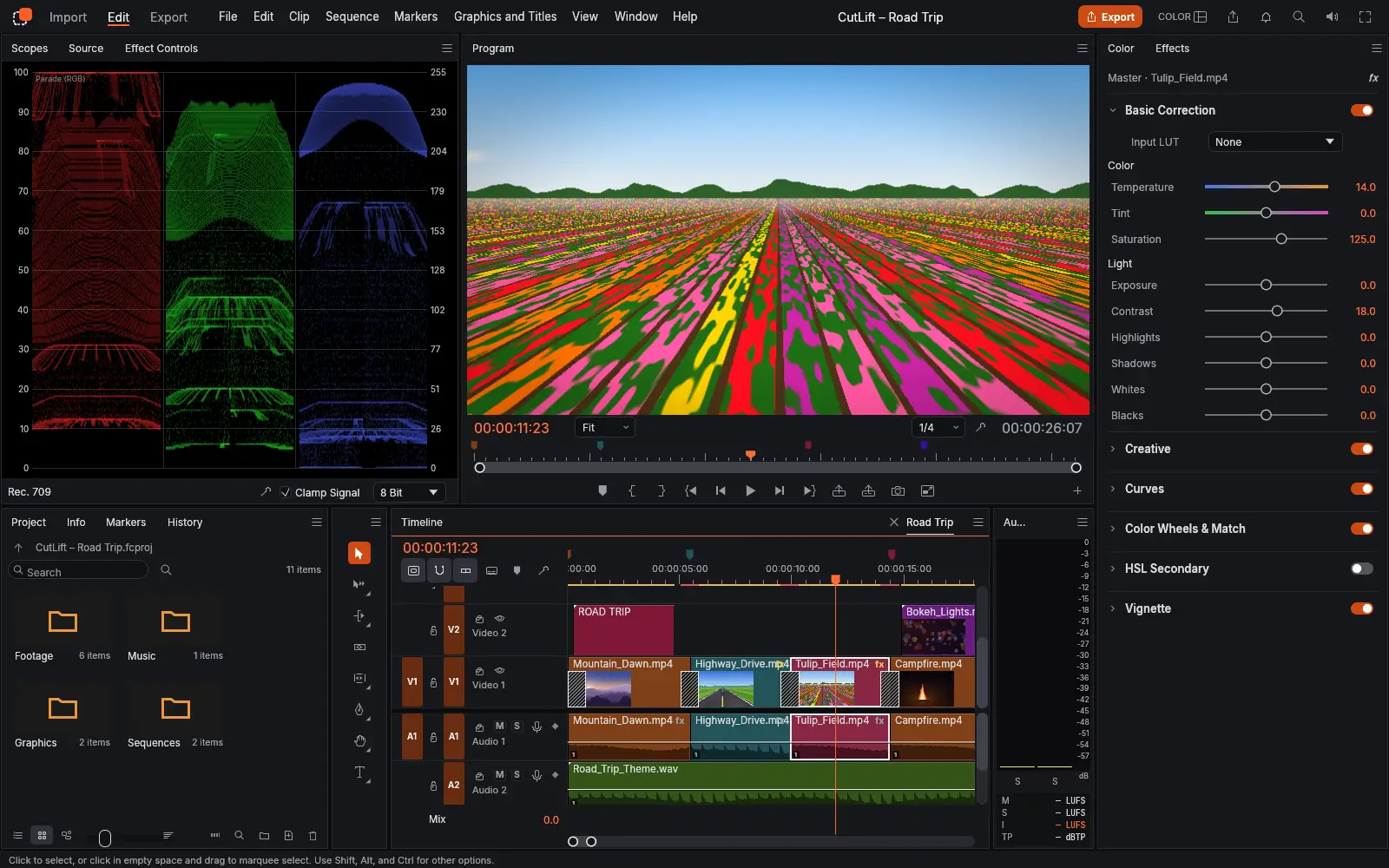
Grade colour
Temperature, exposure, curves, colour wheels and vignette, with live RGB scopes.
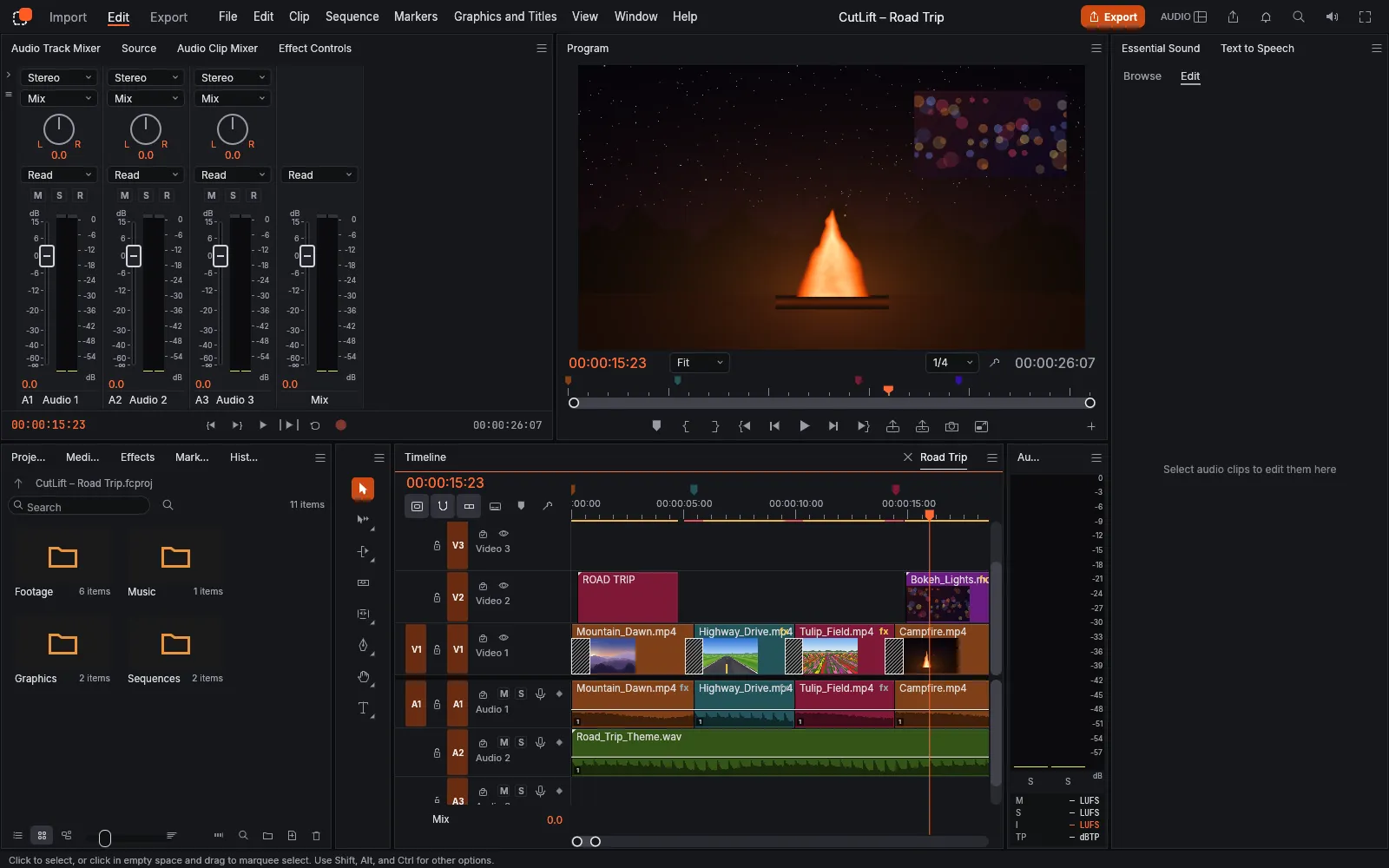
Mix the sound
A track mixer with faders and pan, audio types, and loudness meters.
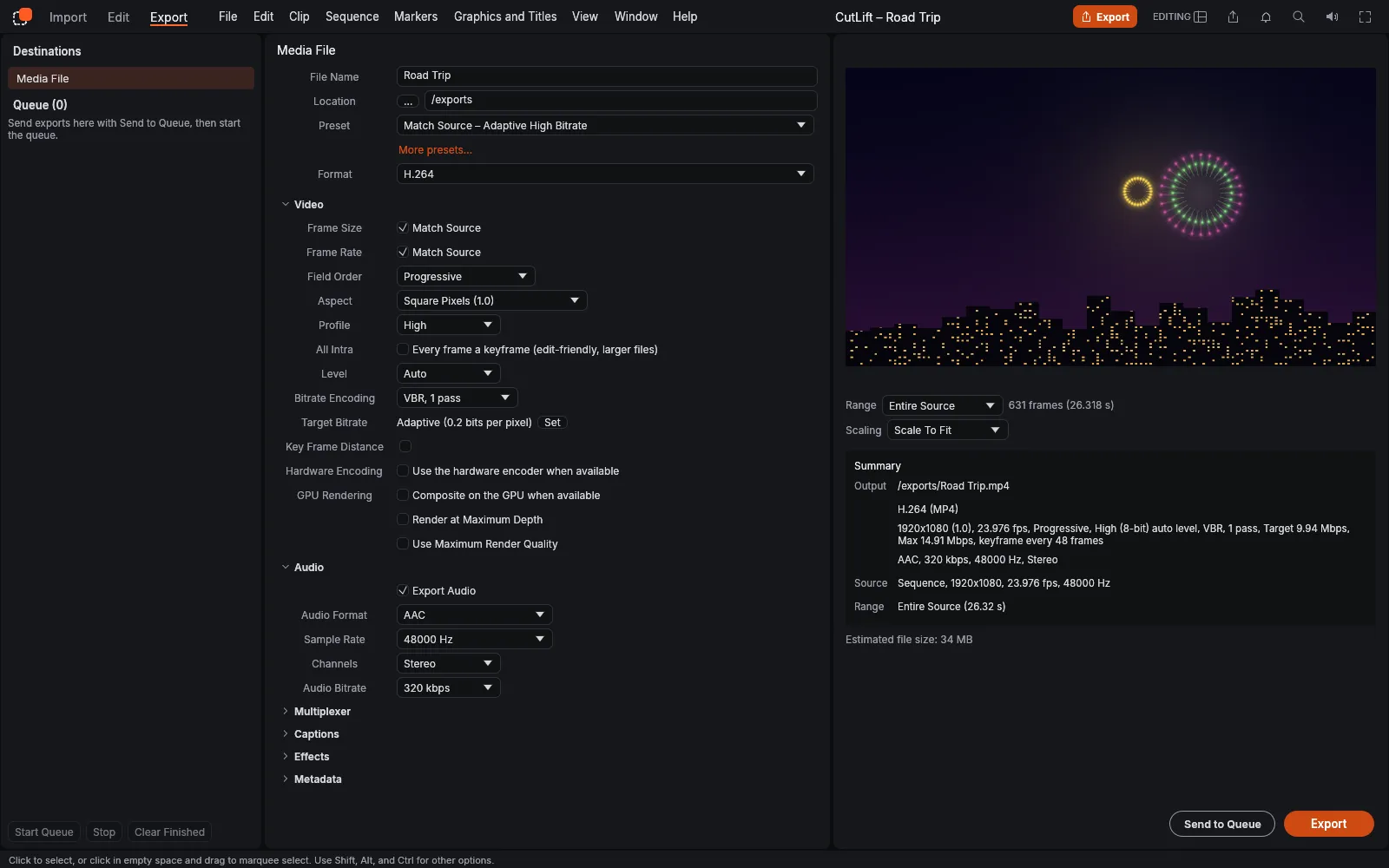
Export an MP4
H.264 with AAC audio, made on your device and saved as a download.
03How it works
Four steps. Seconds.
- 01Open the video editorIt starts with a demo project, so you can try it straight away.
- 02Import your mediaDrop video, audio and pictures onto the page, or use Import.
- 03Edit on the timelineCut, trim and arrange clips, then add colour, effects, titles and audio.
- 04ExportAn H.264 MP4 with AAC audio, or a GIF. Your first export is free.
04Why CutLift
Built to be the best one
- A real timelineVideo and audio tracks, markers, and familiar editing tools and shortcuts.
- Colour and effectsColour grading, effect controls and keyframes for motion.
- Audio mixingTrack mixer, clip effects like EQ and DeNoise, and loudness meters.
- Titles and captionsTitles on the timeline; import and export SRT and WebVTT captions.
- Many formatsOpens H.264, HEVC, VP9, AV1, ProRes and more in MP4, MOV, WebM and MKV.
- PrivateYour videos are opened on your device and never uploaded.
Free to edit, with every tool. Exports are part of CutLift Pro, and your first export is free. Pro is $7.99/month.
05Related tools
Next, you might need
06Questions
Good to know
Is the video editor free?
Editing is free, with every tool. Exporting is part of CutLift Pro, and every account gets one free export. Exports never have a watermark.
74 more tools
Keep going
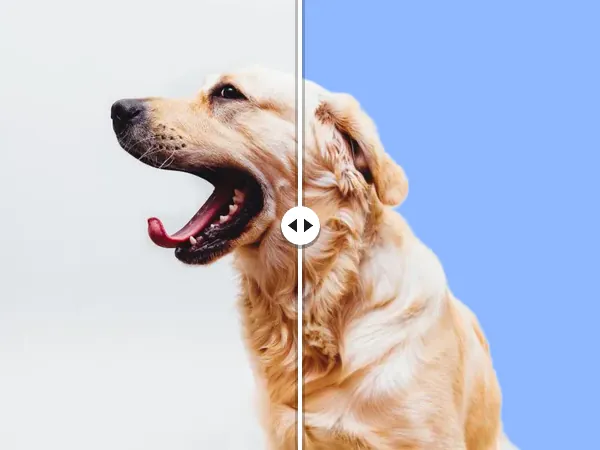 BackgroundsBackground removerRemove the background from any photo
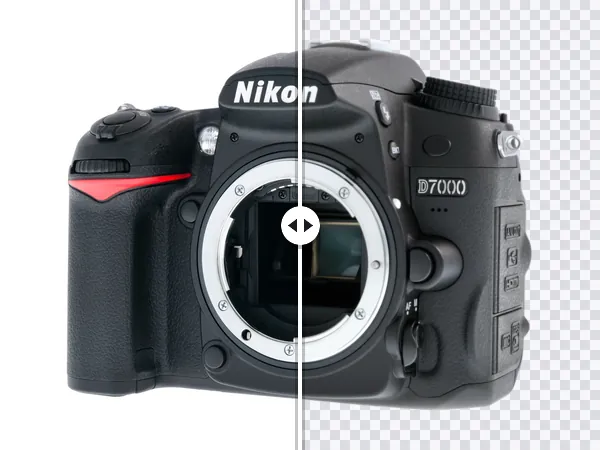 BackgroundsTransparent PNGMake any image background transparent
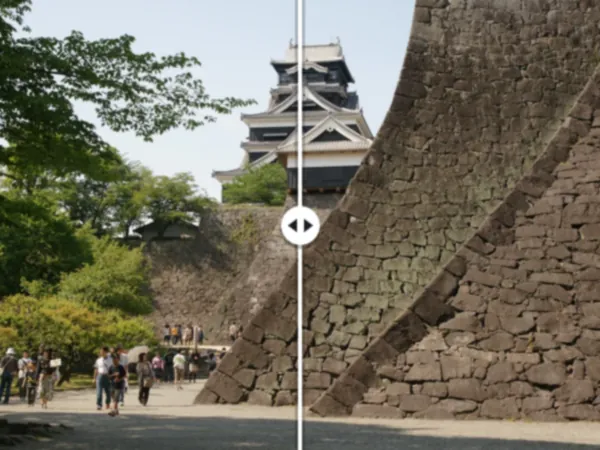 Remove & retouchObject removerRemove any object from a photo
 BackgroundsBackground blurBlur the background, keep the subject sharp
 AI editorsPhoto editorA free AI photo editor in your browser
 AlternativesPhotoshop alternativeThe Photoshop tools you use, free in your browser
 AI editorsPSD viewerOpen PSD files online, with their layers
 BackgroundsProduct photosAI product photo editing for your store
 ProBackgroundsBatchRemove backgrounds from a whole folder at once
 ProConvert & resizeUpscalerUpscale images 2×, 4× and up to 4K with AI
 ProBackgroundsSky replacementSwap a dull sky for a beautiful one
 ProLabels & datasetsSegmentation & datasetsSegment and label images in your browser
 ProRemove & retouchGenerative fillFill any area with AI
 ProBackgroundsSticker makerTurn any photo into a sticker
 Colour & effectsColour correctionCorrect and grade the colour of any photo
 BackgroundsBackground colourChange the background colour of any photo
 Colour & effectsText on photosAdd text to any photo
 Convert & resizeCrop & resizeCrop, straighten and resize photos
 AI editorsSelect anythingSelect any object in a photo
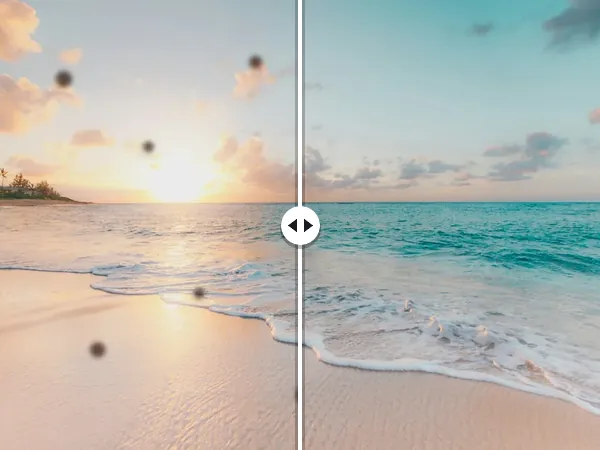 Remove & retouchHealing & cloneHeal spots, dust and blemishes away
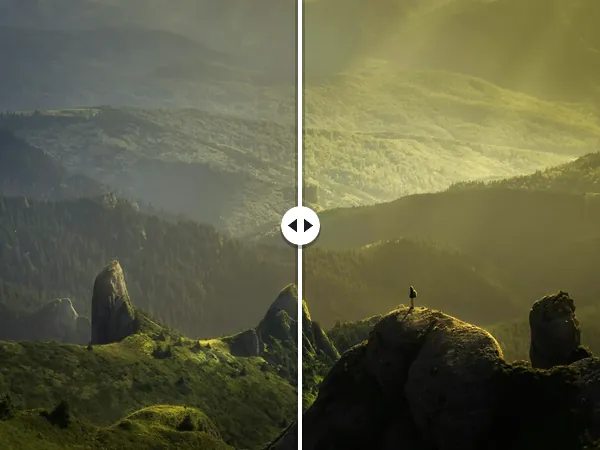 Colour & effectsCurvesShape the light with Curves
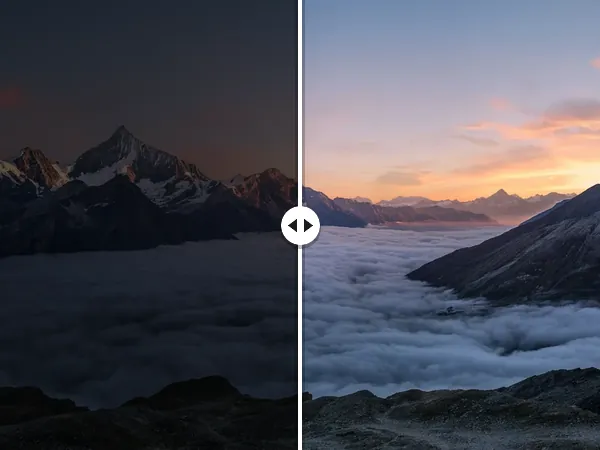 Colour & effectsCamera RAWOpen and edit RAW photos in your browser
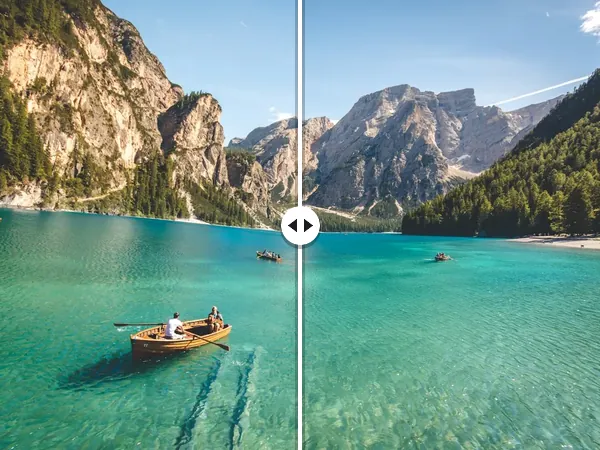 Convert & resizeRotate & straightenRotate and straighten any photo
 Remove & retouchLiquifyPush, pull and reshape with Liquify
 ProLabels & datasetsCOCO & YOLOLabel photos, export COCO and YOLO
 VideoOnline video editorA video editor with nothing to install
 VideoVideo trimmerTrim and cut your video
 VideoAdd music to videoAdd music to your video
 AI editorsAI photo editorEdit photos with AI, free, in your browser
 AI editorsAI image editorAn AI image editor that runs in your browser
 ProAI editorsClicksegmentClick any object to select it with AI
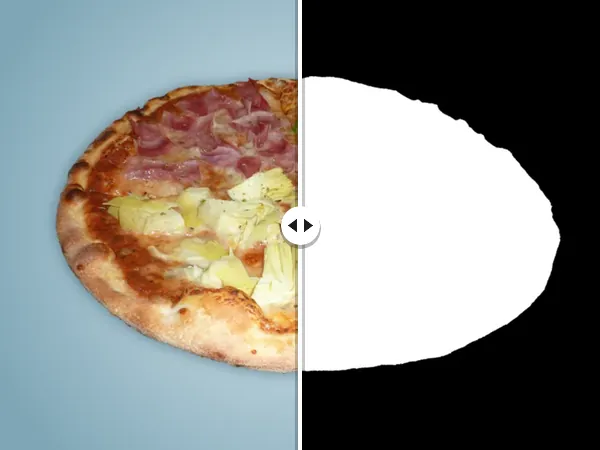 AI editorsMask generatorGenerate image masks in your browser
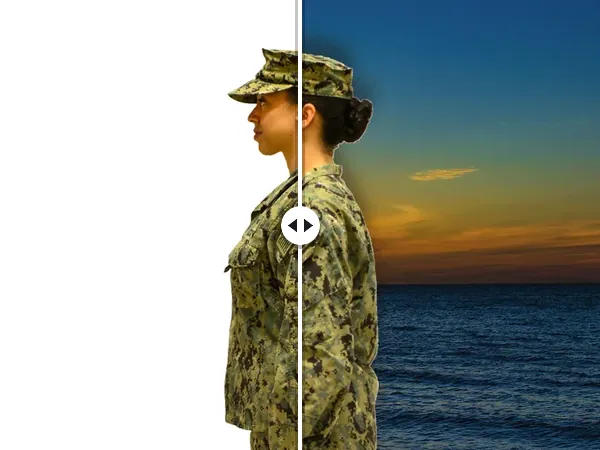 BackgroundsPerson cutoutCut a person out of any photo
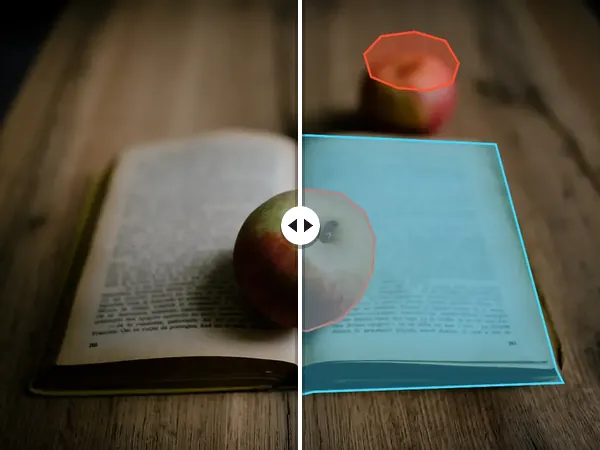 Labels & datasetsImage annotationAn image annotation tool for training data
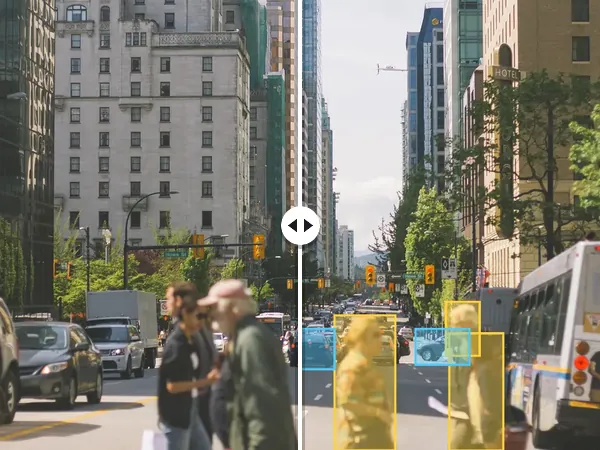 Labels & datasetsImage labellingLabel the objects in your photos
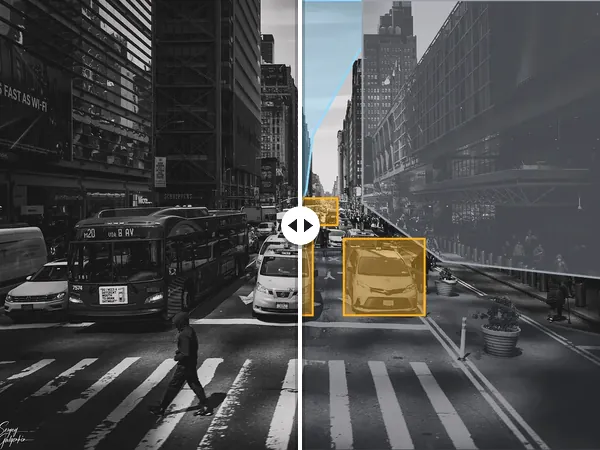 Labels & datasetsSemantic segmentationSemantic segmentation labels, made in your browser
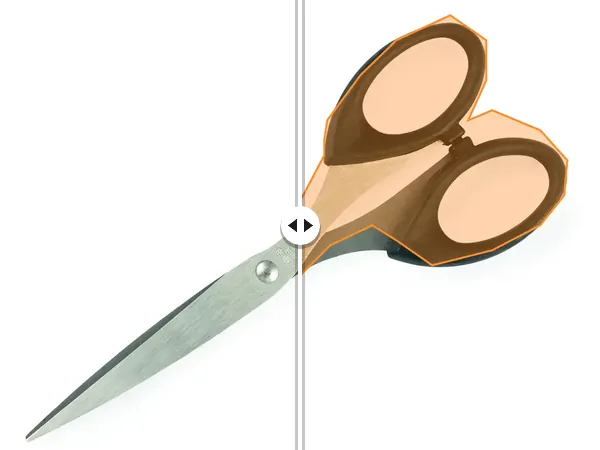 Labels & datasetsPolygon annotationOutline objects with polygons and export them
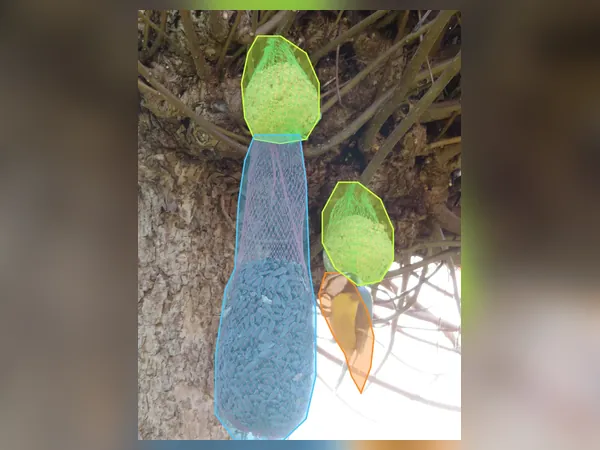 ProLabels & datasetsYOLO datasetTurn your photos into a YOLO dataset
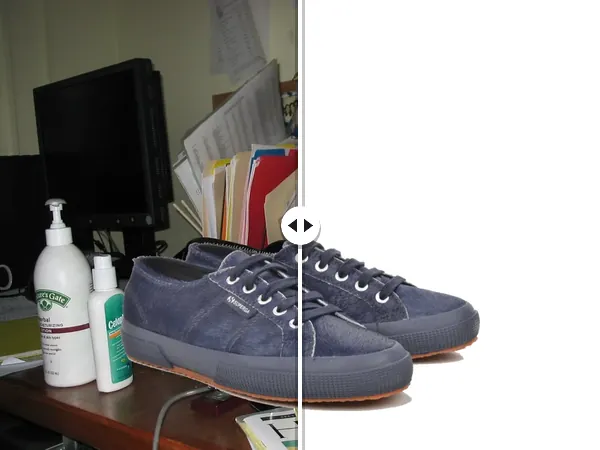 BackgroundsWhite backgroundPut product photos on a pure white background
 BackgroundsLogo backgroundRemove the background from a logo
 BackgroundsHeadshotChange the background of a headshot
 BackgroundsWhite backdropRemove a white background from an image
 BackgroundsPassport photo makerPassport photo maker with 14 free checks
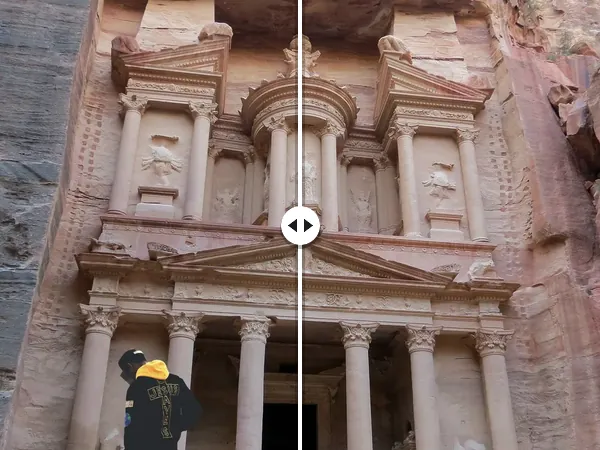 Remove & retouchPerson removerRemove people from a photo
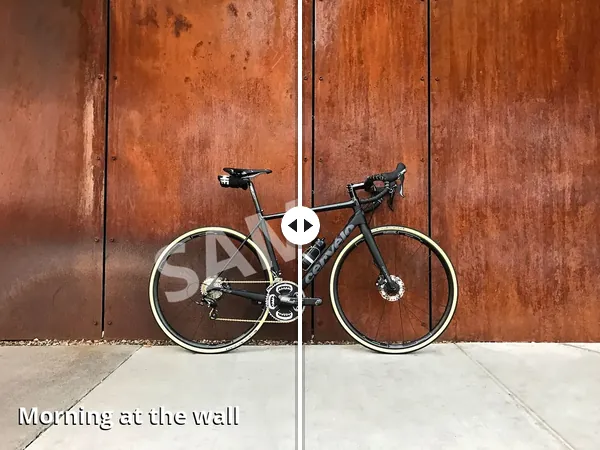 Remove & retouchText removerErase text from a photo
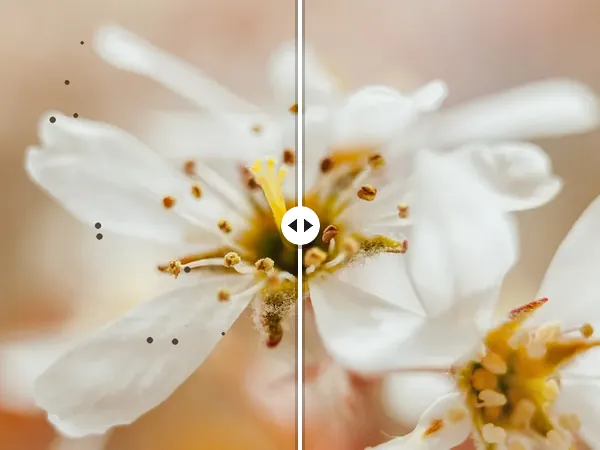 Remove & retouchBlemish removalRemove blemishes from a photo
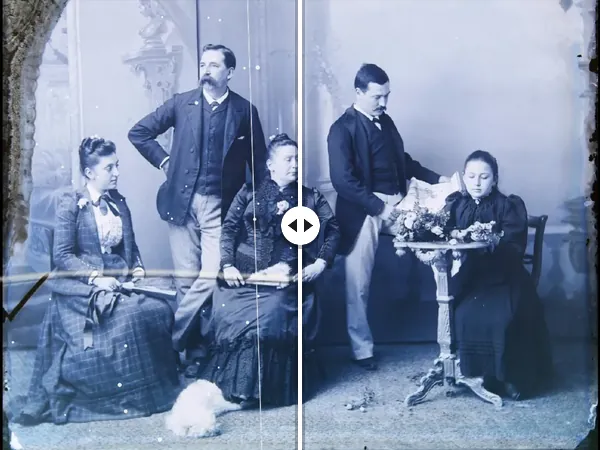 Remove & retouchPhoto retouchingRetouch photos right in your browser
 Convert & resizeStraightenStraighten a crooked photo
 Alternativesremove.bg alternativeA free remove.bg alternative that works in your browser
 AlternativesPhotopea alternativeA free Photopea alternative with layers and PSD support
 AlternativesLightroom alternativeA free Lightroom alternative for RAW and everyday photos
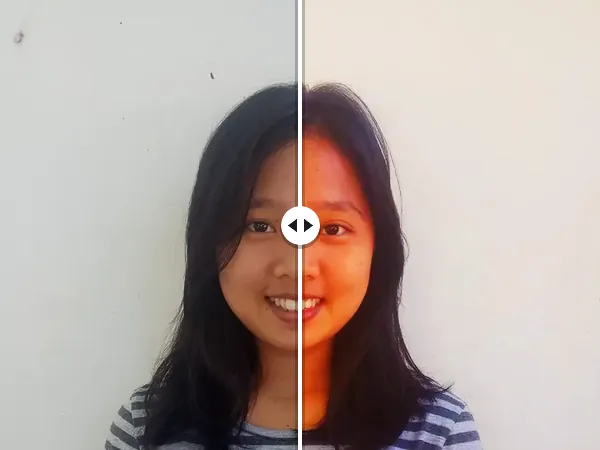 AlternativesGIMP alternativeA free GIMP alternative you can open in any browser
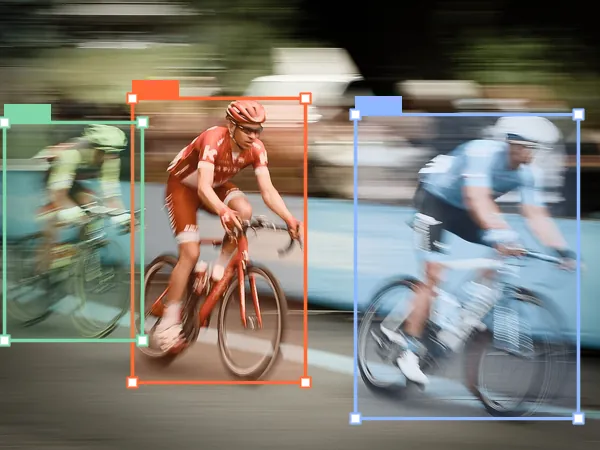 ProAlternativesCVAT alternativeLabel photos in the browser and export COCO or YOLO
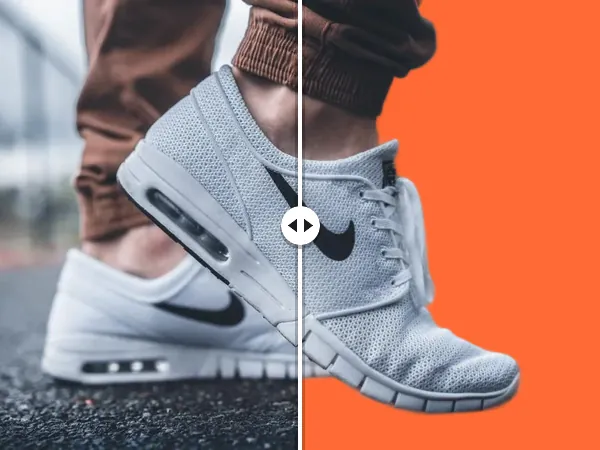 AlternativesCanva background remover alternativeRemove backgrounds free, then design in Canva
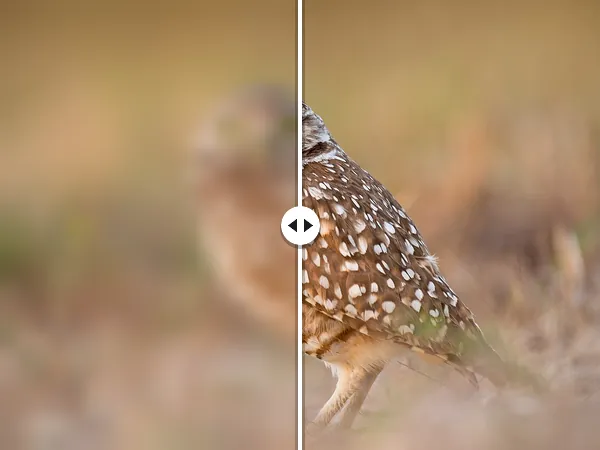 ProAlternativesUpscayl alternativeUpscale images in your browser, no install
 AlternativesAffinity Photo alternativeA free photo editor in your browser, no install
 Convert & resizeJPGPNGConvert JPG to PNG
 Convert & resizePNGJPGConvert PNG to JPG
 Convert & resizeWebPPNGConvert WebP to PNG
 Convert & resizeWebPJPGConvert WebP to JPG
 Convert & resizePNGWebPConvert PNG to WebP
 Convert & resizeJPGWebPConvert JPG to WebP
 Convert & resizeImage resizerResize an image to any size
 Convert & resizeImage compressorCompress images and cut the file size
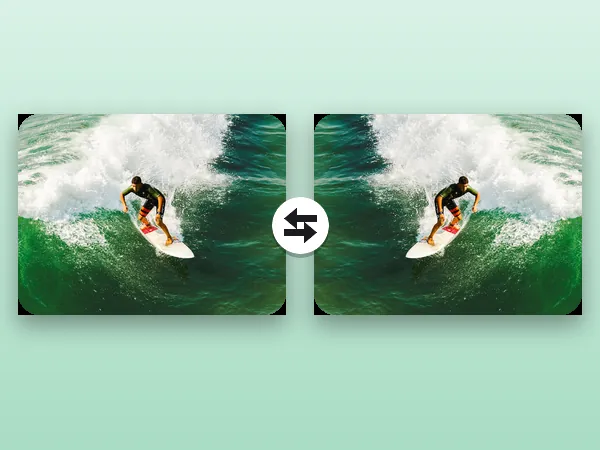 Convert & resizeFlip & mirrorFlip or mirror an image
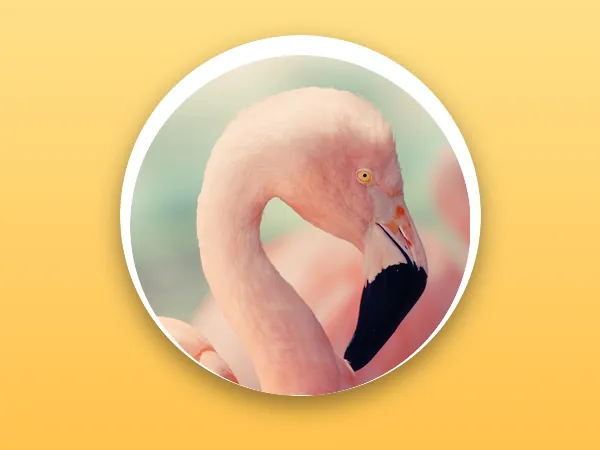 Convert & resizeCircle cropCrop an image into a circle
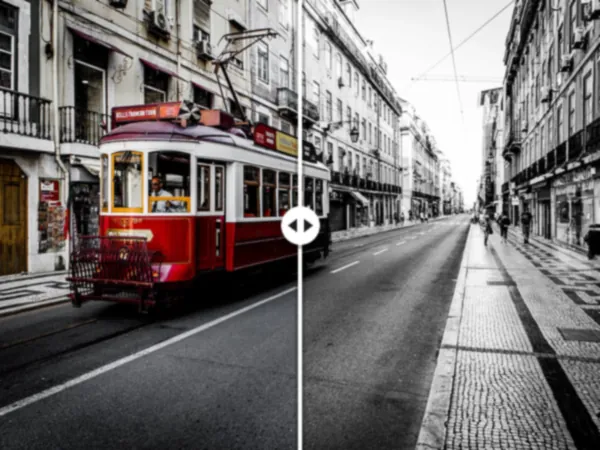 Colour & effectsBlack & whiteMake a photo black and white
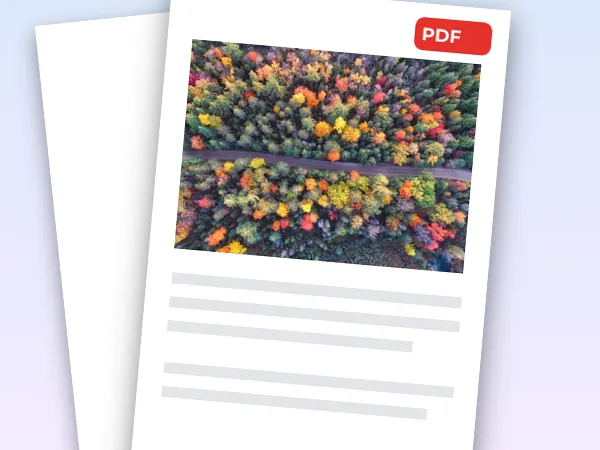 Convert & resizeJPGPDFTurn images into one PDF
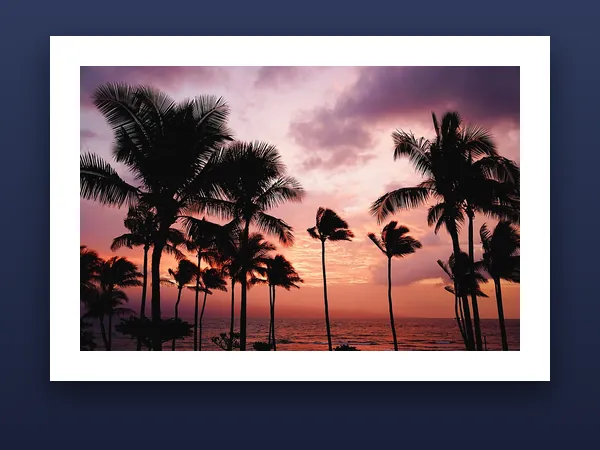 Colour & effectsAdd borderAdd a border to any photo
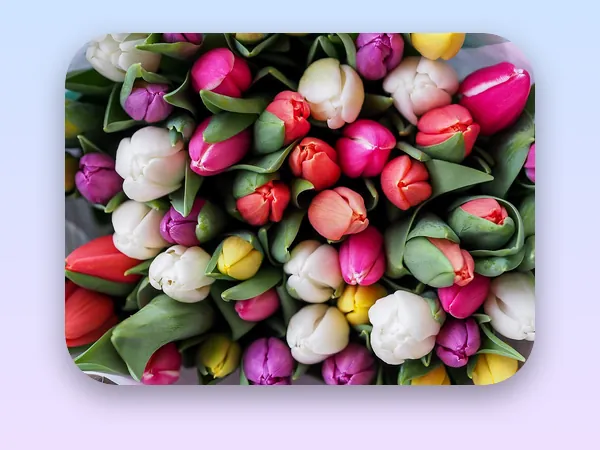 Colour & effectsRounded cornersRound the corners of any image
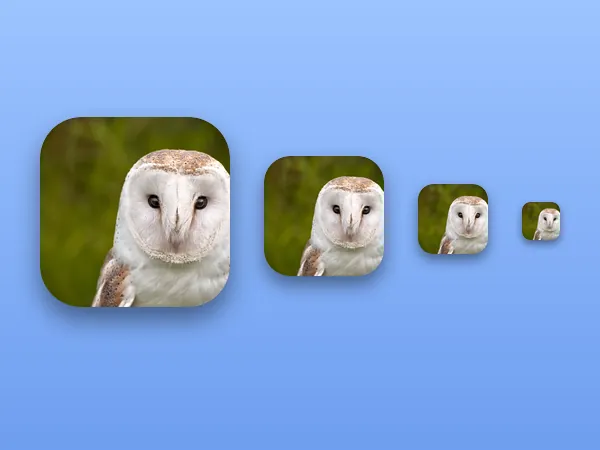 Convert & resizeFavicon generatorMake a favicon from any image
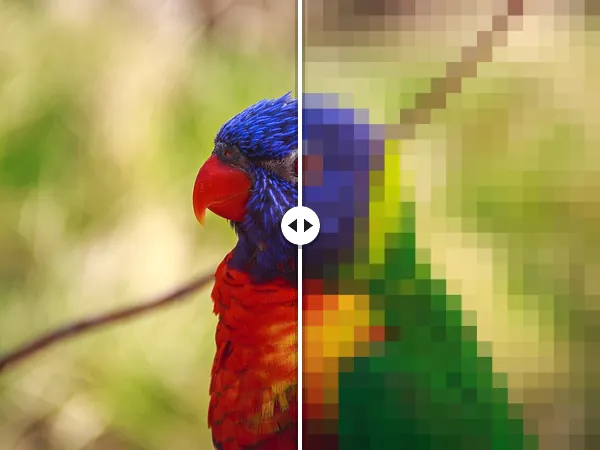 Colour & effectsPixelatePixelate any image
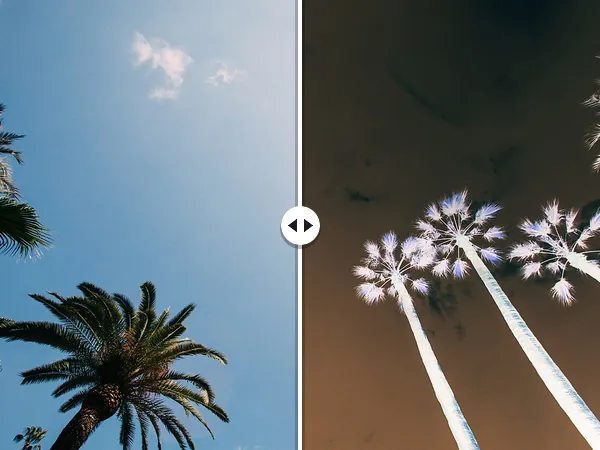 Colour & effectsInvert coloursInvert the colours of an image
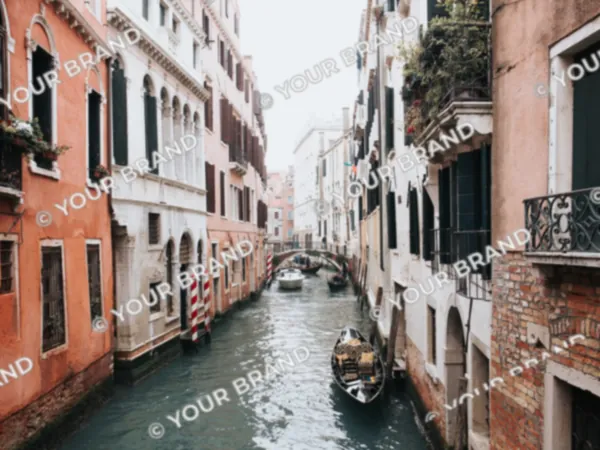 Colour & effectsWatermarkAdd a watermark to your photos