FreeAffinity Photo alternative

A free photo editor in your browser, no install

Need layers, curves, healing and PSD files on a computer where you can’t install apps, or on a Chromebook? CutLift runs in the browser, with AI cut-outs built in.

Drop your photo hereIt opens in the editor. Nothing is uploaded. Choose a photoJPGPNGWebPHEICPSDRAW

No photo? Try ours

karst-layers.psd
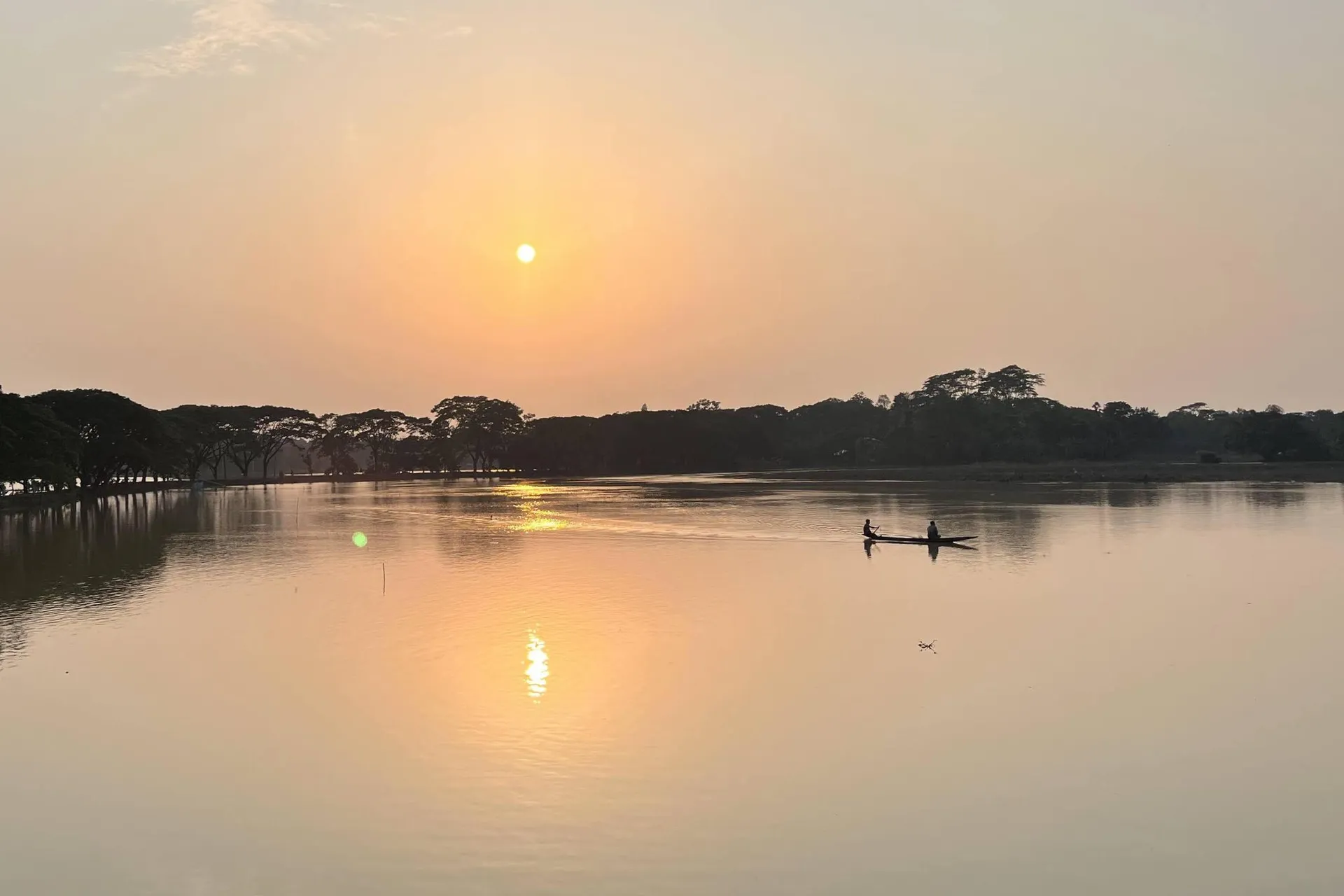
A wooden hut on a paddy field, its reflection in the water under a sunset sky

Layers

  • Title
  • Warm curves
  • Background

Layers, text and adjustments stay editable. Hide any one to compare.

Live demo01 / 05

01Files

Open the files you have. Save them the way you need.

The format shelf: what opens in the editor, and what each save keeps.

PSD

PSD

Layered files open with their layers, text and adjustments intact.

RAW

RAW

CR2, CR3, NEF, ARW and DNG camera files, decoded on your device.

IMG

JPG, PNG, WebP

Ordinary photos open straight into the editor, with no converter.

OUT

Save as

Keep working in PSD, or export a transparent PNG or WebP cutout.

Save as

Keeps every layer, so you can keep editing in layers.

03How it works

Three steps. Seconds.

  1. 01Open a photo or PSDJPEG, PNG, WebP, HEIC in Safari, Camera RAW or a layered PSD.
  2. 02Edit with familiar toolsLayers, selections, curves and levels, healing and clone, liquify, text.
  3. 03Save as PSD or exportKeep working in another app later, or export PNG, JPG and WebP.

04Why CutLift

Built to be the best one

  • Runs anywhereWindows, Mac, Linux and Chromebooks, in any modern browser.
  • PSD in and outOpen layered Photoshop files and save your work back as PSD.
  • AI cut-outsRemove a background or select any object in one click, then refine the edge.
  • PrivatePhotos and files are edited on your device and never uploaded.

Free and unlimited. CutLift Pro adds batch processing, upscaling, sky replacement and studio exports for $7.99/month.

05The guide

Pro tools in a browser tab

Who looks for an Affinity Photo alternative

Affinity Photo is a capable desktop editor. People look for an alternative when they work on a Chromebook, on a computer where they can’t install apps, or when they want to edit quickly without opening a large program. Others want AI help, such as one-click background removal, alongside the classic tools.

CutLift runs in the browser on Windows, Mac, Linux and Chromebooks. It opens JPEG, PNG, WebP, Camera RAW and layered PSD files, and nothing is uploaded: editing happens on your own device.
The tools you expect

Work with layers and selections: lassos, pen, Colour Range, magic selection, refine edge and feather. Adjust tone and colour with curves, levels, exposure, hue and saturation, colour balance and black and white. Retouch with the healing brush and clone stamp, reshape with liquify, add text and shapes, and crop or straighten. When you are done, save a layered PSD to continue elsewhere, or export PNG, JPG or WebP.

AI where it saves time

Remove a background in one click, select any object by clicking it, or erase people and clutter with the object remover. The editor and its everyday AI are free; CutLift Pro adds the precise click-to-select model, batch work, upscaling and studio exports, and you can try every Pro tool free while you edit.

Converting and exporting

Finished files leave the editor the way you need them: a layered PSD to continue in another app, a transparent PNG or WebP cut-out, or a JPG for email and the web. The Convert panel also resizes, compresses, adds a border or watermark, and saves a PDF or a favicon, with a live preview of exactly what you will download.

Projects can be saved and reopened later, so longer edits don’t have to happen in one sitting.

07Questions

Good to know

Is there an online version of Affinity Photo?

Affinity Photo is a desktop app. CutLift is a different editor that runs in the browser, so there is nothing to download.

A free photo editor in your browser, no install

Free to start. Your photo never leaves your device.

Open the editor

70 more tools

Keep going