Crop ratios for every use
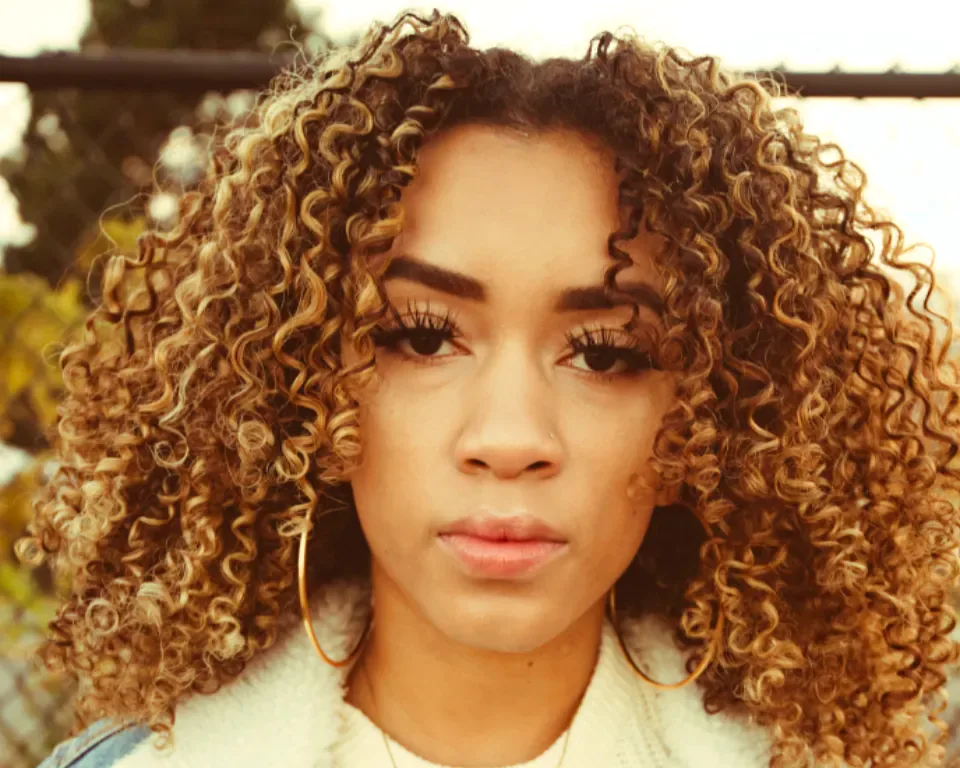
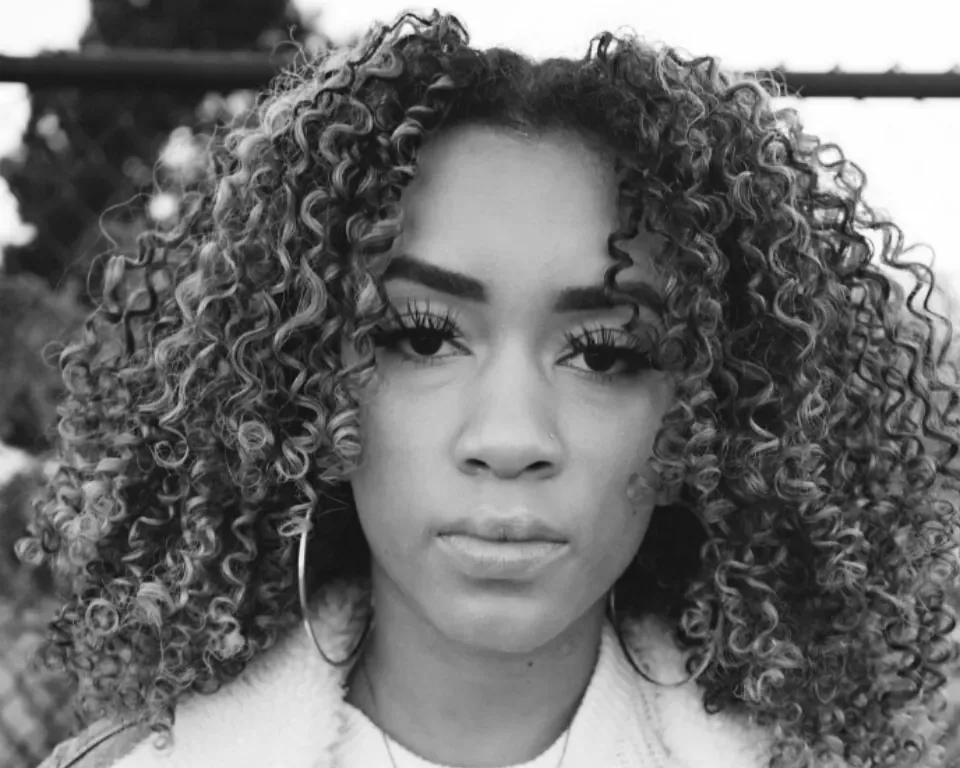
Press C and the crop box starts as the whole photo. The Ratio menu has Free, Original, 1 : 1 square, 4 : 5, 5 : 4, 3 : 2, 2 : 3, 16 : 9, 9 : 16 and Custom, and a swap button turns portrait into landscape. The output size shows in pixels as you drag. Shift keeps the ratio while you resize from a handle, Alt resizes from the centre, and Enter or a double-click applies.
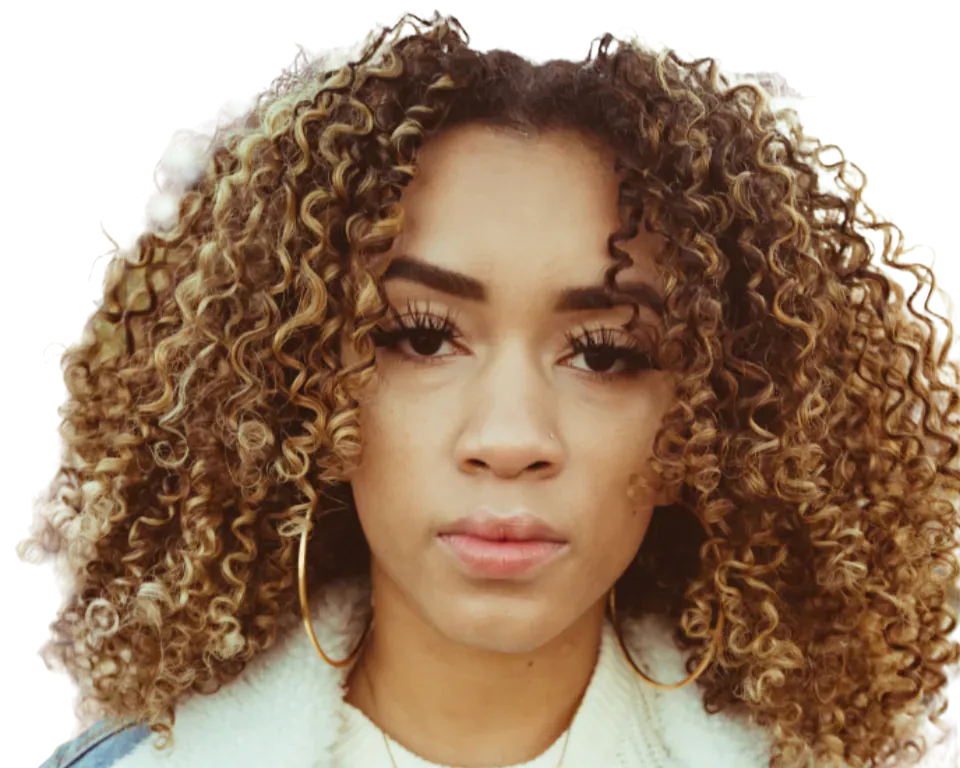
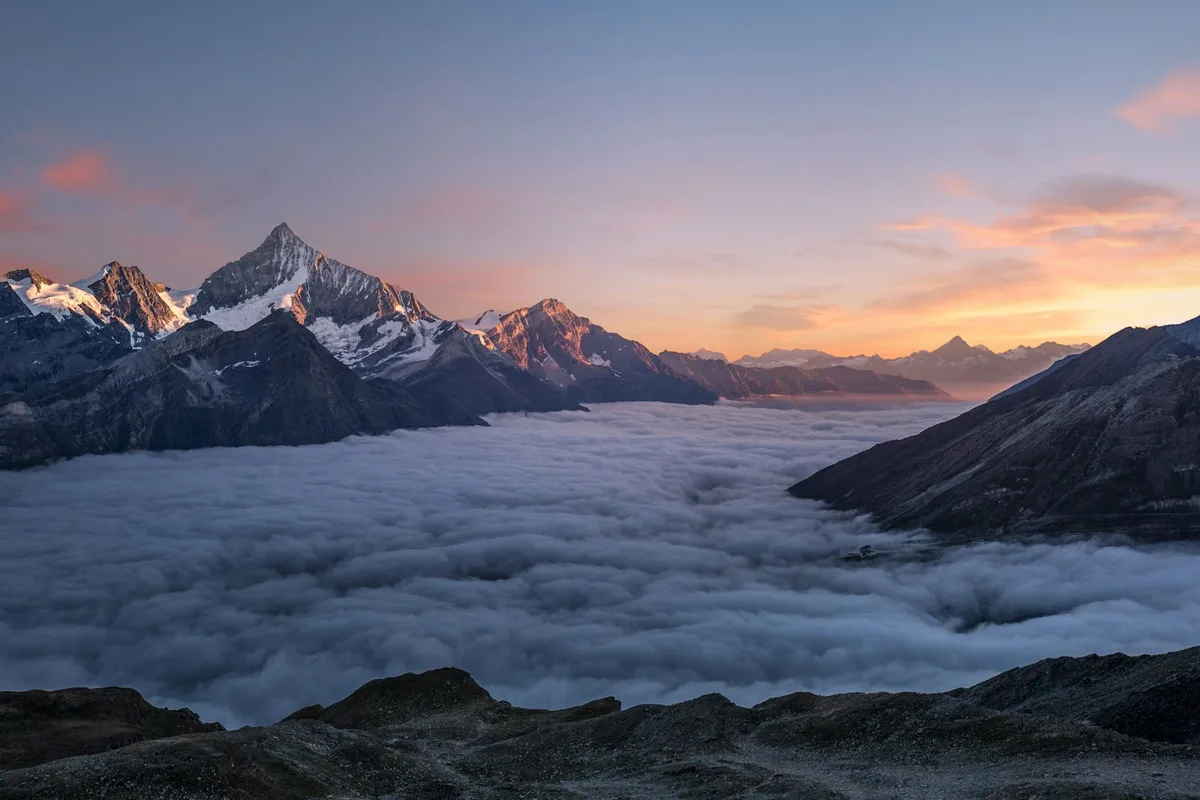
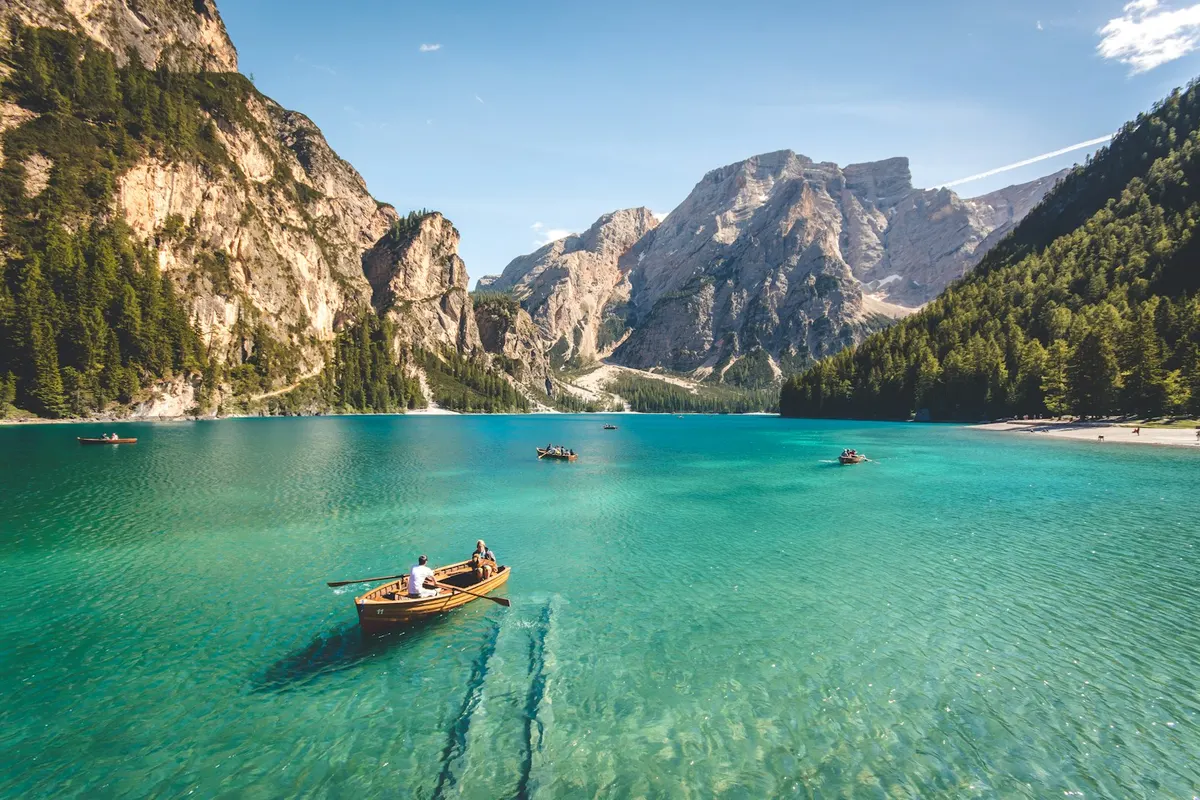
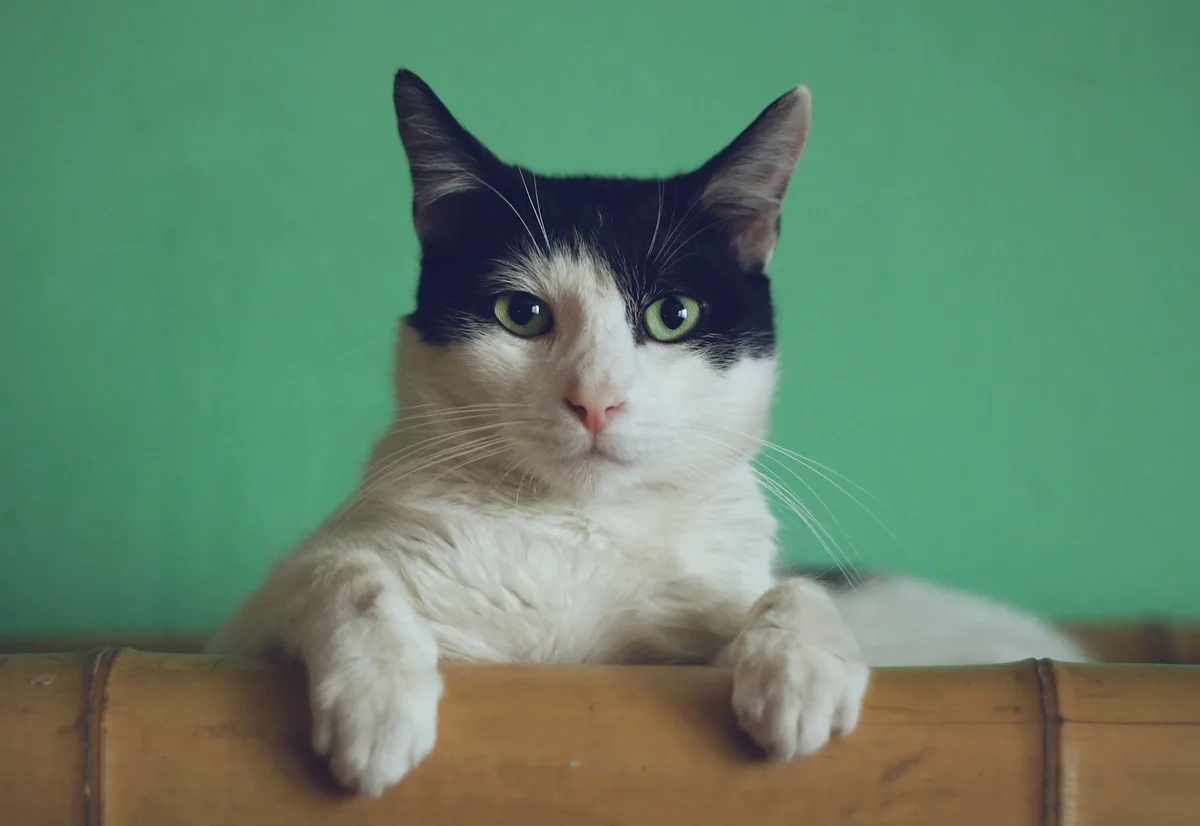
Use 1 : 1 for profile pictures and marketplace listings, 4 : 5 for portrait social posts and 16 : 9 for banners and video thumbnails. Image ▸ Crop to selection crops tightly around a selected object, such as a product you painted with Quick Selection.