
Group photos and one person among many
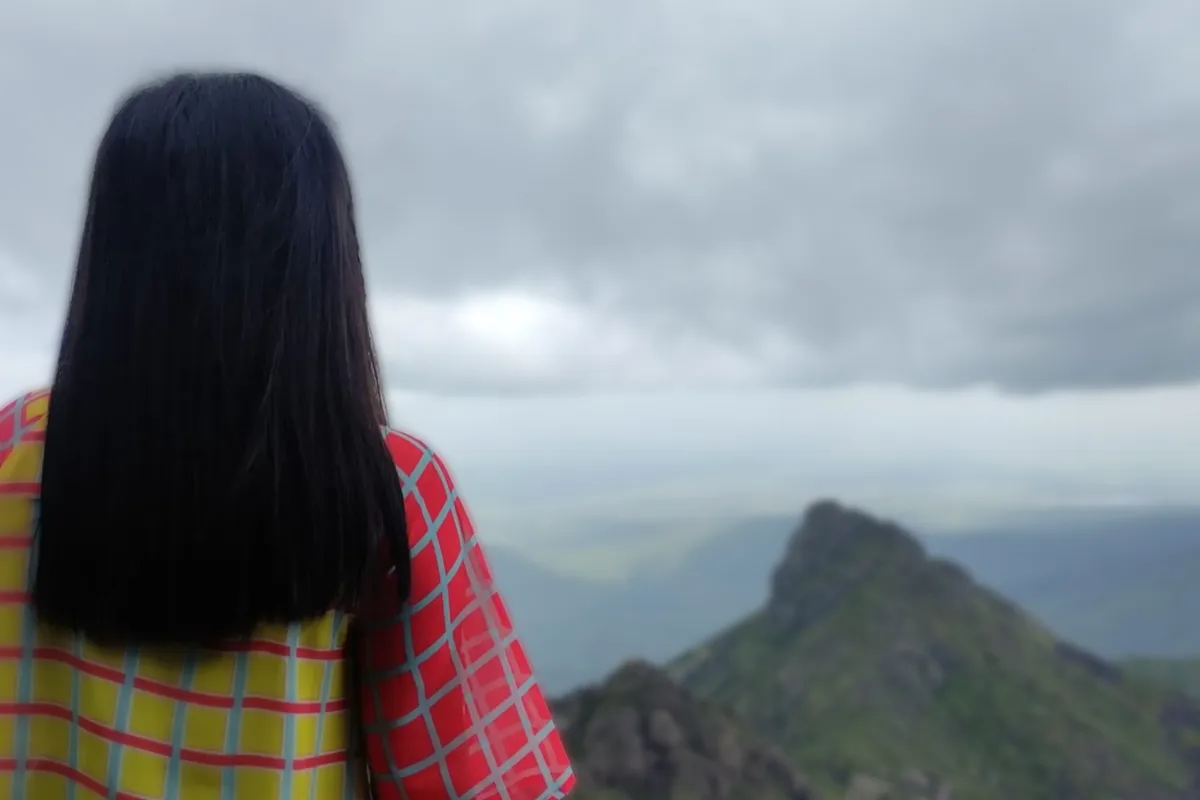
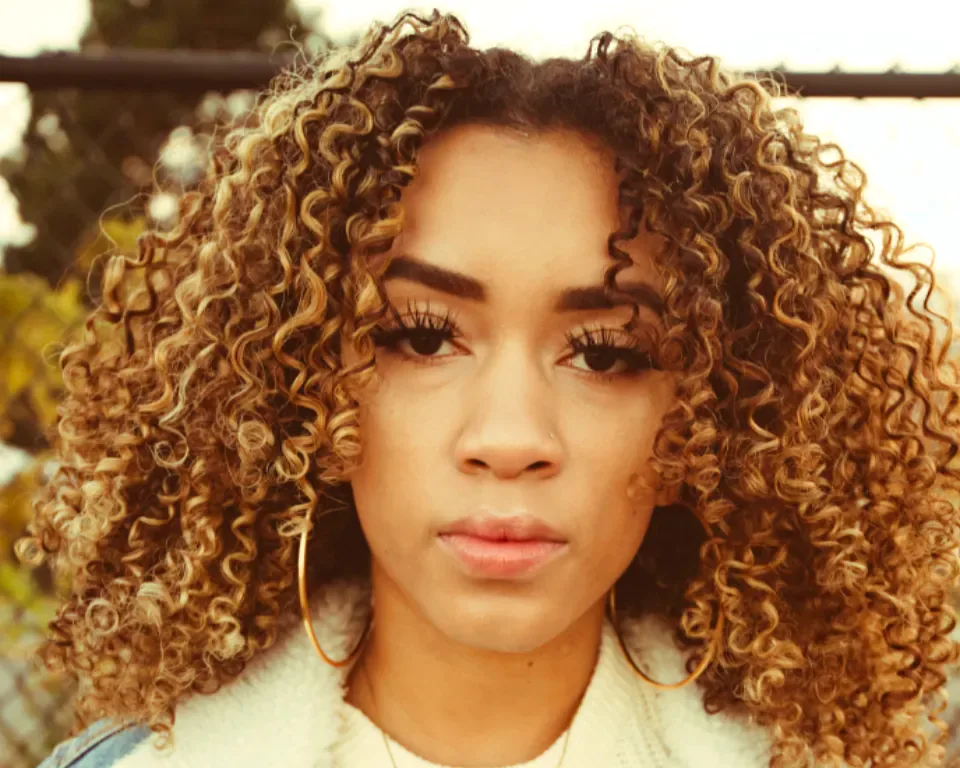
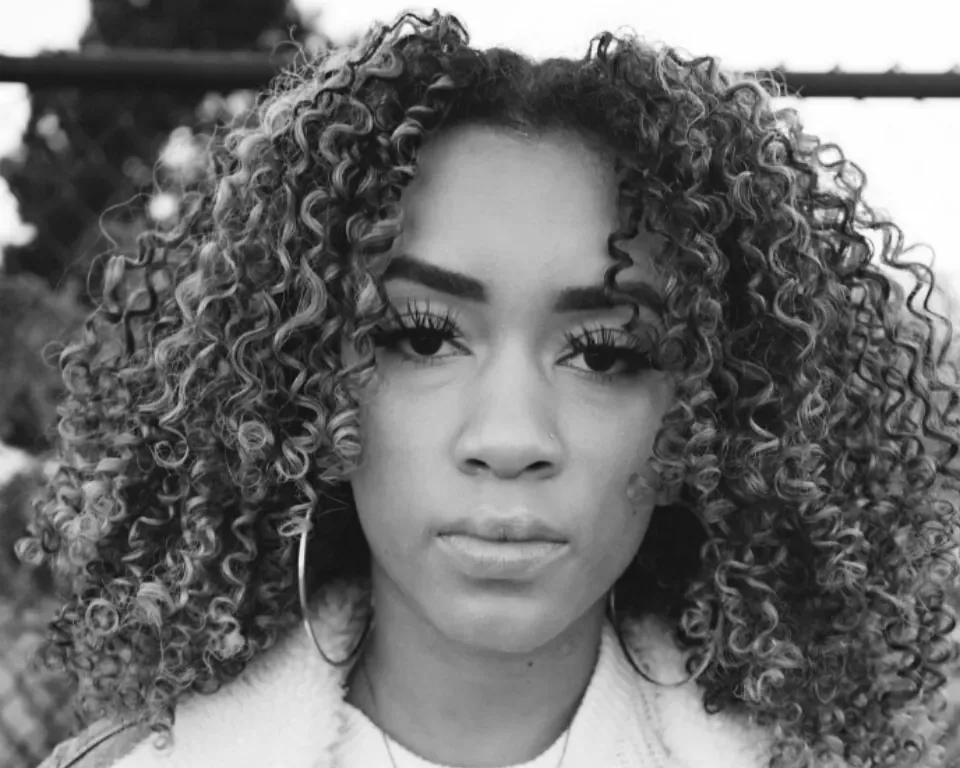
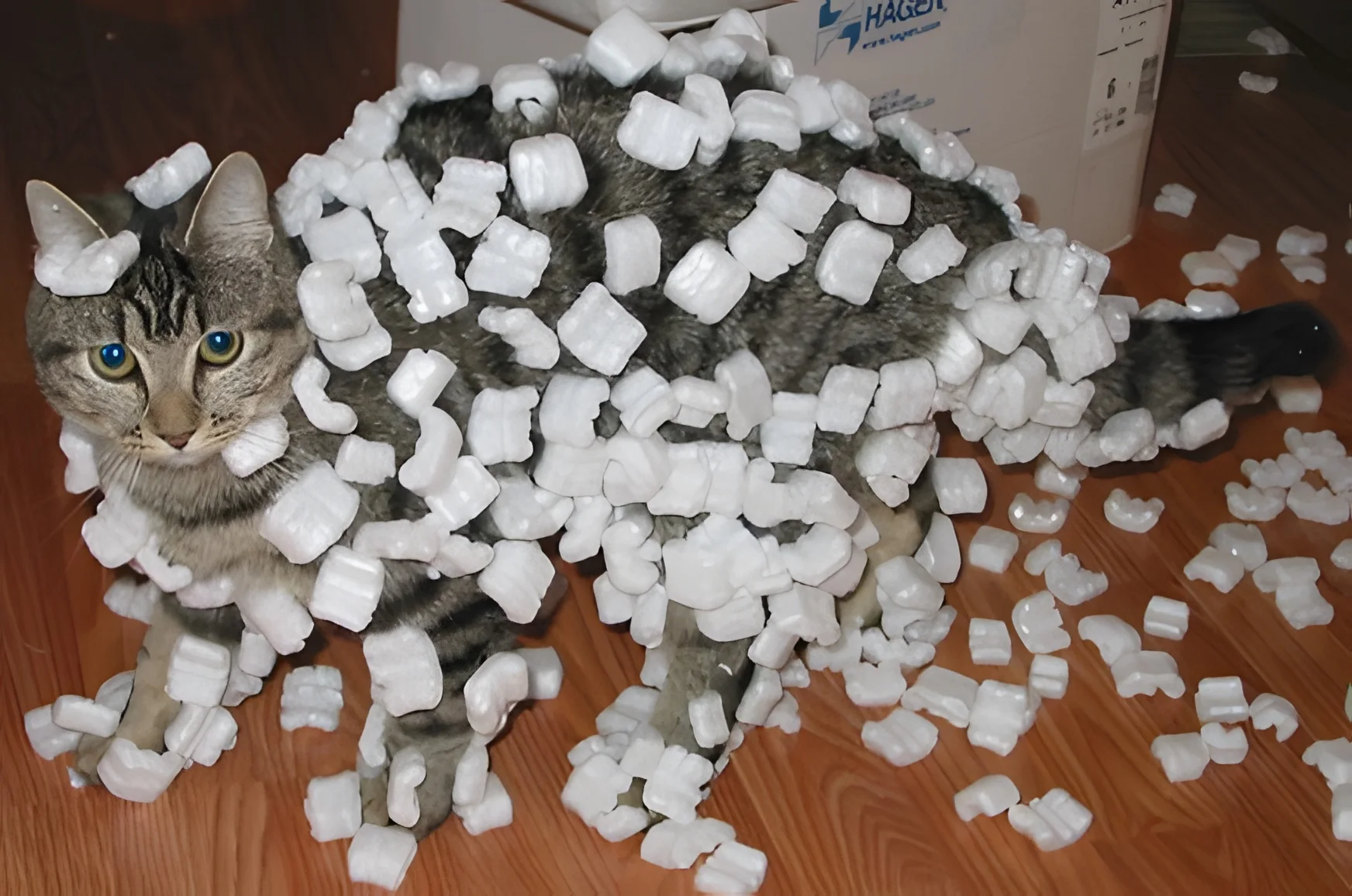
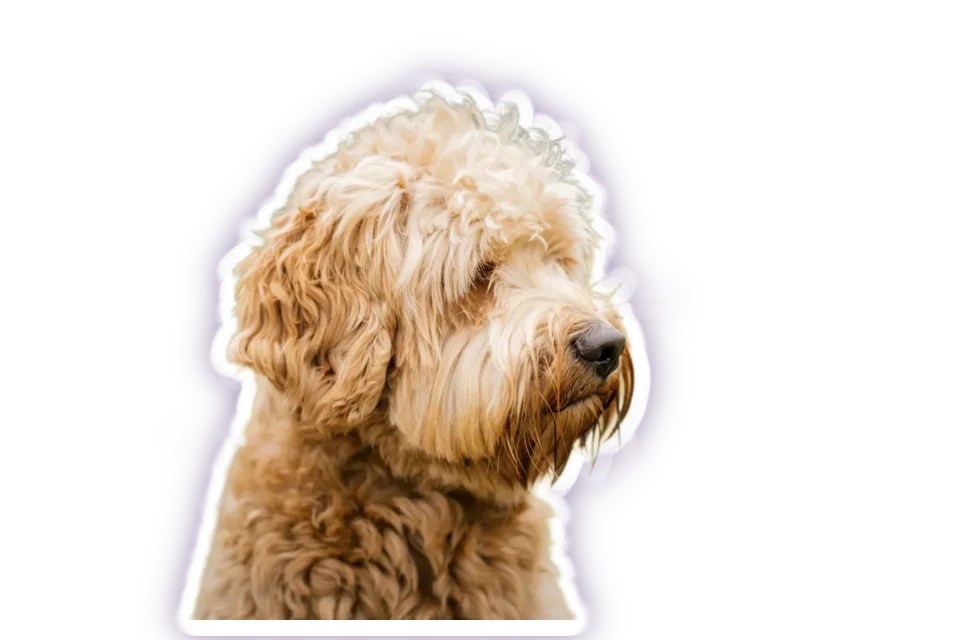
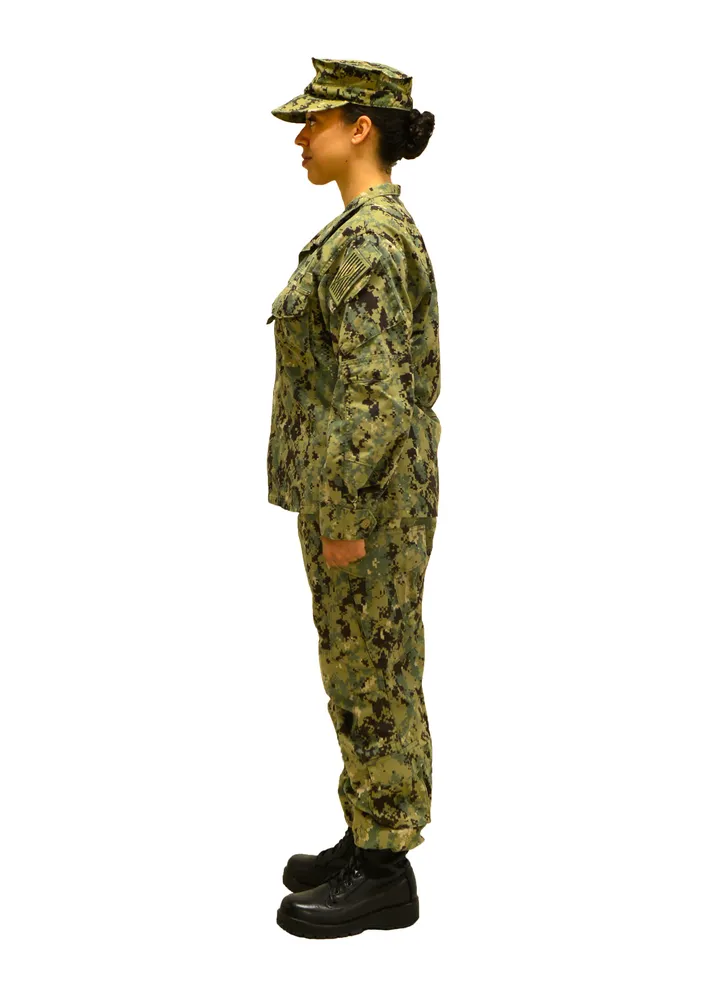
Remove background picks out the main subject, which works well for a portrait or a full-body shot of one person. In a group photo it may keep everyone together. To extract one person from a photo with several people, erase the others from the mask with the Eraser, or trace around your person with the Lasso.
With Pro, click the person with the AI to select only them, or type “person” into Select by name to put every person on a layer of their own. Each person then exports on their own or together with the others.