FreeColour correction

Correct and grade the colour of any photo

Curves, levels, hue and saturation, vibrance, colour balance and exposure, as editable adjustments you can change at any time. Free, unlimited, and your photos never leave your device.

Drop your photo hereIt opens in the editor. Nothing is uploaded. Choose a photoJPGPNGWebPHEICPSDRAW

No photo? Try ours

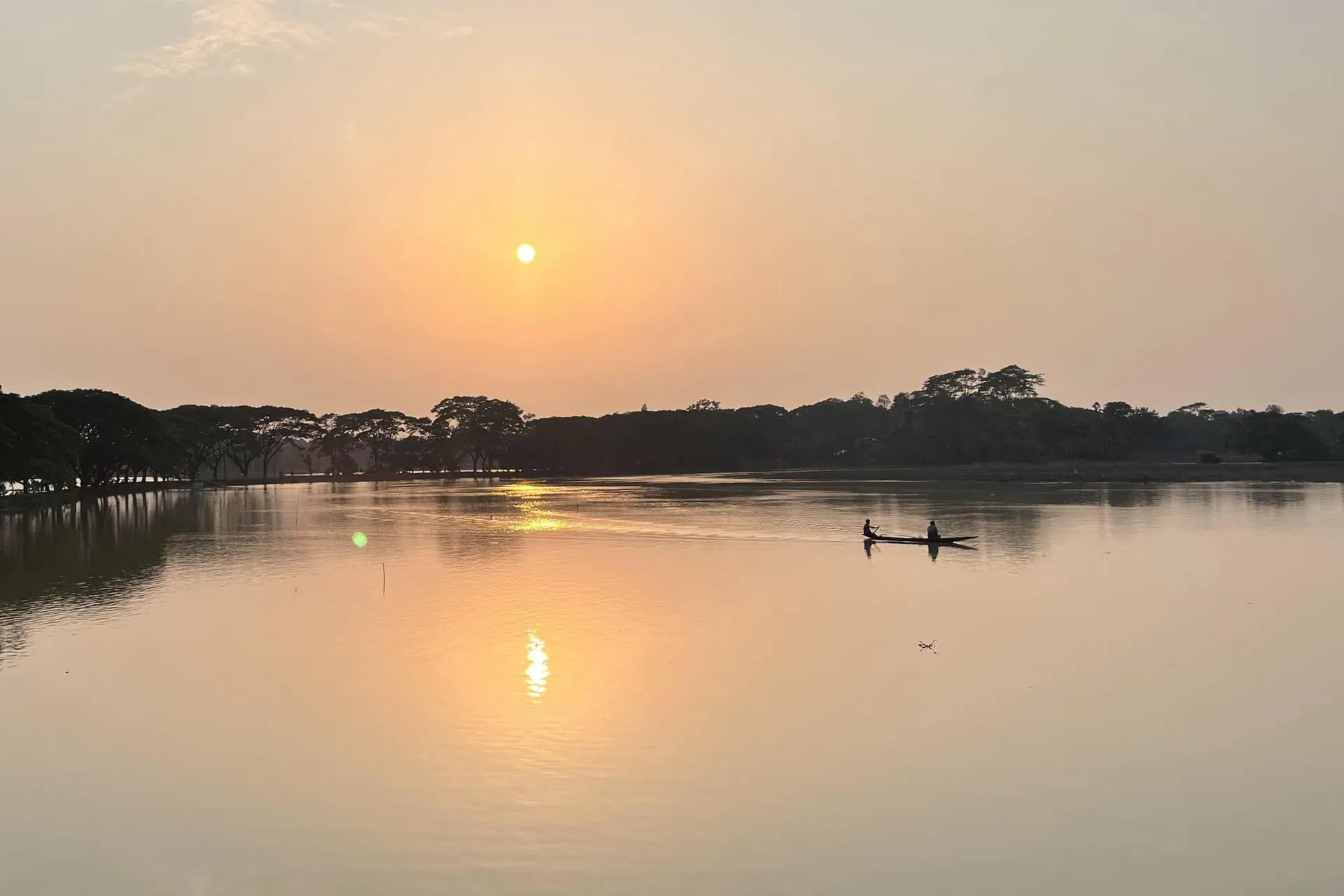
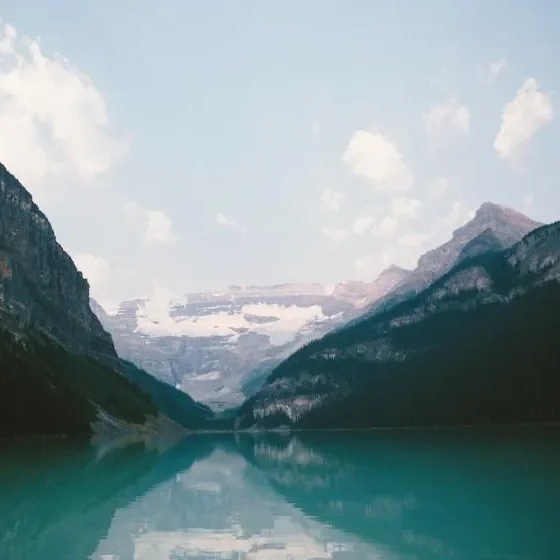
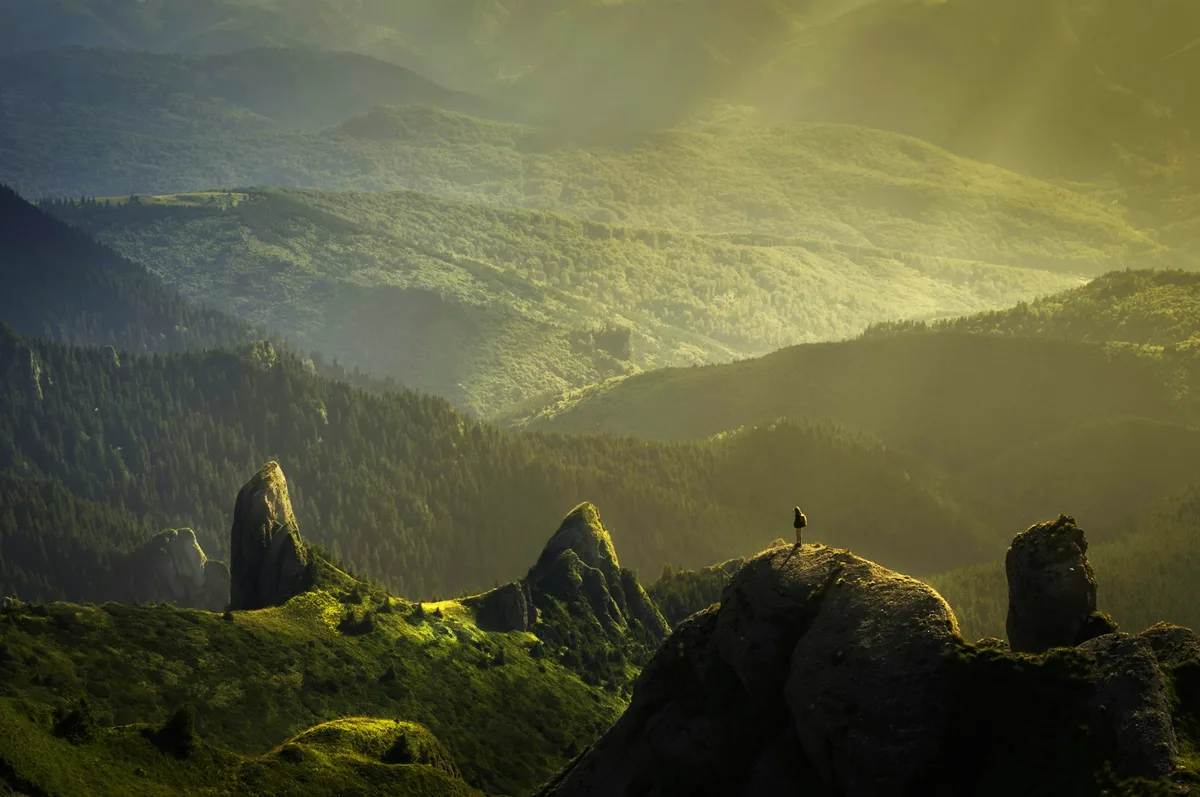
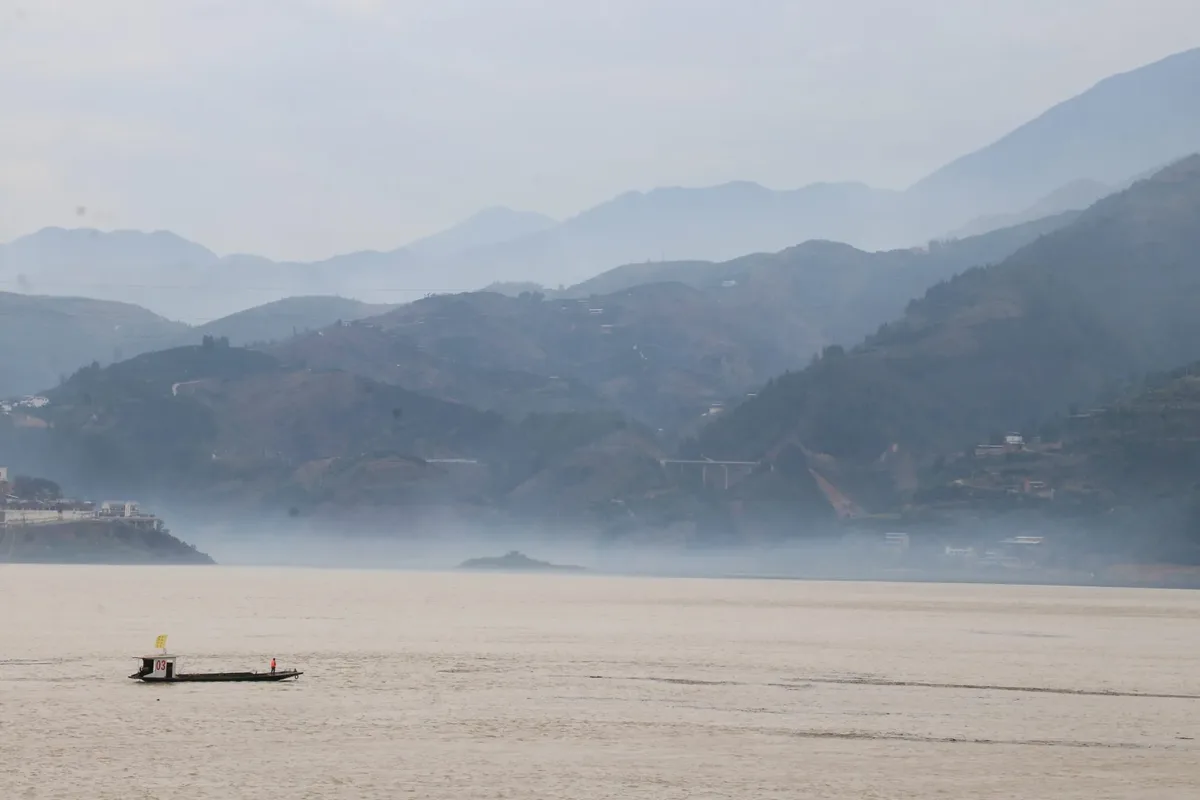
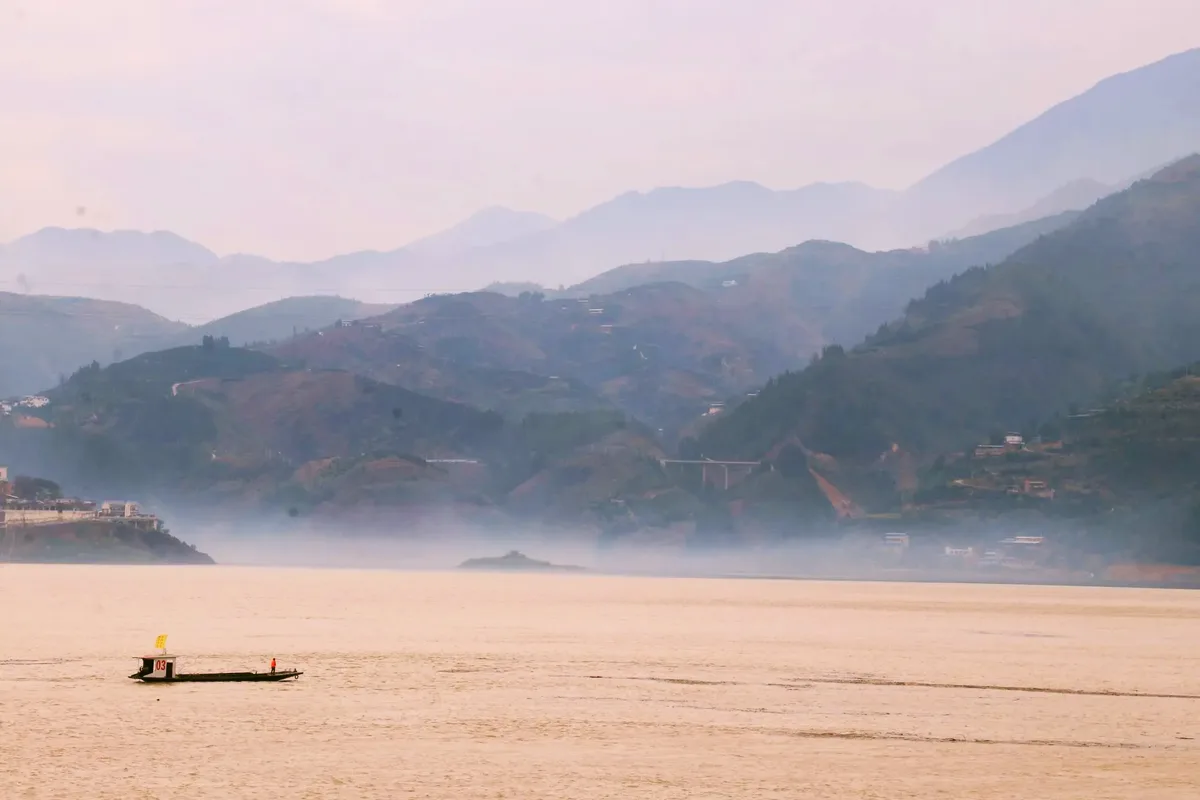
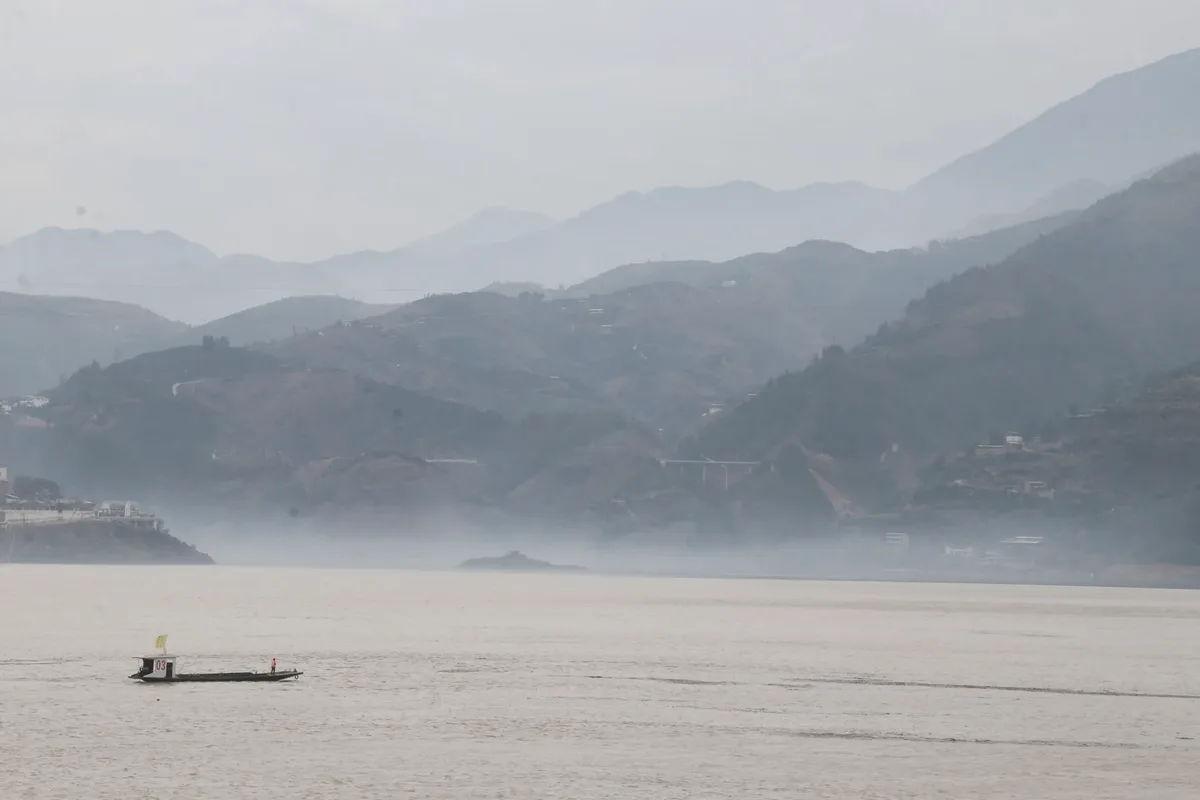
A misty river valley, straight from the camera
The same photo graded: Dusk
BeforeAfter · Dusk

Dusk: Warm highlights, lifted reds.

Live demo01 / 06

01The controls

Push the colour yourself

A taste of the real thing. In the editor, colour balance, hue and saturation, curves, levels and exposure are adjustment layers: change them later or hide them at any time.

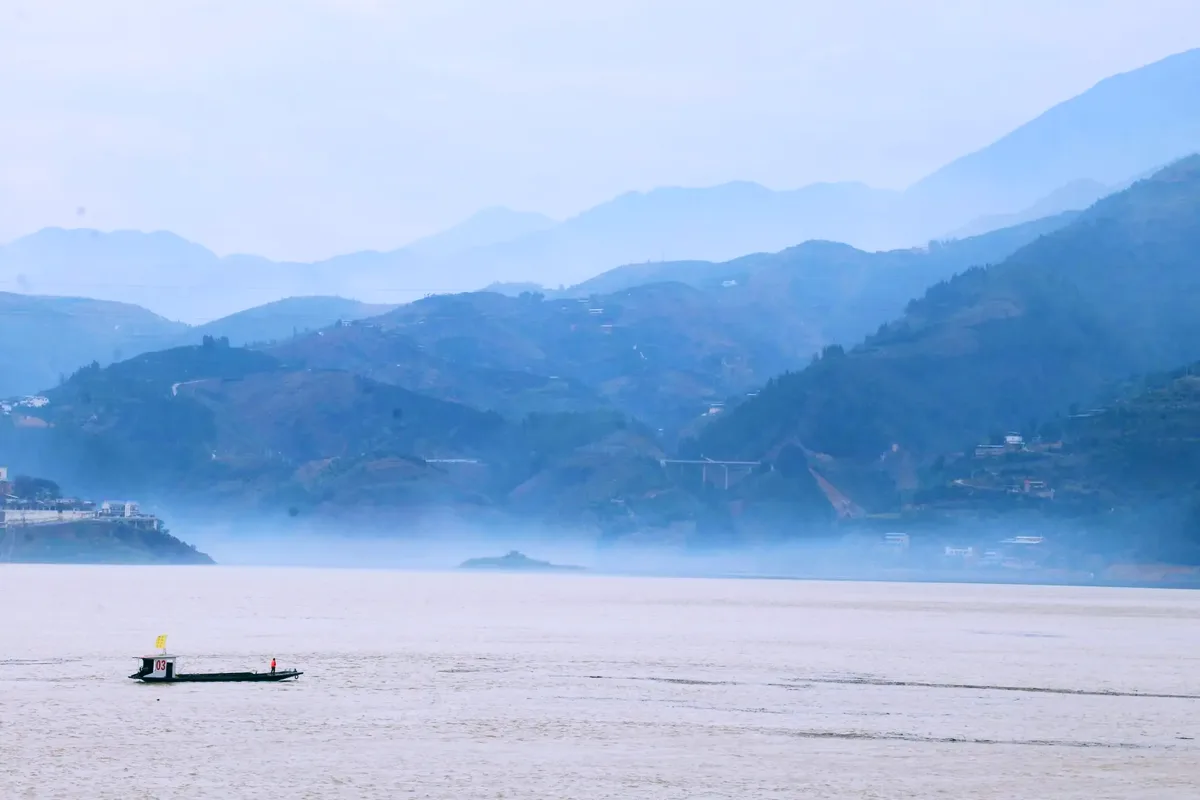
The misty valley with your colour adjustments appliedbalance 62% · sat 100 · exp 0
Colour balanceThe dot sets the tint: toward a colour to add it, further out for more.
Live demo01 / 05

03How it works

Three steps. Seconds.

  1. 01Open a photoJPEG, PNG, WebP, HEIC (in Safari), PSD or Camera RAW.
  2. 02Add adjustmentsImage ▸ Curves, Levels, Hue/Saturation, Vibrance, Colour balance, Exposure or Black & White.
  3. 03Fine-tune and saveEvery adjustment stays editable. Limit one to a selection, then save your project or a Photoshop (PSD) file.

04Why CutLift

Built to be the best one

  • Pro-grade controlsCurves and levels per channel, hue/saturation with Colourise, colour balance for shadows, midtones and highlights.
  • Non-destructiveAdjustments stack and stay editable; reorder or remove them any time.
  • Local editsApply an adjustment only to a selected object or area, like the sky or a face.
  • PrivateEverything runs on your device. Nothing is uploaded.

Free and unlimited. CutLift Pro adds batch processing, upscaling, sky replacement and studio exports for $7.99/month.

05The guide

A calm colour workflow

Correct first, then grade

Photo colour correction and colour grading are two different jobs. Correction fixes what the camera got wrong: a blue cast from shade, a yellow cast from indoor light, a flat or dark frame. Grading is the look you add afterwards, such as warm highlights, cool shadows or a faded finish. Doing them in that order stops the grade from fighting a colour cast.

To fix photo colours, start with Levels (Ctrl+L) or Curves (Ctrl+M). Both have Auto, plus black, grey and white point eyedroppers: click something that should be neutral grey and the cast is gone. Exposure adds or removes light with Exposure, Offset and Gamma.
Which grading tool to reach for

Colour balance shifts shadows, midtones and highlights separately between cyan and red, magenta and green, yellow and blue, with Preserve luminosity on. Vibrance raises muted colours more than strong ones, so skin stays natural, while Hue/Saturation (Ctrl+U) moves every colour at once and Colourise tints the whole photo with one colour.

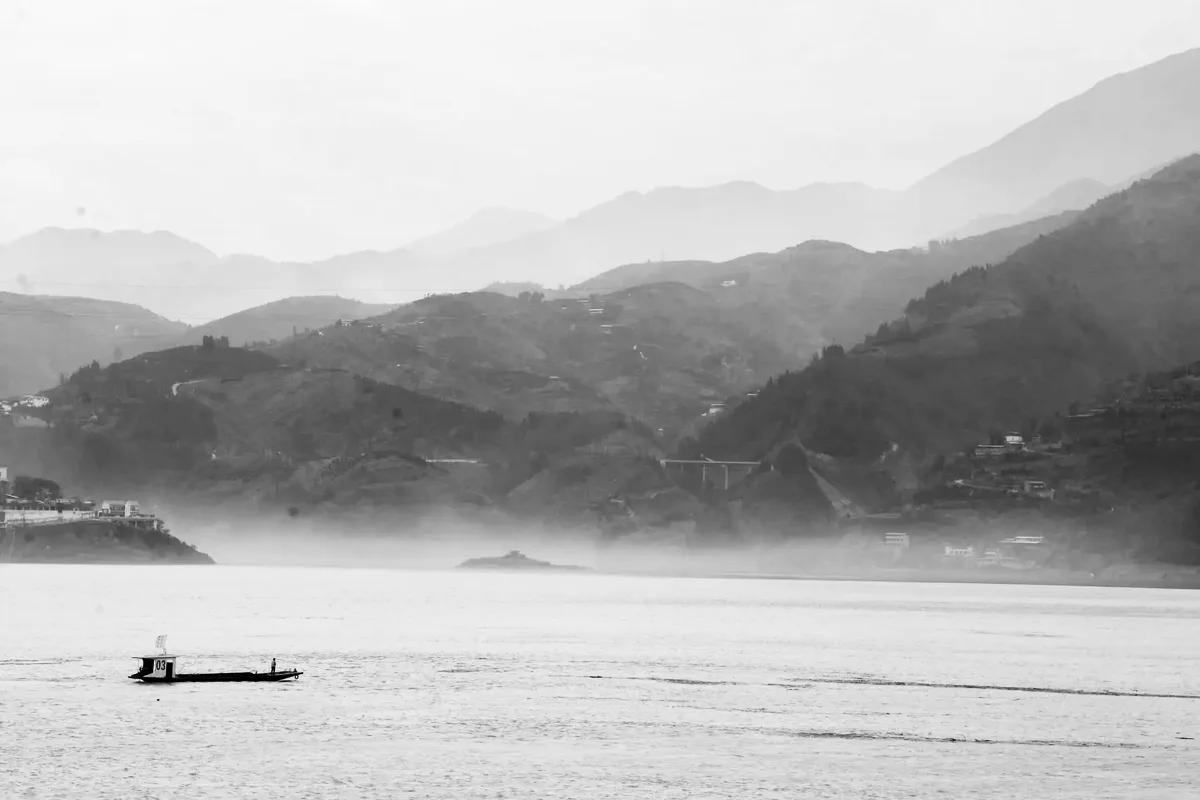
For a black and white photo, Image ▸ Black & White mixes each colour into grey and can add a tint for a warm or cool toned print. Every adjustment also has Opacity and a blend mode such as Soft light, Luminosity or Colour, so a strong grade can be dialled back.

Local edits and the Filters panel

Each adjustment is a non-destructive item in the Filters panel, where you can hide it, reorder it, change it later or remove it. Its Apply to setting limits it to one layer or to everything outside it: select the sky with Quick Selection or AI select (Pro), then deepen only the sky, or warm a face without touching the background.

The same panel holds filters such as Gaussian blur, Lens blur, Unsharp mask and Reduce noise, so these photo filters online sit next to your colour grading. Compare before / after shows the difference at any point.

Free, private and kept with your work

Every colour correction tool is on the free plan and runs on your device, so photos are not uploaded. Save a project file to keep each adjustment editable, or a Photoshop (PSD) file with the adjustments applied to the photo layer.

06Questions

Good to know

Is colour correction free?

Yes. Curves, levels, hue/saturation, vibrance, colour balance, exposure and black & white are all on the free plan.

Correct and grade the colour of any photo

Free to start. Your photo never leaves your device.

Open the editor

49 more tools

Keep going