


ProClick to segment

Click any object to select it with AI

Click the thing you want and CutLift finds its exact outline, down to fine edges, and puts it on its own layer. The AI runs on your device, and your photos are never uploaded.

Drop your photo hereIt opens in the editor. Nothing is uploaded. Choose a photoJPGPNGWebPHEICPSDRAW

No photo? Try ours

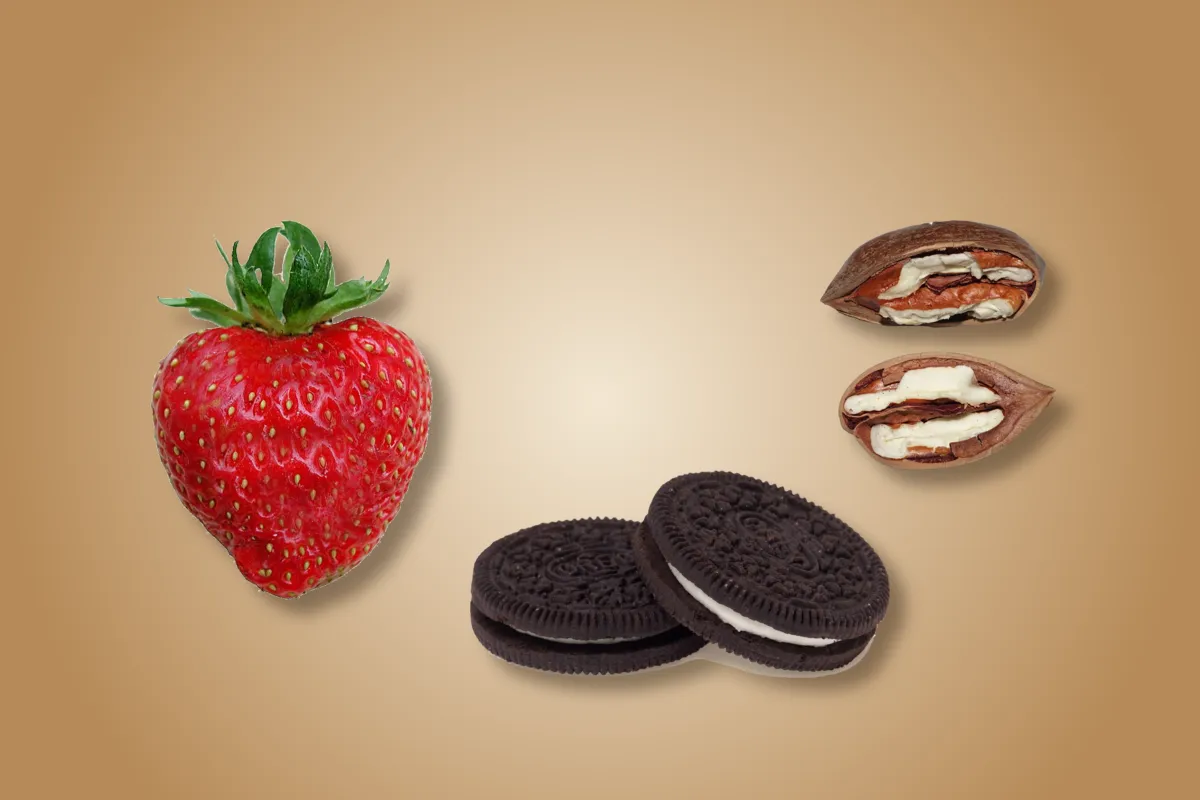
A table with a strawberry, two biscuits and two pecans on itClick an object
Live demo01 / 05

01Segment everything

Every object, its own layer.

Each object you select becomes its own layer, so you can move, hide or export it on its own. Segment everything does the whole photo in one step. AI tap-to-select and Segment everything are CutLift Pro.

  1. 1StrawberryLayer
  2. 2BiscuitsLayer
  3. 3PecansLayer

03How it works

Three steps. Seconds.

  1. 01Open a photoAny image from your computer or phone.
  2. 02Click the objectThe AI selects the object you click. Paint to add or remove any area it missed.
  3. 03Use the selectionCut it out, move it to its own layer, or save the mask.

04Why CutLift

Built to be the best one

  • Precise edgesThe outline follows the object closely, fine edges included, and a brush fixes any gap.
  • Segment everythingTurn every object in a photo into its own layer in one click.
  • Select by nameType “chair” or “person” and every one is selected, each on its own layer.
  • Free downloads tooMasks and PNG cutouts download free. Pro adds the click-to-select AI and dataset exports.

This is a CutLift Pro feature: $7.99/month plus tax where it applies, cancel anytime. Use it free while you edit; your first premium download is free.

05The guide

Getting a clean click

Hover, click, or drag a box

With AI Object Select (shortcut A) the outline appears as you move the pointer, so you can see what a click will pick before you commit. Click once to select the object under the pointer. If the object is small, thin or crowded by others, drag a box around it instead: the box tells the AI exactly which object you mean.

If the selection takes too much, right-click the part that should be left out and the AI selects again without it. Anything it still misses can be painted in with the Brush or Quick Selection, or taken away with the Eraser. Press N to start a new object, so the next click makes a new layer instead of changing the current one.
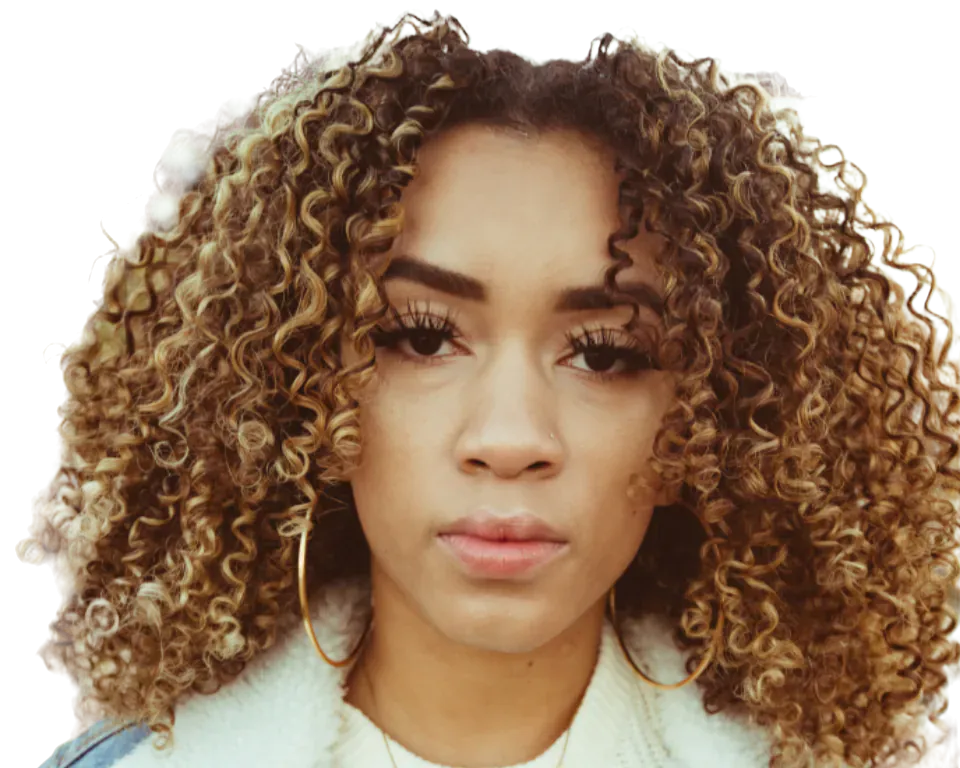
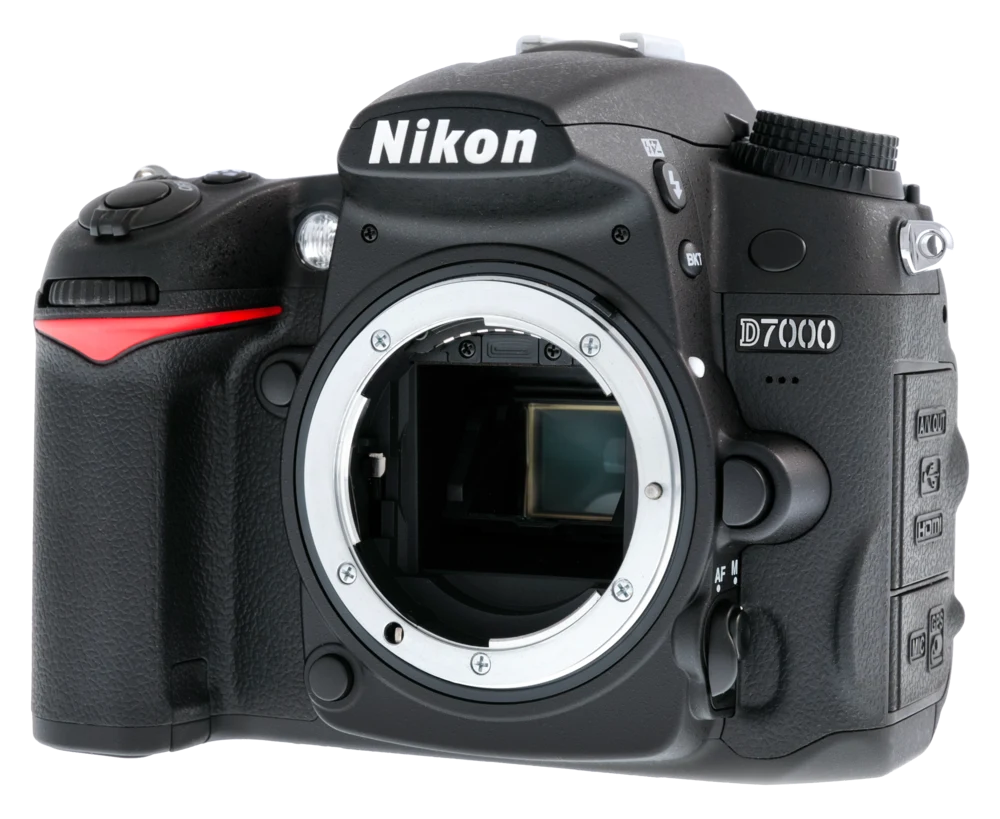
One object or the whole scene

Clicking suits one or two objects. To segment a whole image online, Segment everything turns each object it finds into its own layer in one pass, and Select by name selects every match for a word such as “bottle” or “dog”. Both are Pro features. Afterwards, go through the Layers panel: delete what you do not need, merge pieces that belong together and rename the rest.

Finish the object mask

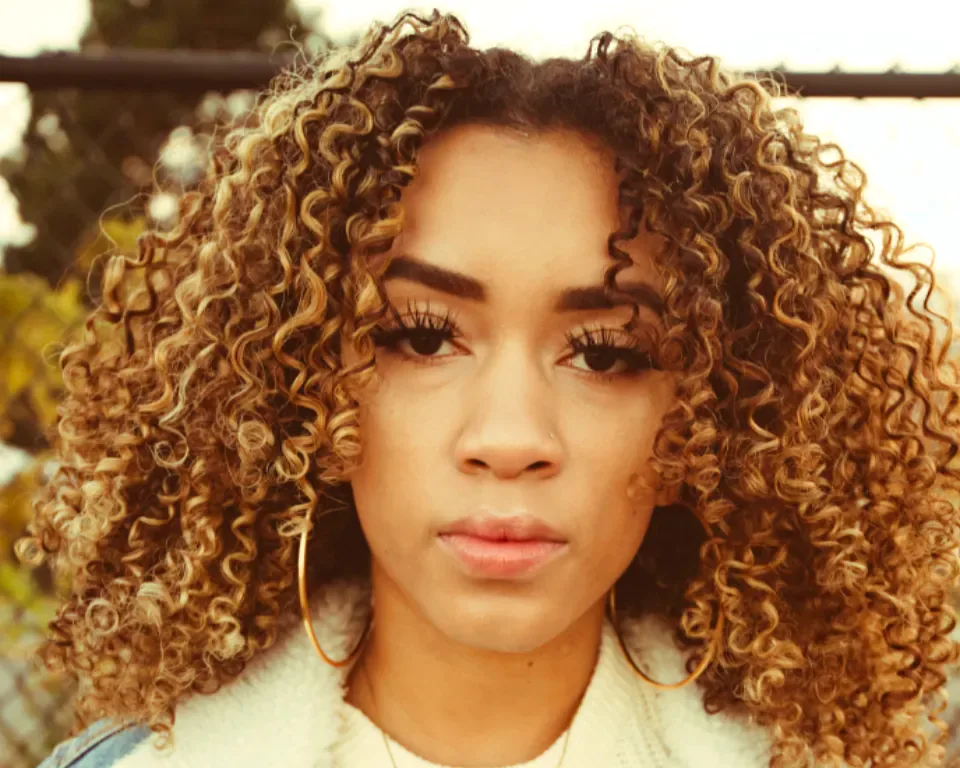
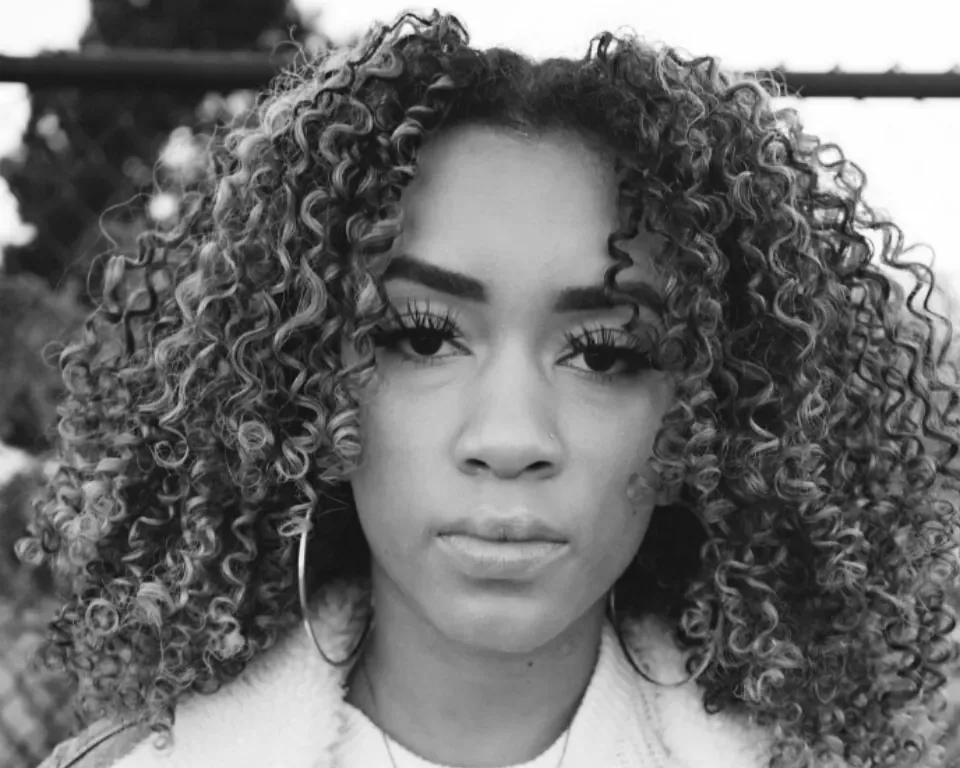
An AI selection tool gets you close; the Refine panel finishes the job. Refine edges snaps the outline to the object in the photo, Fill holes closes gaps inside it, Remove specks deletes stray islands and Keep largest drops loose fragments. Shift edge grows or shrinks the selection by a few pixels, and Feather softens it. For hair and fur, the Pro Hair & fur action keeps fine, semi-transparent detail.

What the selection becomes

A selected object can be saved as a transparent PNG or WebP cutout, a black and white mask, or a layer in a PSD. With Pro the same objects also export as COCO, YOLO, a label map or SVG outlines for design and dataset work.

Selection and export happen on your device, so the photos you segment are never uploaded. The click-to-select AI is free to try while you edit; downloading a result that used it needs CutLift Pro or your account’s one free premium download.

06Questions

Good to know

Is click-to-select free?

The AI click is part of CutLift Pro. The manual lasso, brush and pen tools are free, and so are masks and PNG cutouts.

Click any object to select it with AI

Free to start. Your photo never leaves your device.

Open the editor

49 more tools

Keep going