FreeCamera RAW

Open and edit RAW photos in your browser

Drop a RAW file straight from your camera, no converter needed. It’s developed on your own device, then fix exposure and colour with the full editor. Free, unlimited, and your photos never leave your device.

Drop your photo hereIt opens in the editor. Nothing is uploaded. Choose a photoJPGPNGWebPHEICPSDRAW

No photo? Try ours .CR3 .NEF .ARW .DNG .RAF …

DSC_0412.NEFRAW · developed on this device
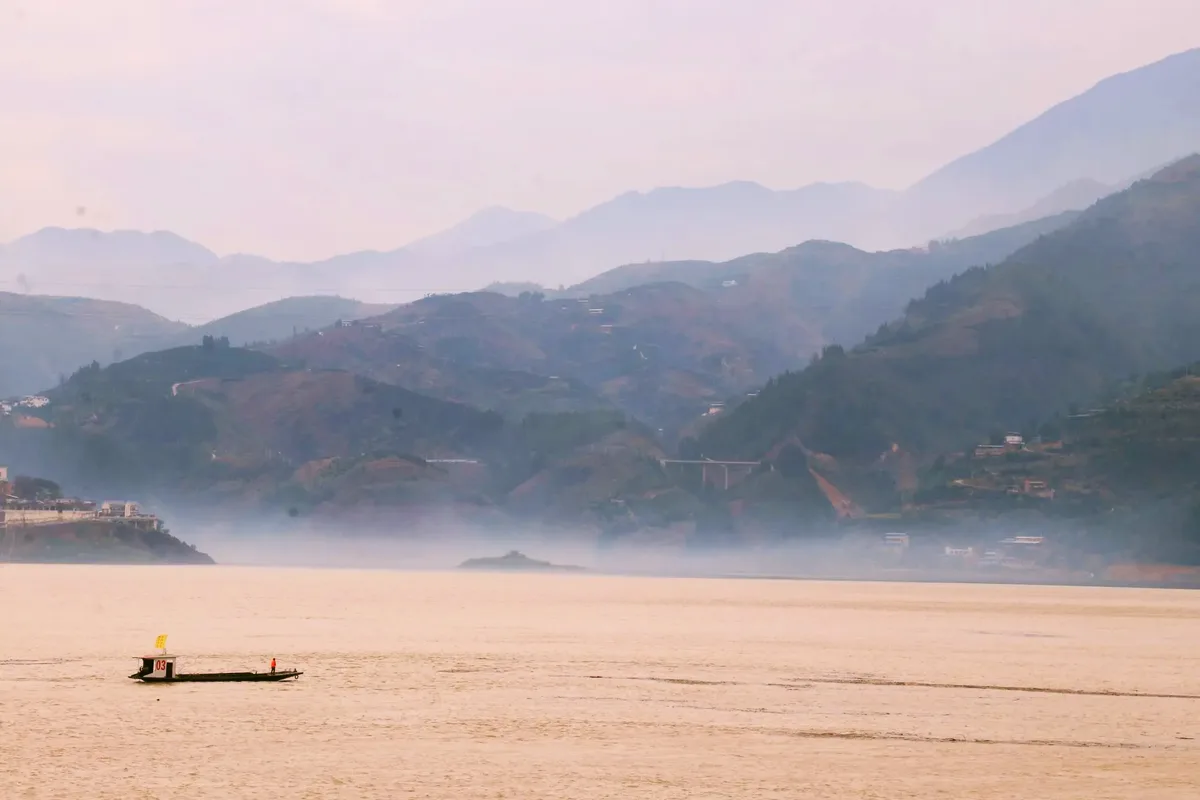
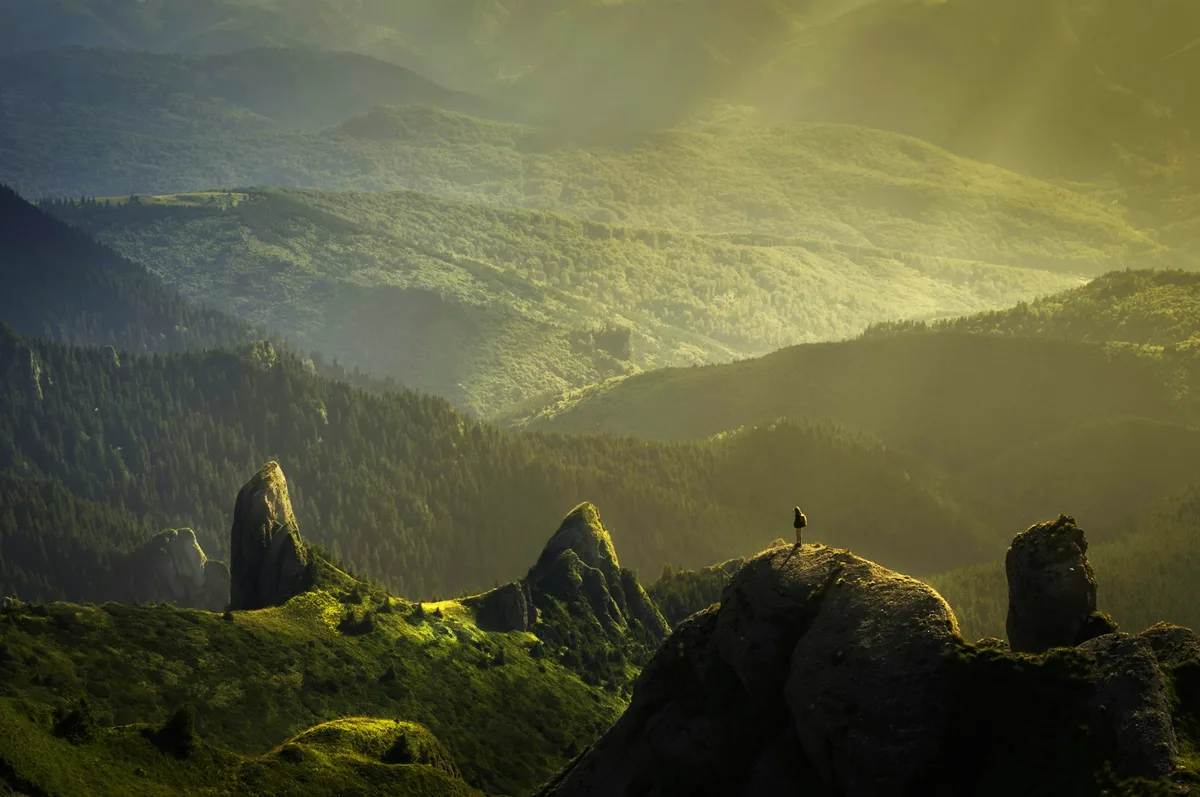
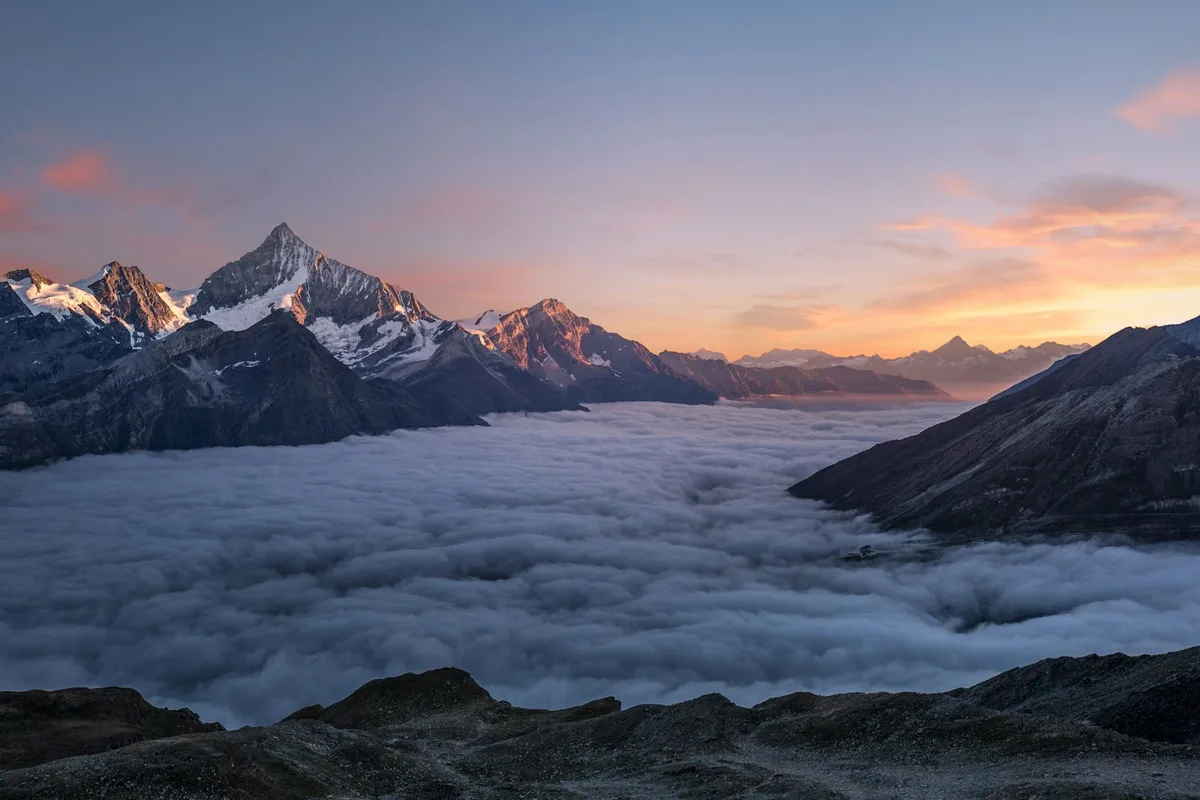
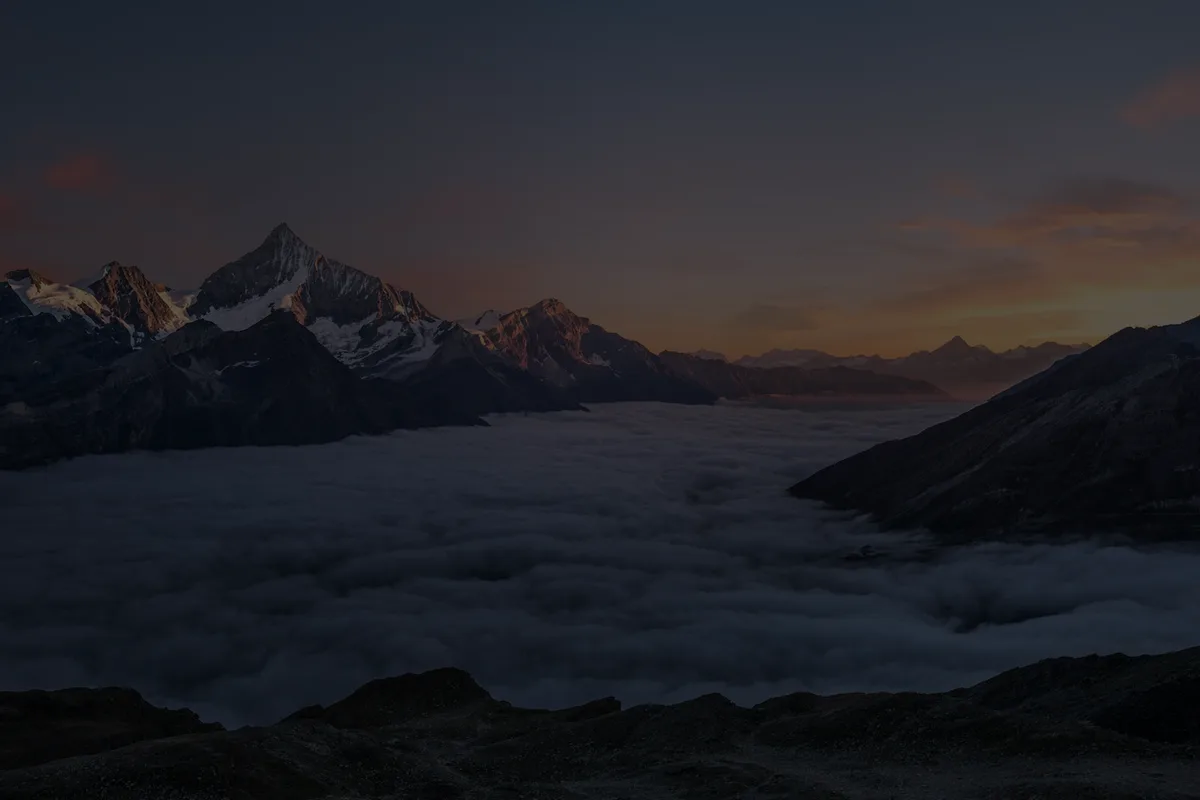
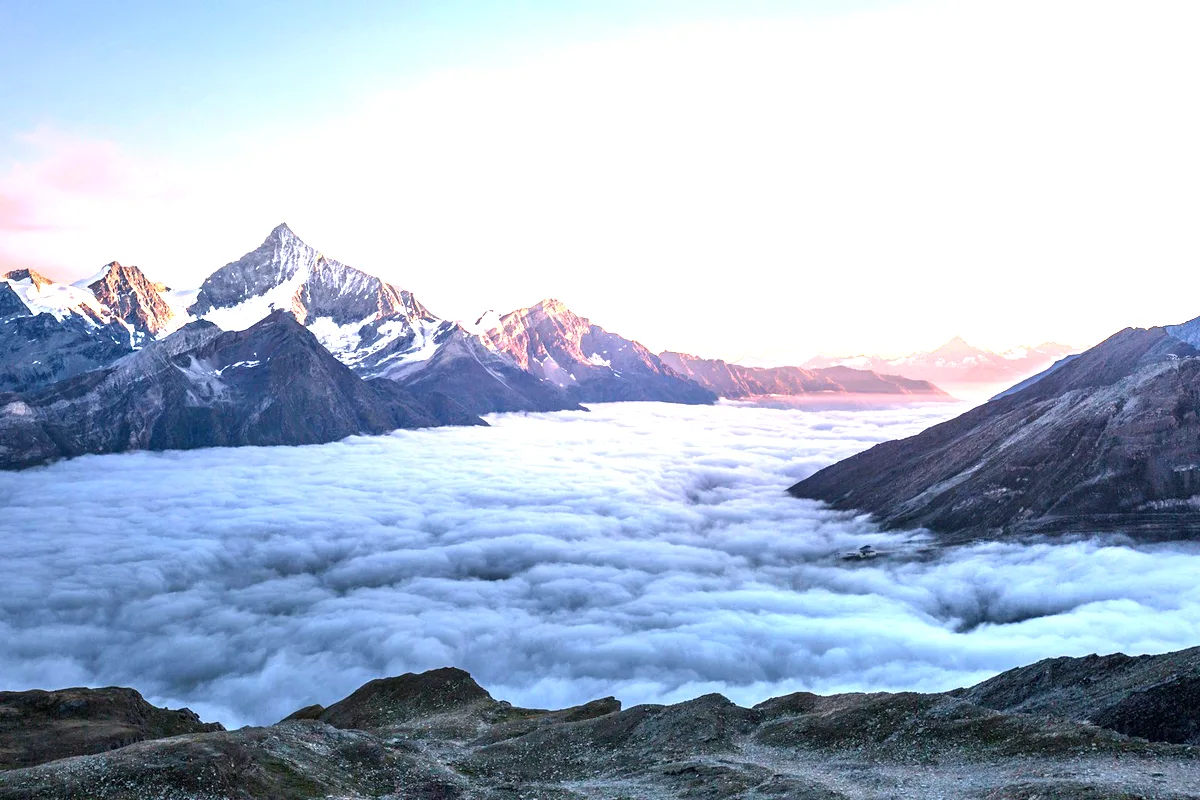
An overexposed mountain photo brought back to a balanced sunsetHighlights clippedBalanced ✓
+1.6 EV
−20+2
Live demo01 / 04

01Formats

Nineteen RAW formats, straight from the card

The camera’s full-size preview opens at once. Then the RAW data is developed on your device with the camera’s white balance (in browsers that allow it; otherwise the full-size preview is used).

  • .DNGAdobe · Leica · phones
  • .CR2Canon
  • .CR3Canon
  • .NEFNikon
  • .NRWNikon
  • .ARWSony
  • .SRFSony
  • .SR2Sony
  • .RAFFujifilm
  • .ORFOlympus · OM
  • .RW2Panasonic
  • .PEFPentax
  • .SRWSamsung
  • .X3FSigma
  • .3FRHasselblad
  • .ERFEpson
  • .KDCKodak
  • .MRWMinolta
  • .IIQPhase One
  • Plus JPEG, PNG, WebP, HEIC and Photoshop PSD

03How it works

Three steps. Seconds.

  1. 01Drop your RAW fileCR2, CR3, NEF, ARW, DNG, RAF, ORF, RW2, PEF and more open directly.
  2. 02Correct itExposure, Curves, Levels, Vibrance and Colour balance, all as editable adjustments.
  3. 03SaveSave a Photoshop (PSD) file with layers, or export cut-outs as PNG or WebP.

04Why CutLift

Built to be the best one

  • Most camerasCanon, Nikon, Sony, Fujifilm, Olympus, Panasonic, Pentax, Samsung, Leica DNG and more.
  • Developed locallyThe RAW data is decoded on your device with camera white balance. Nothing is uploaded.
  • Instant previewThe camera’s full-size embedded preview opens at once while the RAW develops.
  • The whole editorRemove backgrounds and objects, heal, crop and add text to RAW photos too.

Free and unlimited. CutLift Pro adds batch processing, upscaling, sky replacement and studio exports for $7.99/month.

05The guide

Working with RAW files

Open RAW files without a converter

RAW files hold what the camera recorded before it made a JPEG, and they normally need desktop software to open. CutLift is a camera RAW editor online: drop a CR2 or CR3 from Canon, a NEF from Nikon, an ARW from Sony, a RAF from Fujifilm, an ORF, RW2 or PEF, or a universal DNG, with no plug-in to install.

The camera’s embedded preview opens at once. Where the browser allows it, the RAW data is then developed on your device with the camera’s white balance and replaces the preview; in browsers that can’t, Safari among them, you edit the embedded preview, which is usually full size. Either way it doubles as a quick CR2 viewer or CR3 viewer when you only want to check a frame.
A RAW editing workflow

Start with brightness: Image ▸ Exposure for the overall level, then Levels or Curves to set the black and white points. Fix colour next with the grey point eyedropper, or Colour balance for shadows, midtones and highlights. Vibrance adds life without pushing skin too far. Each step is an editable adjustment in the Filters panel, so you can change its strength or order later.

Because it is the whole editor, a session as a NEF editor or ARW editor can also include the Spot Healing Brush for sensor dust, Crop and Straighten for a tilted horizon, Remove object and background removal.

RAW to JPG and other outputs

There is no one-click RAW to JPG conversion of the whole photo. Save a Photoshop (PSD) file with layers to continue in other software, or a project file to keep your adjustments editable in CutLift. Cut-outs export as PNG or WebP, and Cutout Studio saves a JPEG of a subject on a solid background.

Free and private

Opening and editing RAW files is on the free plan, and the list goes beyond the common formats to NRW, SRW, X3F, 3FR, KDC, MRW and IIQ. Large RAW files never leave your computer: they are read and developed in your browser, which suits client shoots and unreleased work.

06Questions

Good to know

Is the RAW editor free?

Yes. Opening Camera RAW files and editing them is on the free plan.

Open and edit RAW photos in your browser

Free to start. Your photo never leaves your device.

Open the editor

49 more tools

Keep going