FreeText on photos

Add text to any photo

Captions, titles, prices and watermarks: type on the photo, then style and place the text exactly where you want it. Free, unlimited, and your photos never leave your device.

Drop your photo hereIt opens in the editor. Nothing is uploaded. Choose a photoJPGPNGWebPHEICPSDRAW

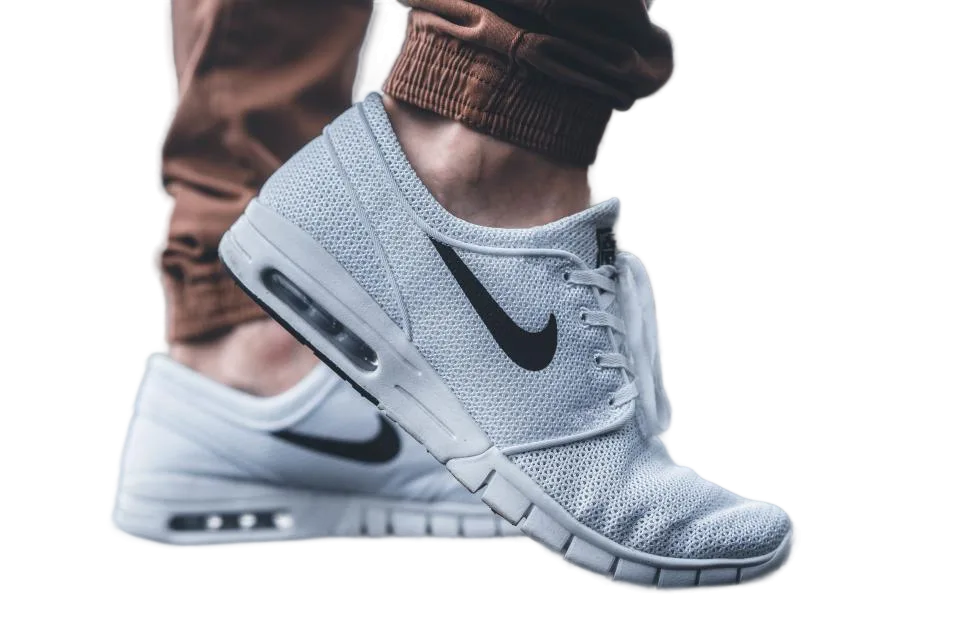
No photo? Try ours

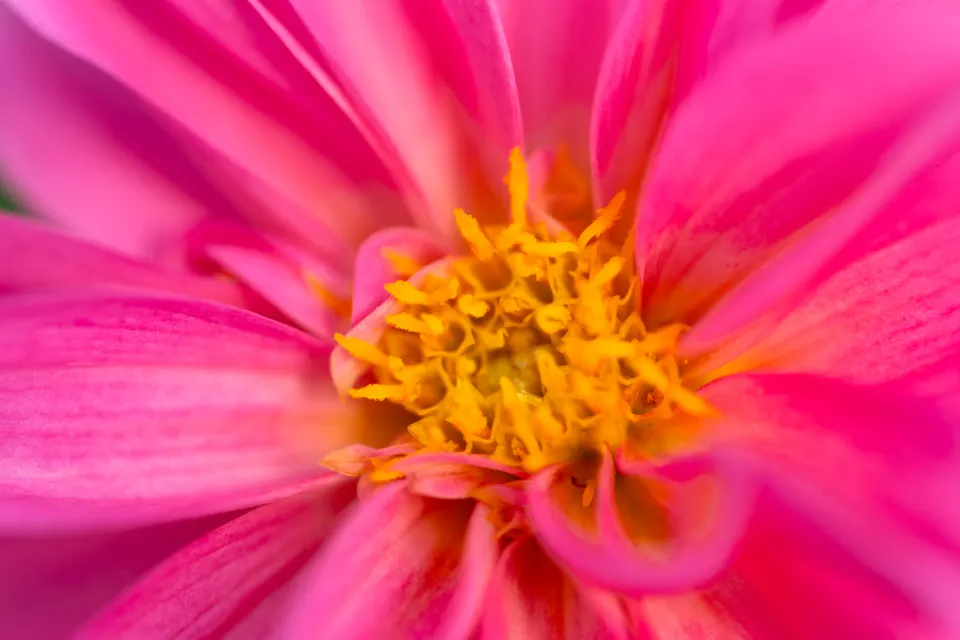
A pink flower close-up with your text on it
Hello, summer
Live demo01 / 06

01Ideas

Words that do a job

Every piece of text stays an editable layer: change the words, font, size or colour whenever you like.

Prices exampleonly$29
PricesBold numbers for shop and listing photos.
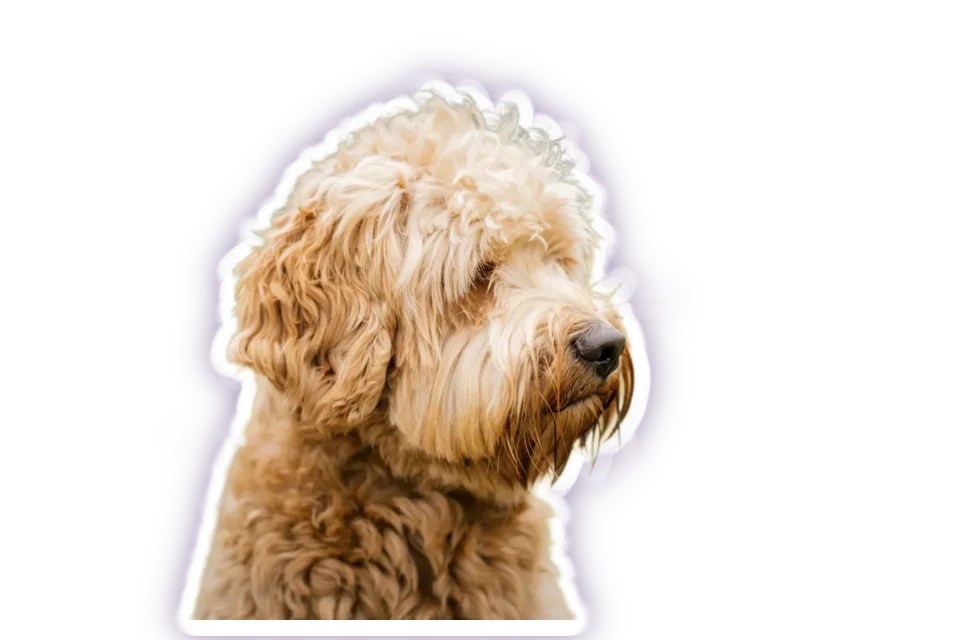
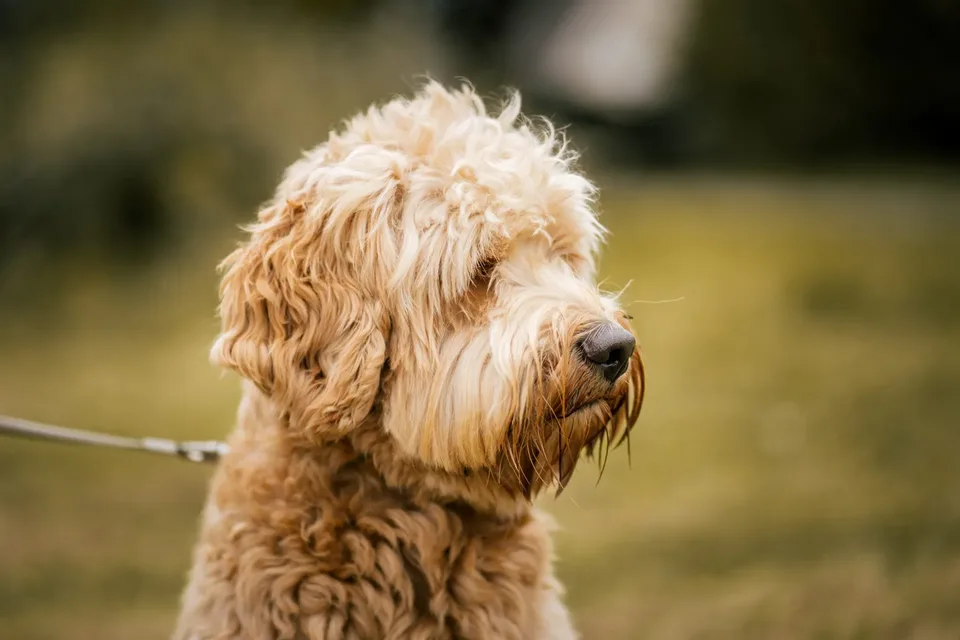
Captions exampleGood boy, Biscuit
CaptionsA line of story, right where it belongs.
Watermarks example© Mira Studio
WatermarksYour name, small and soft in the corner.

03How it works

Three steps. Seconds.

  1. 01Open a photoAny JPEG, PNG, WebP, HEIC (in Safari) or RAW photo.
  2. 02Pick the Text toolPress T or choose Text in the toolbar, click the photo and type.
  3. 03Style and saveChoose font, size and colour, move the text into place, then save your project to keep it editable.

04Why CutLift

Built to be the best one

  • Editable text layersText stays a layer you can edit, move and restyle later.
  • Combine with cutoutsPut text behind a cut-out subject for a magazine-cover look.
  • Shapes and gradientsAdd shapes and gradients alongside the text for posters and thumbnails.
  • PrivateEverything happens in your browser.

Free and unlimited. CutLift Pro adds batch processing, upscaling, sky replacement and studio exports for $7.99/month.

05The guide

Type that looks designed

What people add text for

Most text on a picture has a job: a caption for a social post, a price on a product shot, a title on a video thumbnail, a date on an event poster, or a small name in the corner as a watermark. CutLift’s Text tool covers all of these as a simple photo text editor, with no separate design app. Because the text stays a layer, you can change the words for next week’s offer without starting again.
Fonts and styling

The font menu shows every typeface in its own face, grouped into Sans, Serif, Display, Script and Mono, with a search box. Beside it are weight, italic, size, colour and left, centre or right alignment. Select some letters while typing and font, size, weight, italic and colour change for those letters only, handy for a bold price or one highlighted word.

Spacing holds Leading (line height), Tracking (letter spacing) and Rotation. Effects adds an Outline and a drop Shadow with opacity, blur, distance and angle. An outline or a soft shadow is the simplest way to keep white words readable when you write on a photo with a busy background.

Posters, thumbnails and text behind a subject

Click once to type, or drag to make a text box. Pick Layer (V) selects text again, and a double-click edits the words. For a poster maker layout, add Shape (U) panels behind the words and a Gradient (G) to darken one side of the photo so the title stands out.

For the magazine-cover look, cut out the person with Remove background, then place the text layer below the cutout so the subject overlaps the title. It is the same caption maker workflow, with one extra layer.

Saving and privacy

Adding words to a photo is free: text, shapes and gradients are all on the free plan. Save a project to keep every word editable, or a Photoshop (PSD) file in which each text item is its own layer above the photo. Everything runs on your device, so the image you add text to stays private.

06Questions

Good to know

Is adding text to photos free?

Yes. The Text tool, shapes and gradients are on the free plan.

Add text to any photo

Free to start. Your photo never leaves your device.

Open the editor

49 more tools

Keep going