

FreeLightroom alternative

A free Lightroom alternative for RAW and everyday photos

Develop RAW photos from most cameras (in Safari, the camera’s built-in preview is used instead), then fine-tune exposure, curves, levels and colour balance, all as adjustments you can change later. It runs free in your browser, and nothing is uploaded.

Drop your photo hereIt opens in the editor. Nothing is uploaded. Choose a photoJPGPNGWebPHEICPSDRAW

No photo? Try ours

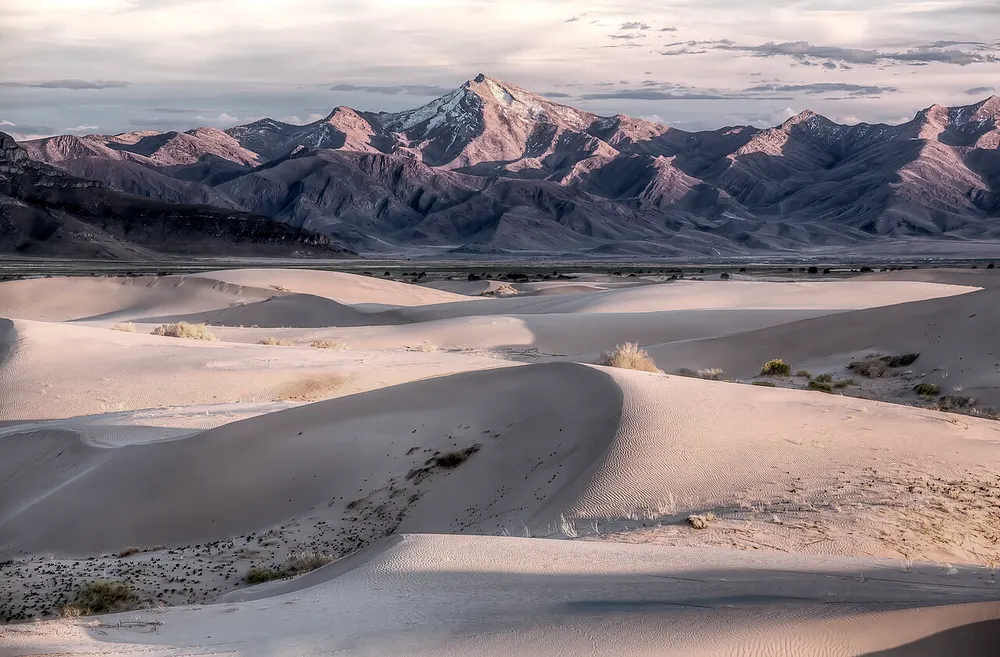
Sand dunes under a pink mountain range, developed with warm tonesBalanceddunes · edited

Develop

Exposure+0.2
Contrast+12
Colour balance+4

Each setting stays editable. Move the slider to blend between looks.

Live demo01 / 04

01Histogram

See the tones move.

Each bar counts the pixels at one brightness, from shadows on the left to highlights on the right. The shapes below are measured from the three looks in the hero.

ShadowsMidtonesHighlights

03How it works

Three steps. Seconds.

  1. 01Drop a RAW fileCR2, CR3, NEF, ARW, DNG and other camera RAW files open directly, with no converter.
  2. 02Adjust the lookExposure, vibrance, colour balance, curves and levels, each one editable.
  3. 03ExportSave a layered PSD, or cut subjects out as transparent PNG or WebP.

04Why CutLift

Built to be the best one

  • Editable adjustmentsEvery change stays editable, so you can come back and tune it later.
  • Most camera brandsCanon, Nikon, Sony, Fujifilm, Olympus, Panasonic, Pentax and Leica DNG files.
  • Developed on your deviceThe RAW file is decoded on your device, with the camera’s white balance. Nothing is uploaded. In Safari the camera’s built-in preview is used instead.
  • Cutouts and retouching tooRemove backgrounds, heal blemishes and crop RAW photos just like any other image.

Free and unlimited. CutLift Pro adds batch processing, upscaling, sky replacement and studio exports for $7.99/month.

05The guide

Develop RAW in the browser

Who wants a free Lightroom alternative

Some photographers only need to develop a handful of RAW files: a shoot for a friend, a few holiday frames, a product photo taken on a proper camera. For that, a free Lightroom alternative that opens in a browser can be enough, and there is nothing to install or keep updated.

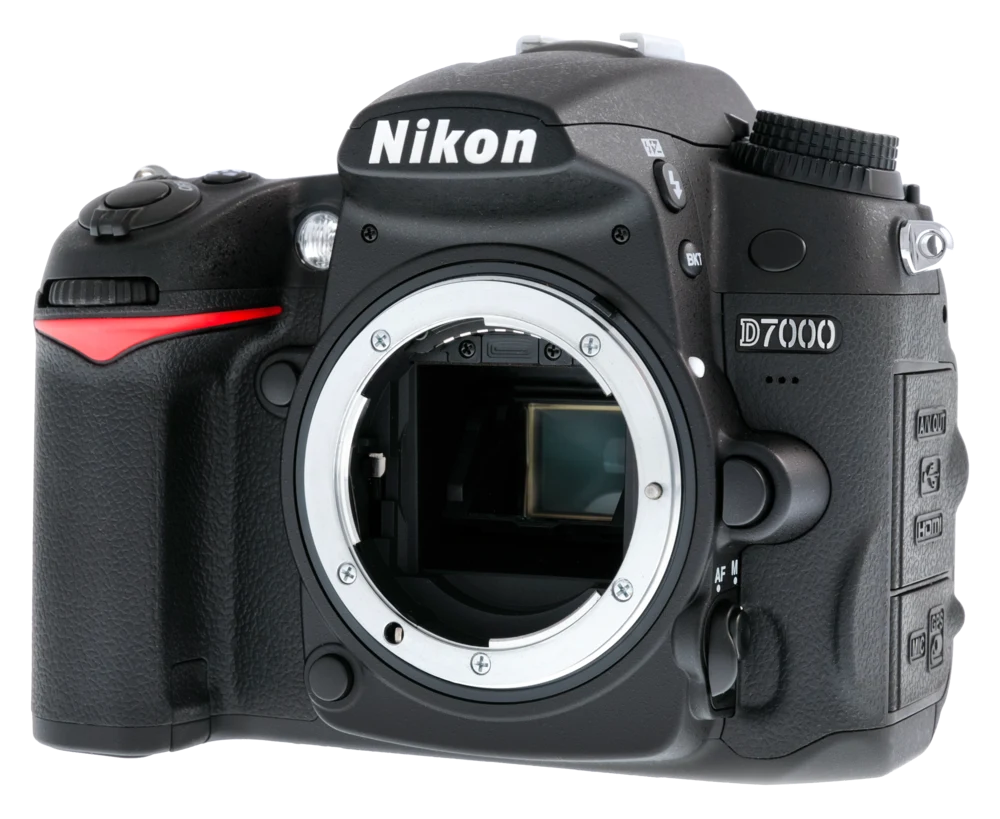
CutLift opens CR2, CR3, NEF, ARW, DNG and other camera RAW files directly. You can edit raw photos free online, with the file decoded on your own device rather than uploaded.

The adjustments you would reach for

Exposure, vibrance, colour balance, hue and saturation, curves and levels are all there, and each one stays editable so you can return to it later. Unsharp mask and noise reduction help with detail, and black and white is one adjustment away. Crop and straighten the frame before you start, then build the look up one adjustment at a time.

Because CutLift is a full editor, you can also go further than a raw editor like Lightroom usually goes on a single frame: heal a blemish, clone out a stray object, or cut the subject out with the AI and save it as a transparent PNG.

What a desktop catalogue still does better

Lightroom is a full desktop photo manager. If you rely on a catalogue of thousands of images, keywords, collections, synced presets or exporting a whole shoot to JPEG in one go, a desktop app remains the right fit. CutLift works on one photo at a time and keeps edits in a layered PSD or project file.

Think of it as a Lightroom alternative in the browser for the moments you need one RAW file developed or retouched quickly, on any computer.

What is free

Opening RAW files, every adjustment, healing, cloning and background removal are on the free plan. CutLift Pro, at $7.99 a month or $47.99 a year, adds features such as sky replacement, upscaling, hair and fur refinement and tap-to-select with the AI model. They are free to try while editing, and each account gets one premium download free.

06Questions

Good to know

Is CutLift a free Lightroom alternative?

Yes. Opening RAW files and editing them is on the free plan.

A free Lightroom alternative for RAW and everyday photos

Free to start. Your photo never leaves your device.

Open the editor

49 more tools

Keep going