FreeWhite backdrop

Remove a white background from an image

Erase a plain white backdrop from a photo, scan or graphic and keep the subject on a transparent background. Free, unlimited, and nothing is uploaded.

Drop your photo hereIt opens in the editor. Nothing is uploaded. Choose a photoJPGPNGWebPHEICPSDRAW

No photo? Try ours

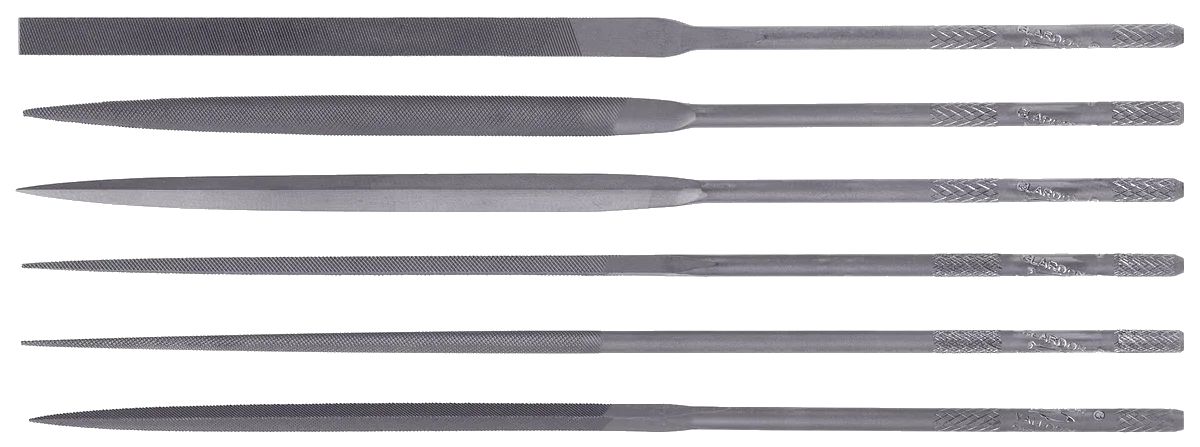
Needle files with the white removed, on a checkerboard
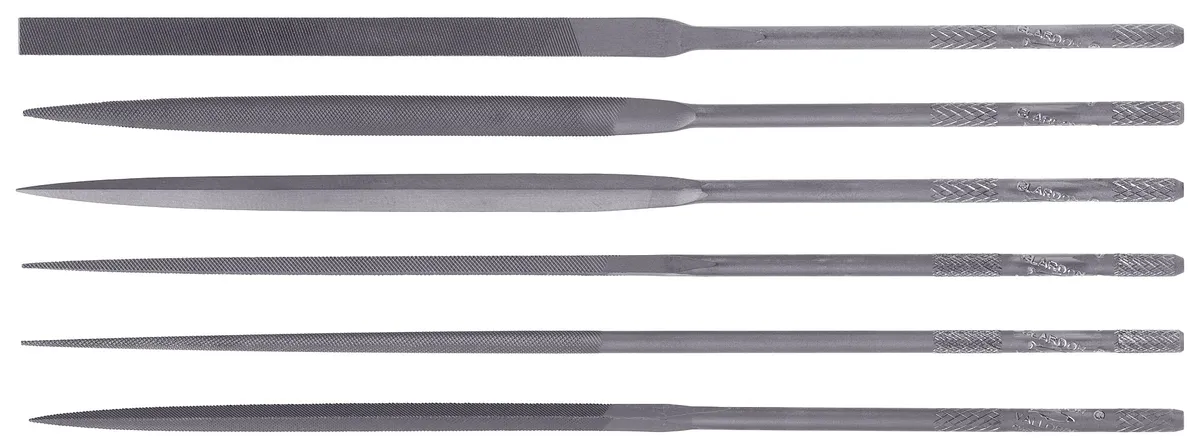
Needle files on a plain white background
White backgroundTransparent PNG
Live demo01 / 03

01Check the edges

Zoom in and check the edge

A white backdrop can leave a faint halo on thin parts. Move the magnifier over the tips and the fine lines, and see the white gone before you save.

Zoom 4×

03How it works

Three steps. Seconds.

  1. 01Open the imagePhotos on a white backdrop, scans, signatures and graphics all work.
  2. 02Select the whiteChoose Colour Range and click the white. It selects the white in one go.
  3. 03Delete and saveDelete the selection, then export the cutout as a transparent PNG or WebP.

04Why CutLift

Built to be the best one

  • Exact white removalColour Range takes out a plain white backdrop cleanly, without painting it out by hand.
  • Photos and graphicsWorks on product shots, signatures, scans and logos.
  • Free and unlimitedNo credits and no watermark. Transparent PNG downloads are free.
  • PrivateNothing is uploaded. The image stays on your device.

Free and unlimited. CutLift Pro adds batch processing, upscaling, sky replacement and studio exports for $7.99/month.

05The guide

White to transparent

What people remove white from

Removing a white background is one of the most common image jobs. A product shot taken on white paper, a scanned signature for a document, a hand drawing or a sticker design scanned at home, clip art from an old file, or a diagram copied from a slide: in each case you want the subject kept and the white turned into transparency, so it can sit on another colour or photo.

Scans and signatures

Paper is rarely pure white. A scan usually has a grey or cream tint and soft shadows at the edges. Before you erase the white background, open Levels or Curves in the Image menu and pull the light end in until the paper turns white. Then Colour Range selects it far more cleanly.

With a signature or ink drawing, raise Fuzziness until the paper is fully selected but the faint ends of the pen strokes are not. Shift-click any grey patch that was missed. Zoom in before you delete, since thin lines are easy to lose.

Avoiding a white halo

When a subject was photographed on white, its edge pixels are a mix of the subject and the white. After you delete the white background, those pixels can leave a pale outline that shows on a dark backdrop. Contract 2px in the Select menu trims the outline before you delete, and Smooth edges evens it. Clean edge colours in Cutout Studio (CutLift Pro) removes the white tint from soft edges.

If the subject itself contains white, use Remove background instead, which finds the object rather than the colour.

A white backdrop with soft grey shadows under the object needs a higher Fuzziness, or a few Shift-clicks on the shadow, so it is removed along with the white.

Formats and cost

Save the result as PNG or WebP; a JPEG would fill the transparent area with a colour again. The image keeps its full resolution. This white background remover is free and unlimited, with no watermark, and because it works on your device, scans of signatures and private documents are never uploaded.

06Questions

Good to know

How do I remove a white background with no install?

Open the image in CutLift in your browser, choose Colour Range, click the white area and delete it. Nothing needs installing.

Remove a white background from an image

Free to start. Your photo never leaves your device.

Open the editor

49 more tools

Keep going