
FreePassport photo

Set a passport photo background to white

Replace the background behind your face with plain white and frame the shot to the proportions your form asks for. The white backdrop and crop are free, and the photo stays private. Always check the official photo rules for your country.

Drop your photo hereIt opens in the editor. Nothing is uploaded. Choose a photoJPGPNGWebPHEICPSDRAW

No photo? Try ours

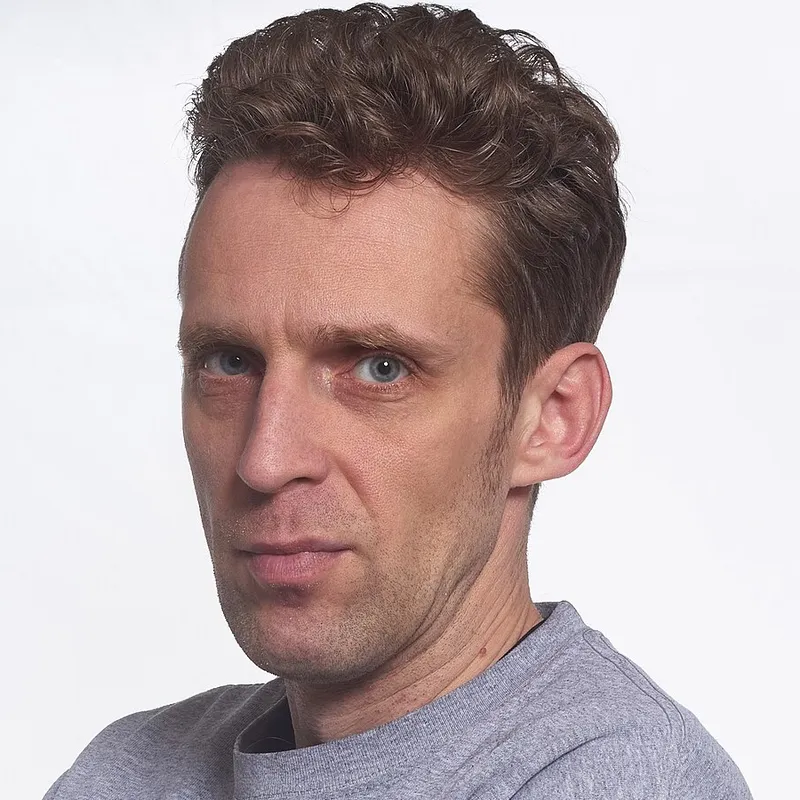
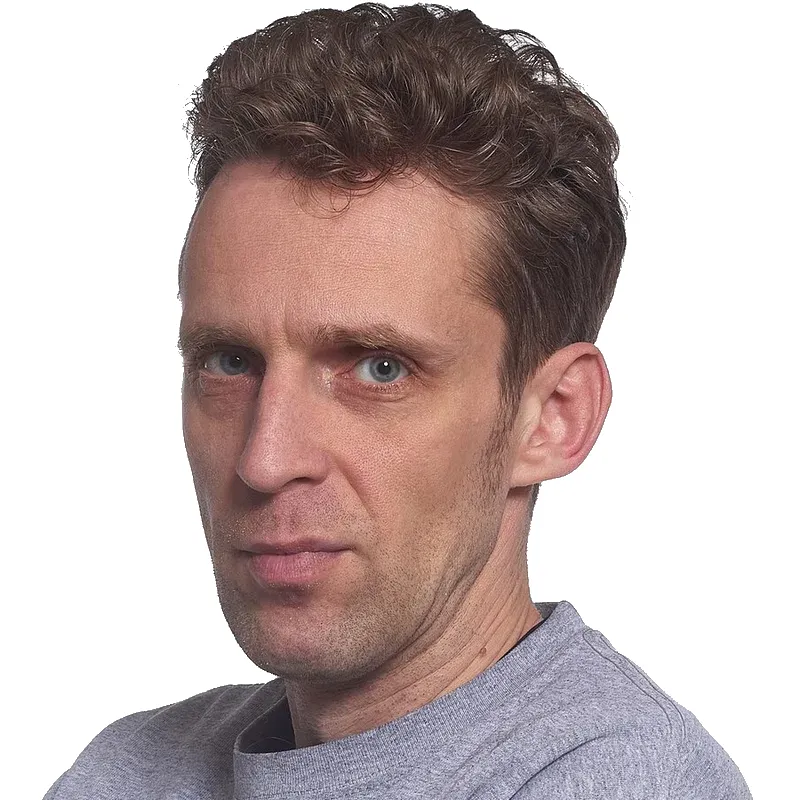
A man in a grey top in front of a grey studio backdrop
The same man on a plain white backgroundOriginal
Live demo01 / 04

01Booth and ID

Same backdrop, every frame

Change the backdrop once and the photo-booth strip and the ID card both follow. Sizes and backgrounds differ by country, so check your country’s rules before you print.

A photo booth frame: a man in front of the chosen background

Photo booth

Sample IDPhoto
An ID card photo: a man in front of a plain background
Check your country’s rules for size and background.

03How it works

Three steps. Seconds.

  1. 01Open your photoA front-facing photo with the head and shoulders clearly visible works best.
  2. 02Crop the framePress C and drag the crop box to the ratio your form or country asks for. Check the rules first.
  3. 03Remove the backgroundClick Remove background, open Cutout Studio, choose white and keep the size on Original. Download a JPEG.

04Why CutLift

Built to be the best one

  • Plain white backdropCutout Studio puts the subject on a solid white background, free.
  • Any crop ratioThe crop tool takes any width and height ratio, so the frame matches your form.
  • Free and privateNo credits and no watermark, and the photo never leaves your device.
  • Fixed-size templatesPassport (US) and Passport (EU/UK) templates set a fixed size, which is part of CutLift Pro. Check your country's rules.

Free and unlimited. CutLift Pro adds batch processing, upscaling, sky replacement and studio exports for $7.99/month.

05The guide

ID photos at home

Taking a photo that is easy to fix

A good passport photo background starts with the photo itself. Stand facing a window or another soft light source so your face is lit evenly, with no strong shadows across one side. Keep a little distance from the wall behind you, which reduces the shadow it catches. Ask someone else to take the picture at eye level, and keep your head straight and the whole of your head and shoulders in the frame.

A plain, light wall makes the cutout easier, but CutLift can change the passport photo background even when the room behind you is busy.
Setting a plain white or light background

Many forms ask for a plain white or light background for a passport photo, visa or ID card, but the exact rules vary. After Remove background, open Cutout Studio and choose white or a light grey from the swatches, depending on what your form asks for. Check around your hair and ears for a leftover patch of the old backdrop, and use the Brush or Eraser to correct it.

Keep the Brightness and Contrast sliders close to zero. Official photos usually need a natural, unaltered likeness, so this is a background change, not a retouch.

Glasses can reflect the light and hair can fall across the face; both are easier to fix by taking the photo again than by editing it.

Cropping to the right shape

The Crop tool takes any ratio, so you can match the proportions printed on your form or on your government’s website. Leave space above the head and below the chin as the guidance describes. The Passport (US) and Passport (EU/UK) looks in Cutout Studio set a fixed pixel size and background in one click; these are part of CutLift Pro.

Check the official rules

CutLift is a passport photo editor, not an approval service, and it cannot tell whether a photo will be accepted. Read your own country’s official photo rules for size, head position, background colour and file format before you print or submit. The white background and crop are free, and the photo is processed on your device, so your ID picture is not uploaded.

06Questions

Good to know

Does CutLift produce an official passport photo?

No. CutLift changes the background and the framing, but it cannot check official rules. Compare the result with the requirements from your country or agency.

Set a passport photo background to white

Free to start. Your photo never leaves your device.

Open the editor

49 more tools

Keep going