
From photo to sticker in Cutout Studio
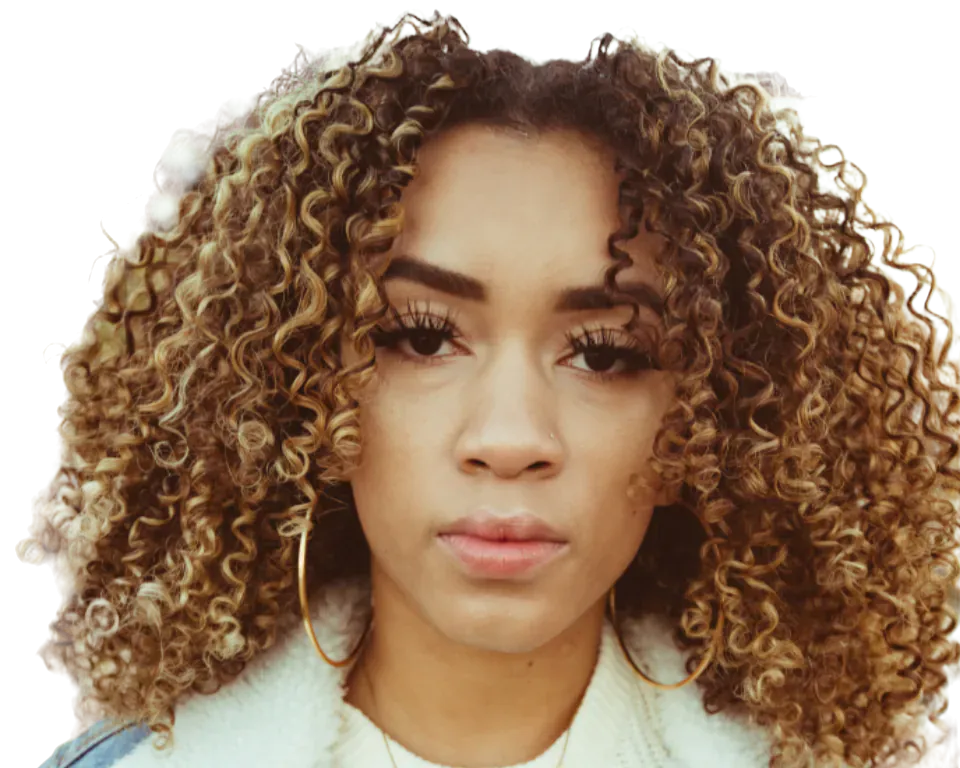
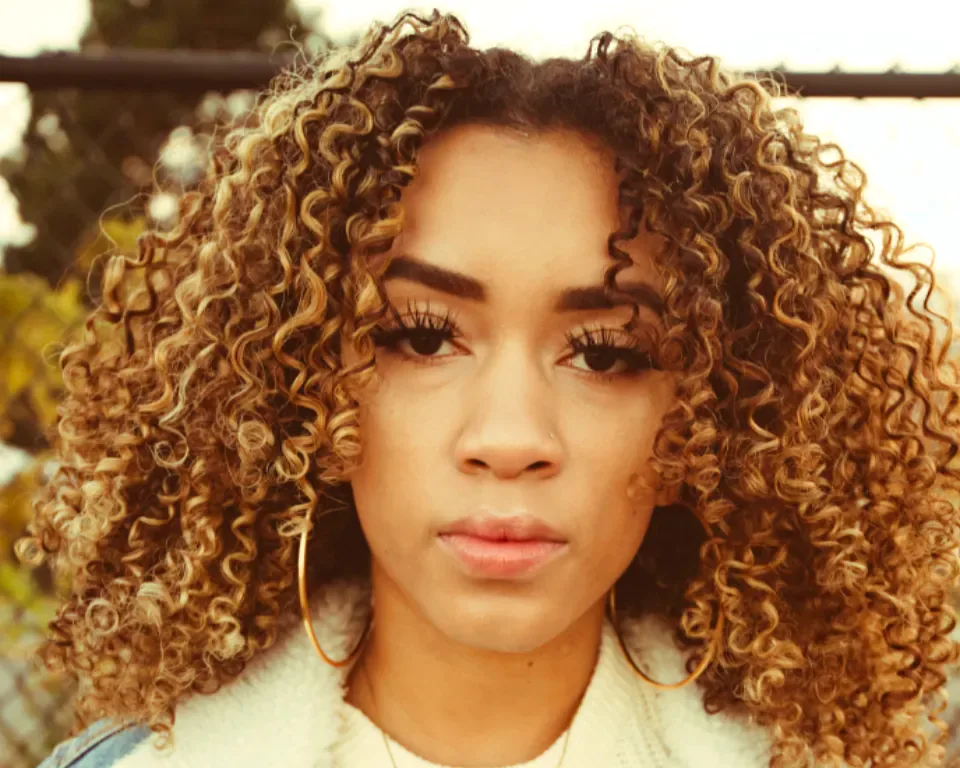
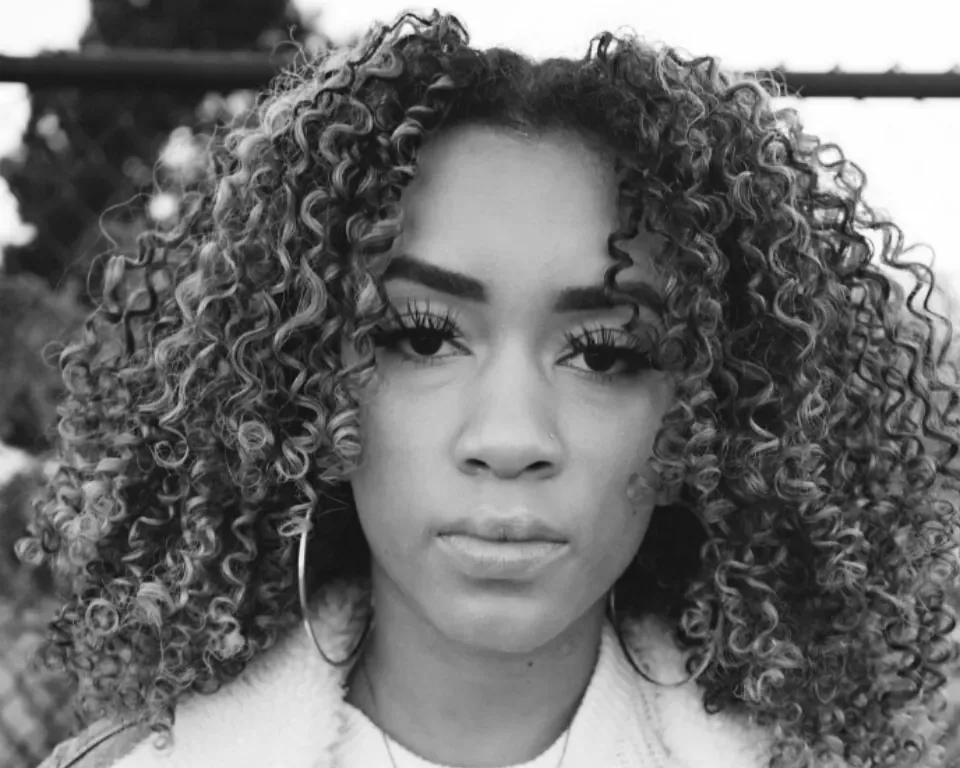
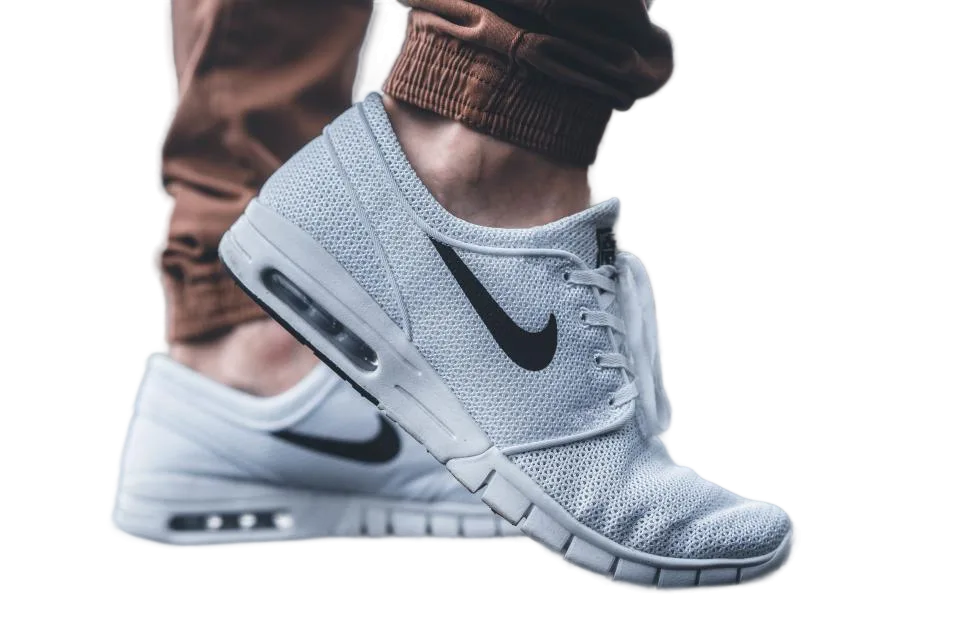
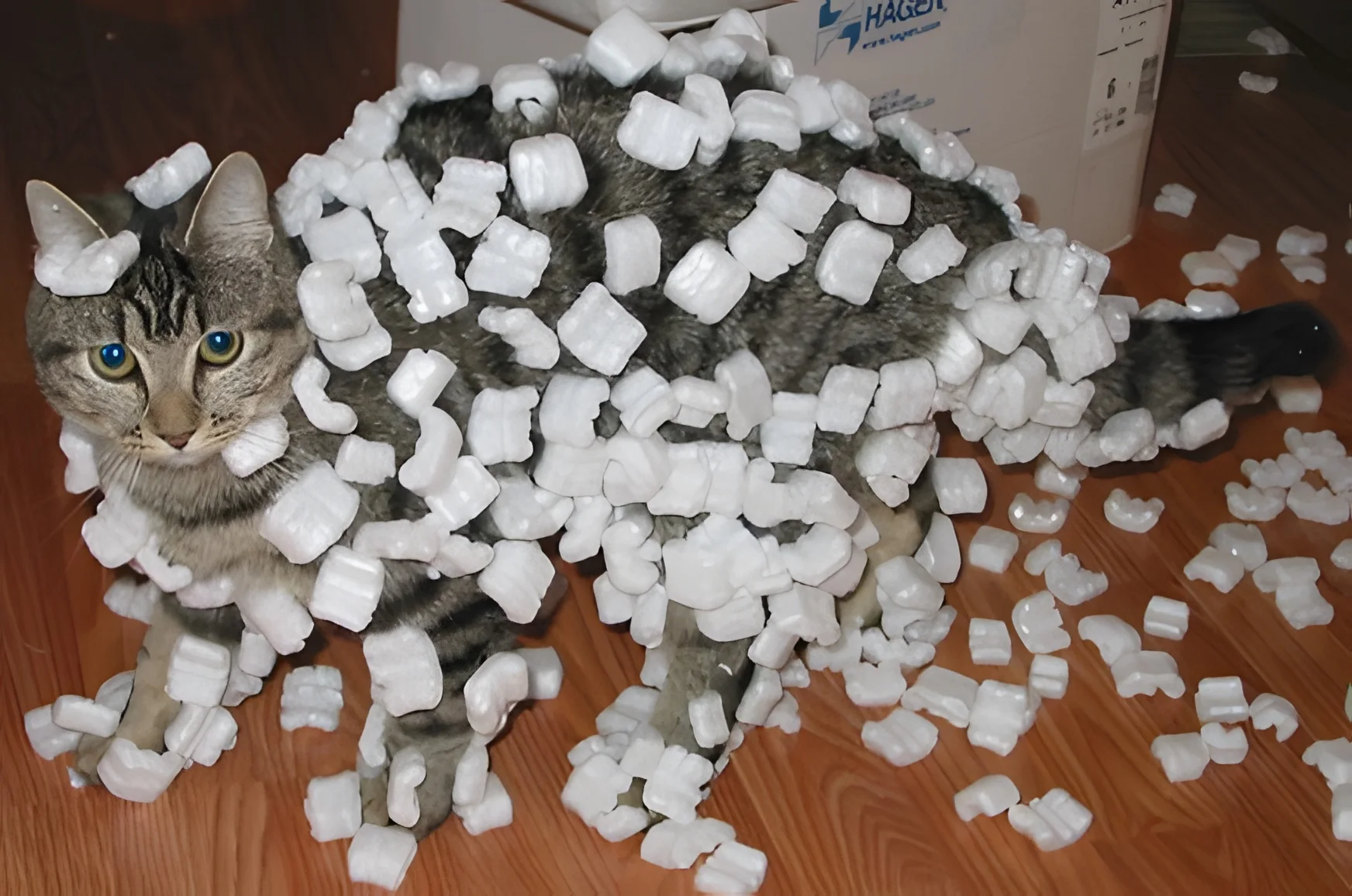
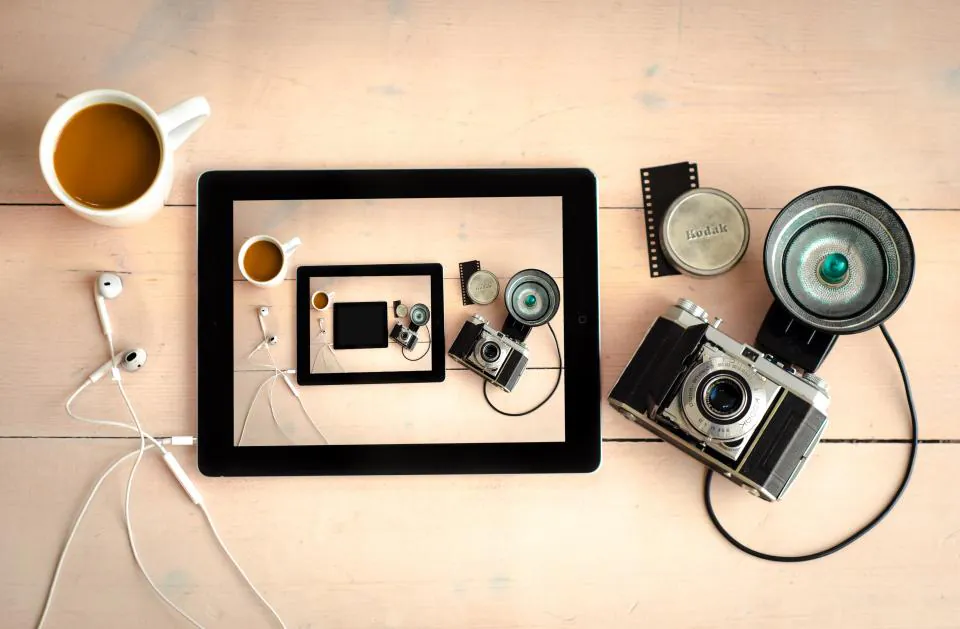
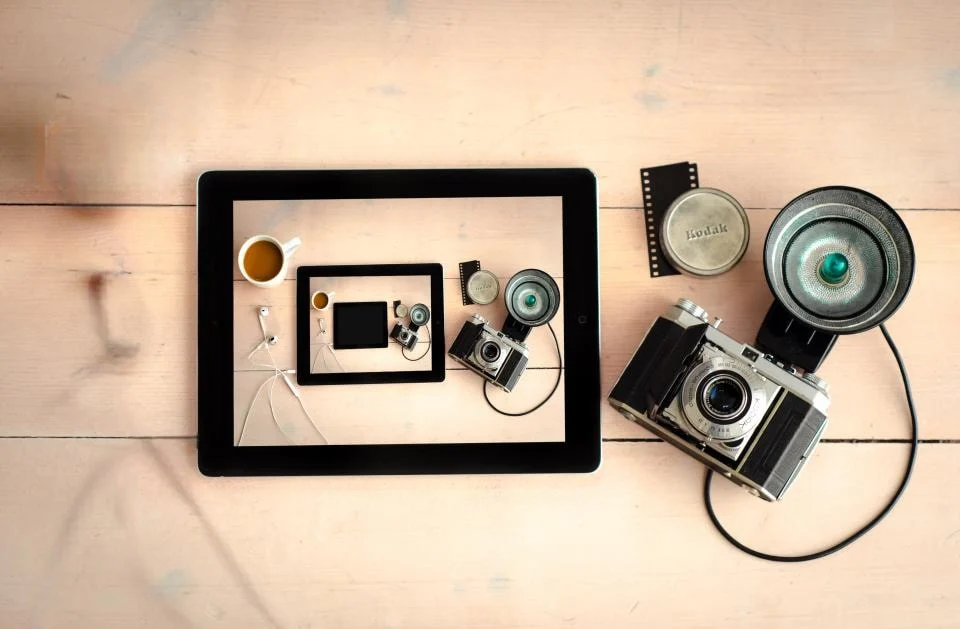
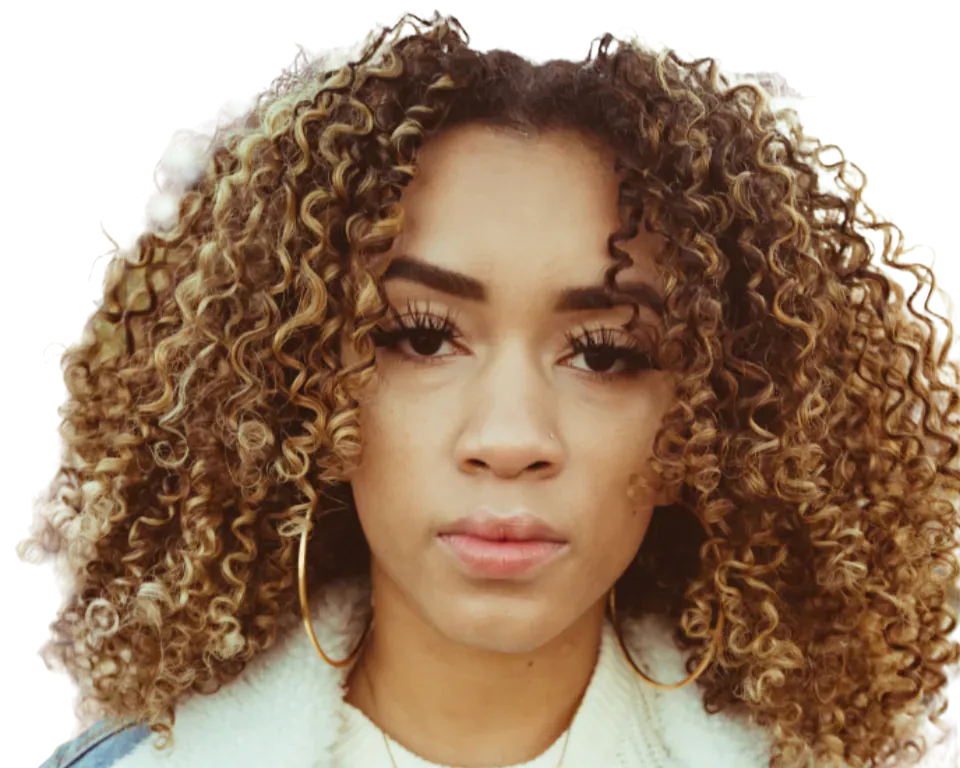
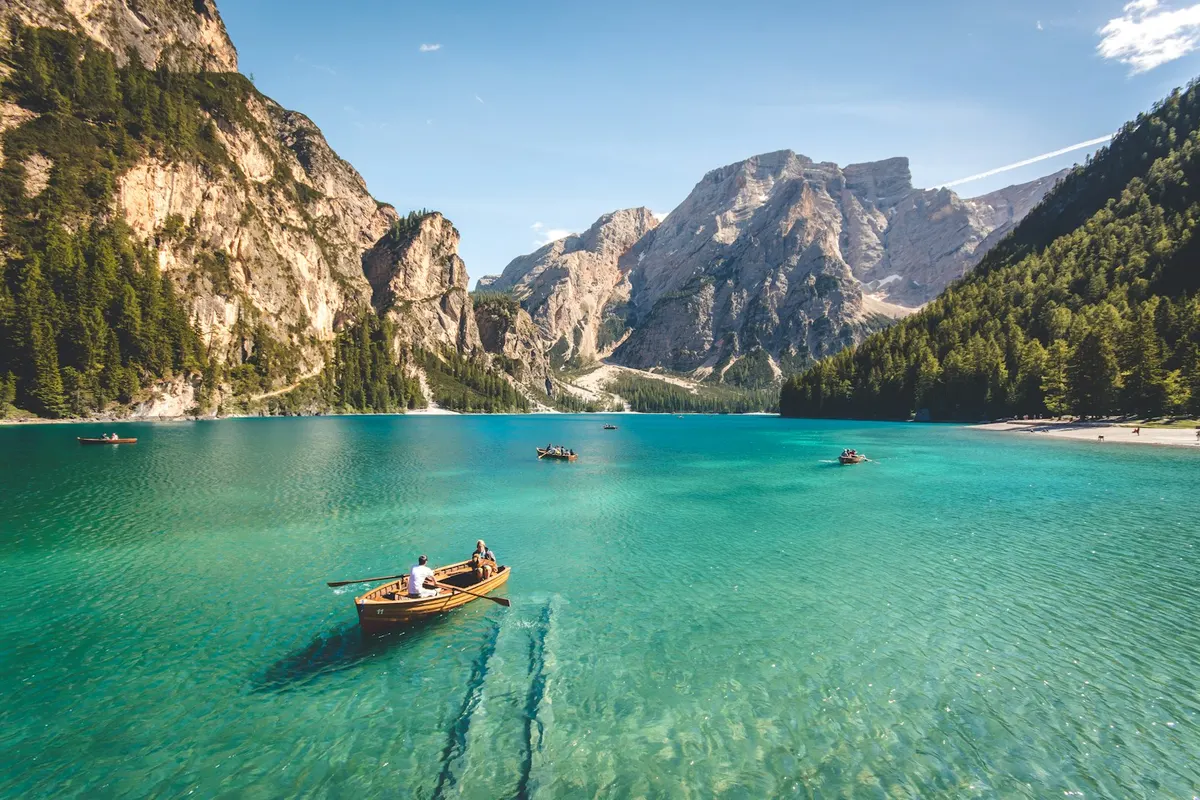
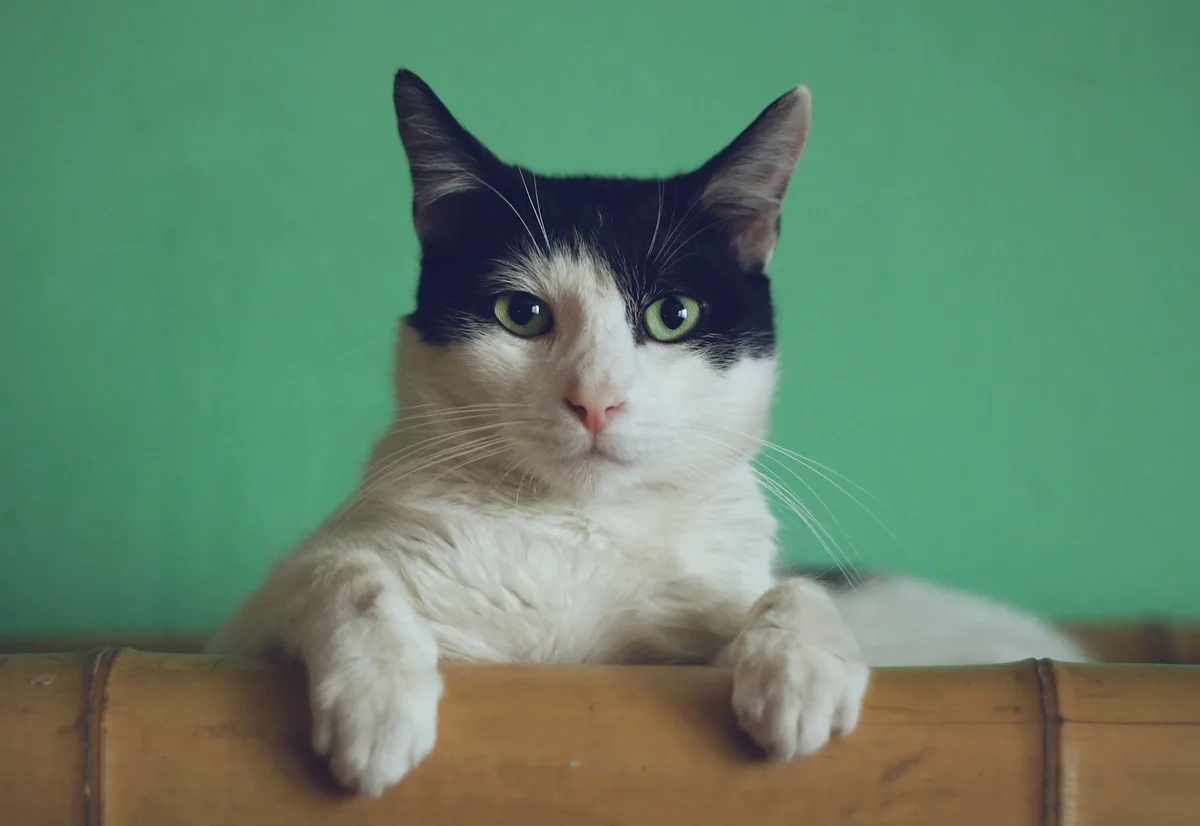
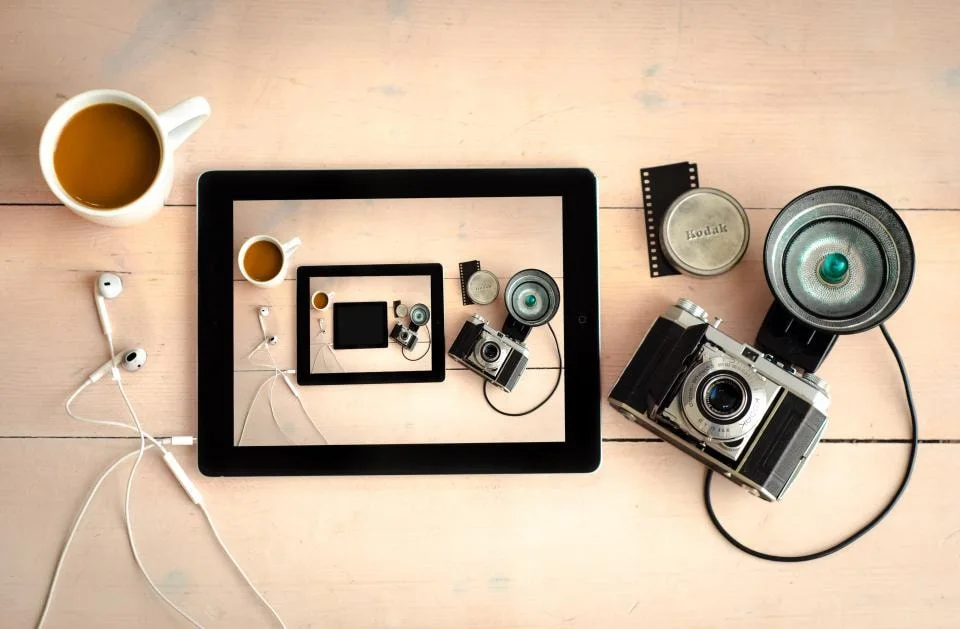
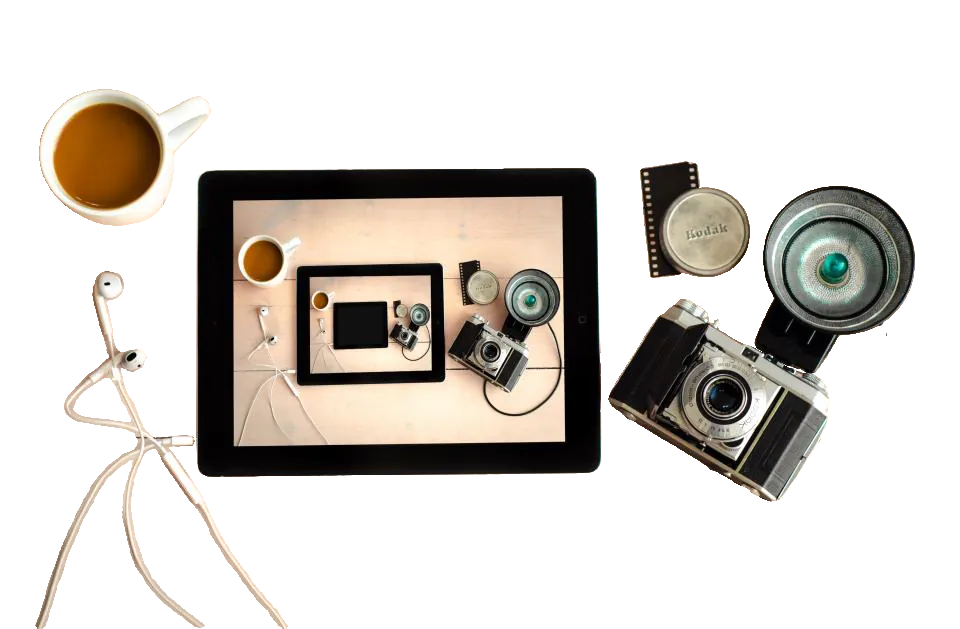
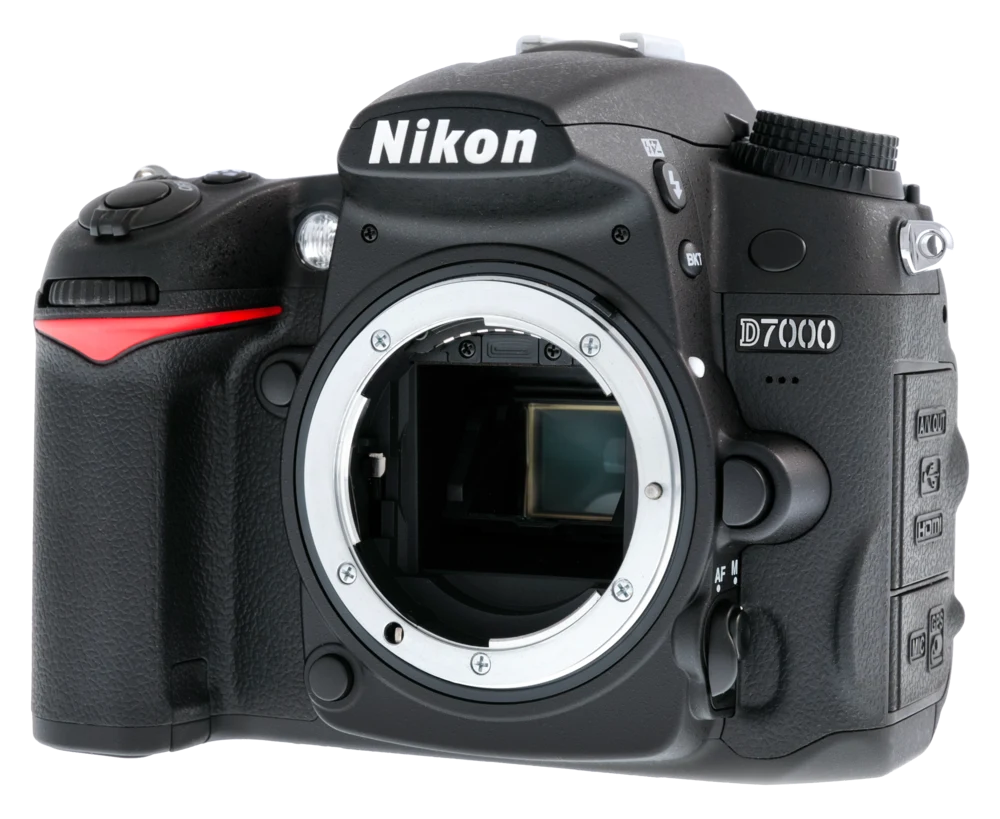
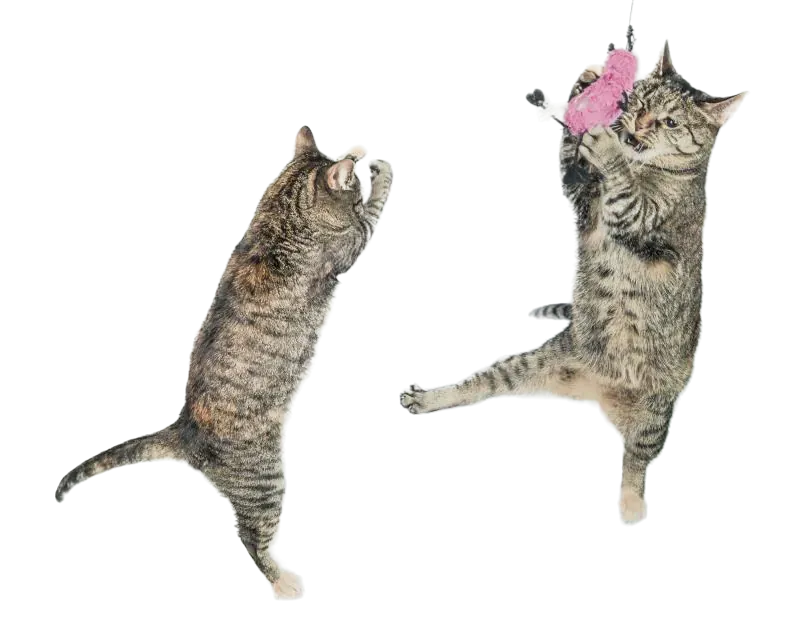
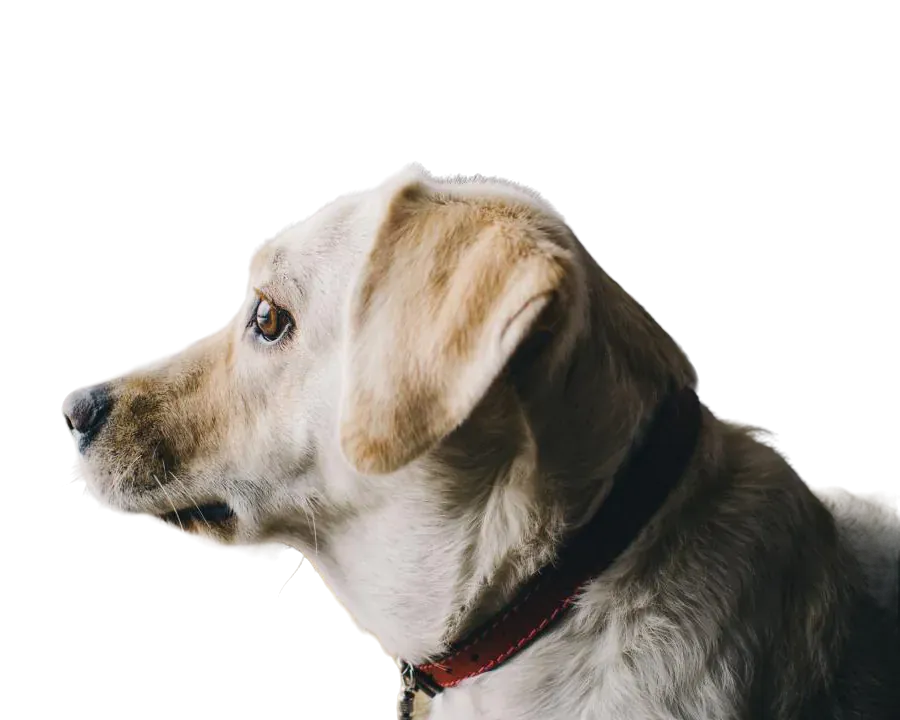
Making a sticker from a photo takes two parts: a clean cutout and a border. Remove background gives you the cutout for free. Then open Cutout Studio and choose Sticker under Looks: it sets a transparent background, trims the canvas to the subject and adds a white outline with a soft drop shadow. Every setting can be changed afterwards in the Design column.