FreeBlemish removal

Remove blemishes from a photo

Brush over a spot, a pimple or a dust mark and it blends into the skin or sky around it. The Spot Healing Brush needs no source, and retouching runs on your own device.

Drop your photo hereIt opens in the editor. Nothing is uploaded. Choose a photoJPGPNGWebPHEICPSDRAW

No photo? Try ours

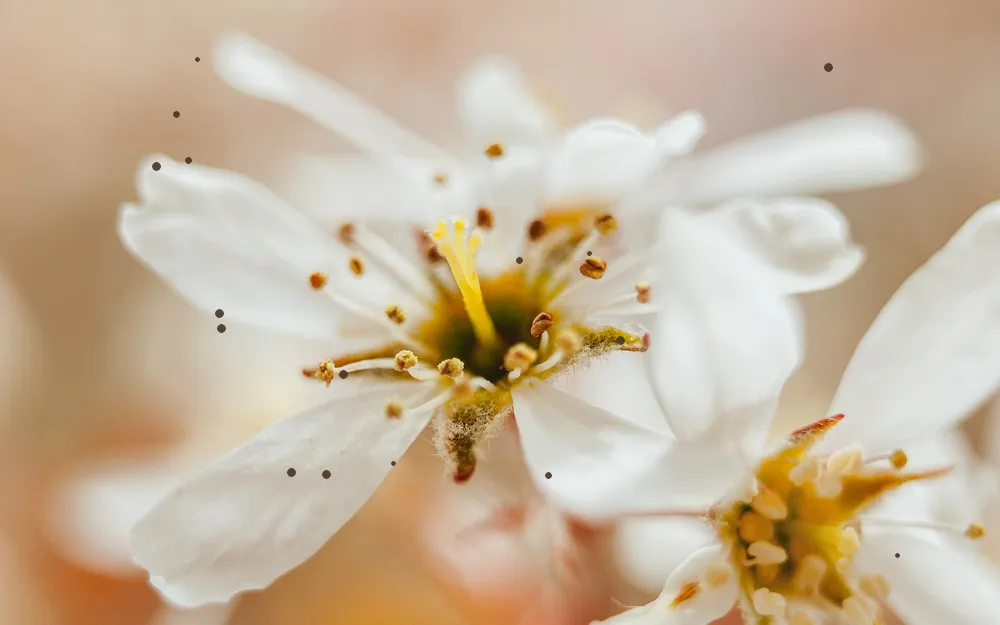
A white blossom with small dust spots across the petalsSpots left: 16

Click a ring to heal that one spot, or heal every spot at once.

Live demo01 / 06

01Spot by spot

Zoom in. Match the petal.

Each healed spot is taken from the clean area around it, so the colour and texture carry on through. Flip between before and after to check every spot up close.

Spot 01
Spot 03
Spot 10
Spot 16

03How it works

Three steps. Seconds.

  1. 01Open the photoAny JPEG, PNG, WebP, PSD or Camera RAW file.
  2. 02Press J and paintJ cycles the remove tools, so press it until the Spot Healing Brush is active. Paint over the blemish and it blends into the area around it.
  3. 03Zoom in and checkZoom in to check each spot, undo any stroke that looks wrong, then download.

04Why CutLift

Built to be the best one

  • Spot Healing BrushNo source needed: paint over a blemish and it fills from the area around it.
  • Healing Brush for larger marksAlt-click clean skin to set a source; its texture is blended into the colours around the mark.
  • Clone Stamp for exact copiesCopy pixels exactly from one place to another, with Aligned, Opacity and Flow.
  • PrivateRetouching runs on your device. Your photos are never uploaded.

Free and unlimited. CutLift Pro adds batch processing, upscaling, sky replacement and studio exports for $7.99/month.

05The guide

Spot removal by hand

Skin, dust and sensor spots

Blemishes come in many forms. On portraits there are pimples, small scars and stray hairs. On landscapes, dust on the camera sensor shows as soft grey dots in the sky. Old scans pick up specks of dust and tiny scratches. The same brushes remove all of them, and the skin blemish remover works just as well on a product photo with a fingerprint or a speck on the surface.

Larger marks such as a crease across a print, a cable in front of a wall or a stain on a shirt are better handled with the Healing Brush or Remove object, both also free.
Setting the brush

Make the brush only a little larger than the spot; [ and ] change the size as you work. A soft edge, set with Hardness or Shift+[ and Shift+], blends into skin better than a hard one. Click once on small spots rather than dragging, and paint slowly along a longer mark.

On skin, keep the texture. The Healing Brush carries the texture of the clean area you Alt-click into the mark. With the Clone Stamp, lower Opacity or Flow so a copied patch softens a mark rather than covering it completely, which looks more natural in close-up portraits. With a pen or tablet, use the Pen pressure setting.

Checking your work

The Sample setting chooses what the brush draws from: Photo, or Photo with edits, which includes the changes you have already made. Working through a portrait in sections and checking each one at Actual pixels (100%) catches spots you missed. Compare before / after in the View menu shows whether the retouch still looks like the person.

For dust spots across a whole sky, zoom in and move across the photo in strips, so none are left behind.

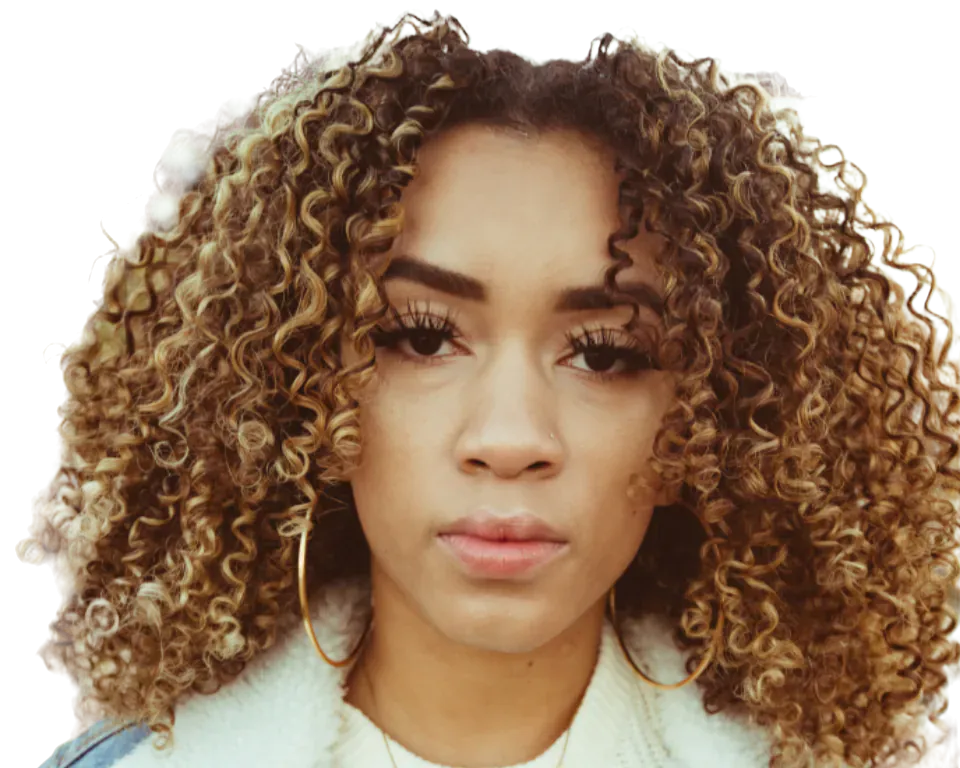
Less is usually more on faces. Remove temporary marks such as pimples or a scratch, and think twice before removing permanent features such as moles or freckles, which are part of how someone looks.

Free blemish removal, no upload

The Spot Healing Brush, Healing Brush and Clone Stamp are all free, with no limit and no watermark. They work on JPEG, PNG, WebP, PSD and Camera RAW files. Retouching runs on your device, so your portraits and skin close-ups are never uploaded to a server.

06Questions

Good to know

Is removing blemishes free?

Yes. The Spot Healing Brush, Healing Brush and Clone Stamp are all on the free plan.

Remove blemishes from a photo

Free to start. Your photo never leaves your device.

Open the editor

49 more tools

Keep going