
FreeBackground colour

Change the background colour of any photo

Remove the background in one click, then put the subject on white, black or any colour you like. Free, unlimited, and your photos never leave your device.

Drop your photo hereIt opens in the editor. Nothing is uploaded. Choose a photoJPGPNGWebPHEICPSDRAW

No photo? Try ours

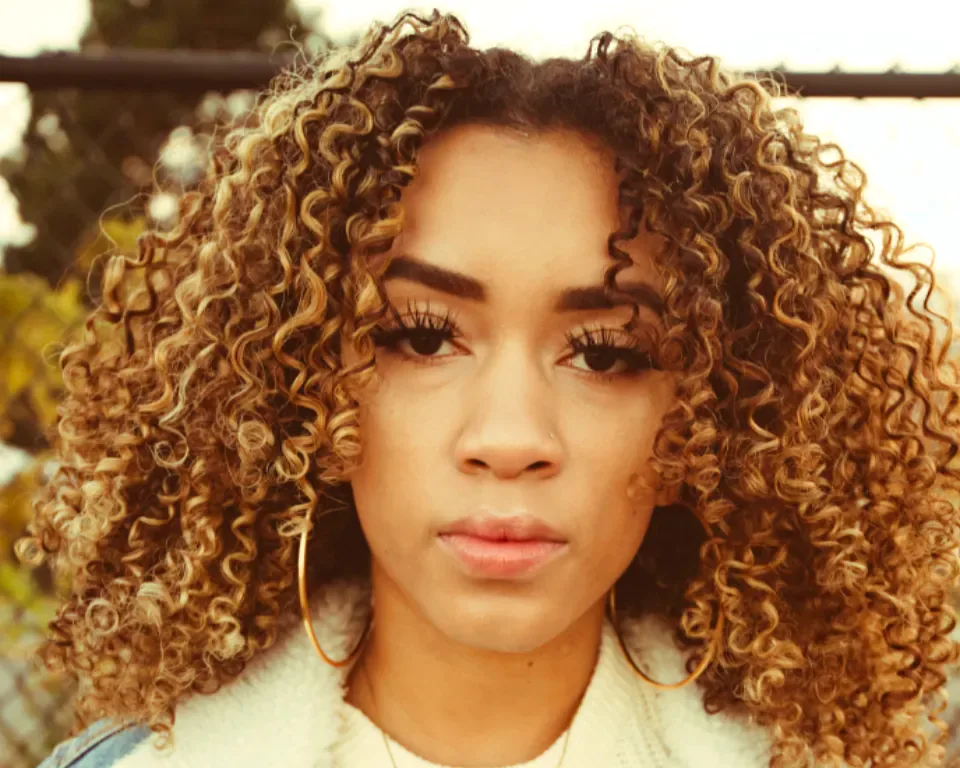
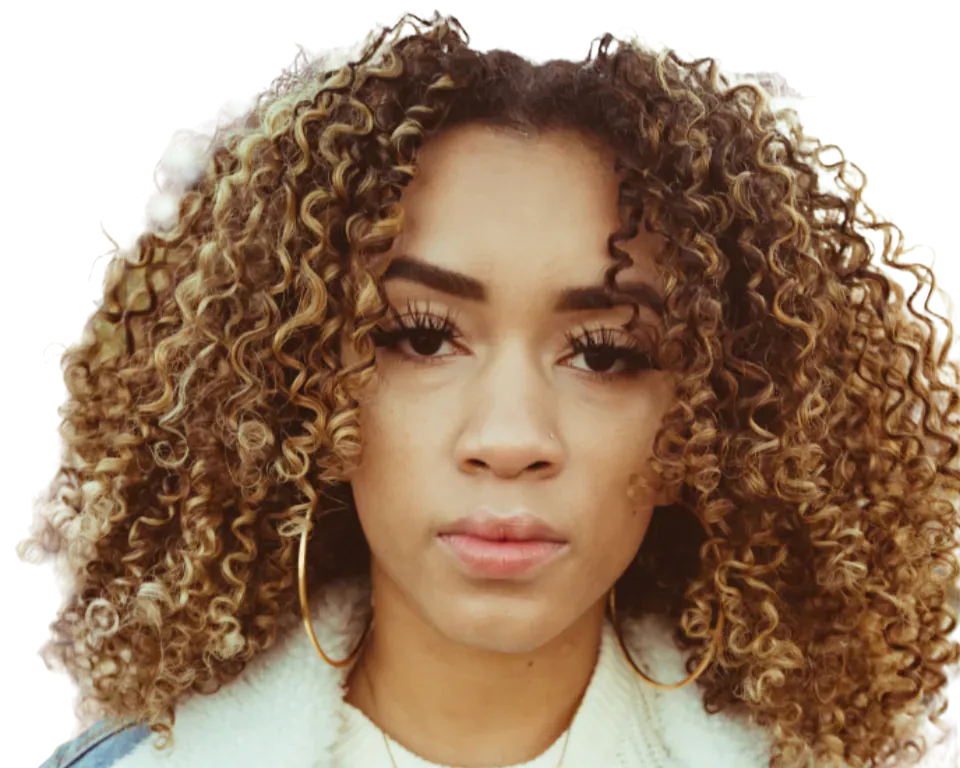
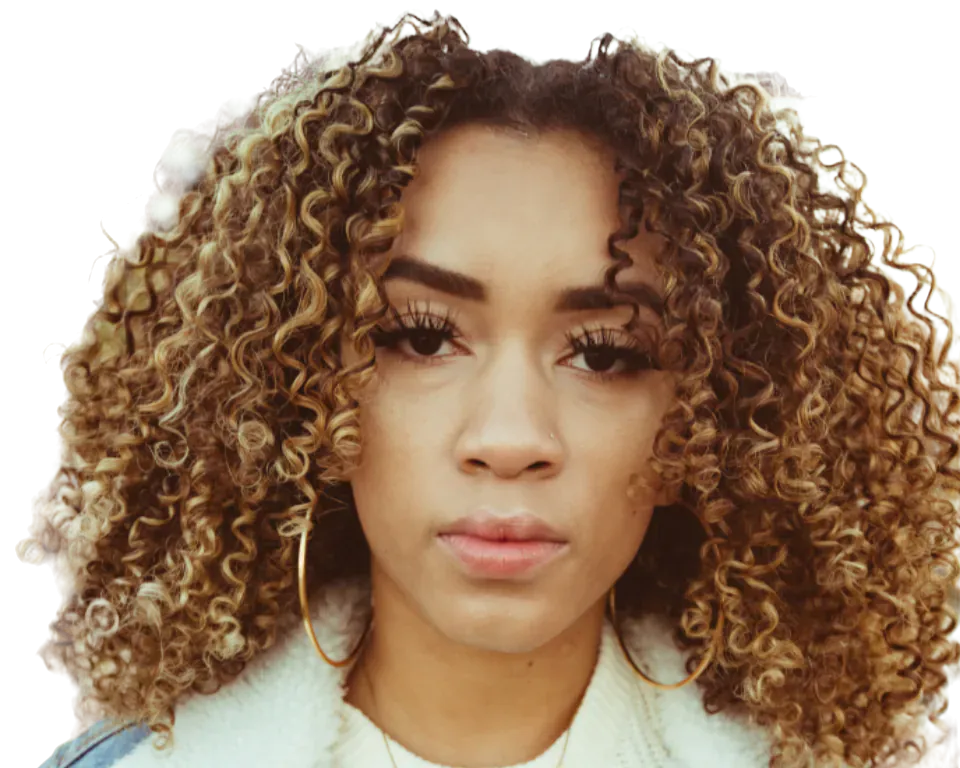
A woman with curly hair, cut out on a coloured background

Portrait on #ff5b24

Live demo01 / 06

01One cut-out, every colour

White for the shop. Loud for the post.

The cut-out is made once; switching colour afterwards is instant. Marketplace white, passport blue or your brand colour. Click a tile to try it in the hero.

03How it works

Three steps. Seconds.

  1. 01Open a photoPeople, pets, products: any photo.
  2. 02Remove the backgroundThe AI cuts out the subject in one click.
  3. 03Pick a colourIn Cutout Studio choose a backdrop colour and download a JPEG or PNG.

04Why CutLift

Built to be the best one

  • Any colourPure white for shops, brand colours for social posts, or anything from the colour picker.
  • Clean edgesRefine edges so the new colour doesn’t show a halo. Hair and fur refinement is Pro.
  • UnlimitedNo credits and no watermark.
  • PrivateThe AI runs in your browser on your device.

Free and unlimited. CutLift Pro adds batch processing, upscaling, sky replacement and studio exports for $7.99/month.

05The guide

Better backgrounds

When a plain background helps

A solid colour background makes a subject easy to read. Shops want product photos on pure white, profile and ID photos usually need white or light grey, and social posts look more consistent when every image shares one brand colour. Changing a photo background by hand means tracing the subject with a lasso; here the AI removes the background in one click and you choose what goes behind it.
Choosing the colour in Cutout Studio

In Cutout Studio the Background card has four options: None, Colour, Blur and Image. Colour offers white, light grey, black and five soft pastels, plus Custom for any shade from the picker, so the background colour changer covers brand colours too. Blur keeps the original scene but softens it, a quieter way to replace a background without losing the setting.

Image lets you add a background to the photo from a picture of your own, a Pro option. Looks has ready-made styles for Amazon, eBay, Etsy and Shopify, plus Thumbnail, Profile photo and passport sizes.

Edges that don’t show the old background

A new solid colour shows every mistake around the edge, especially on hair, fur and soft fabric. Before opening Cutout Studio, check the cutout at 100% and use Refine edges (Ctrl+R); Hair & fur refinement handles fine strands as a Pro feature. In the File card, Clean edge colours (Pro) removes colour fringing from soft edges, so a subject shot on green grass doesn’t glow green on white.

Adjust object has Brightness, Contrast, Warmth, Saturation and Match background, which blends the subject’s colours and soft edges into the new backdrop so it looks lit for it.

Formats, sizes and price

With an opaque background you can save a JPEG, PNG or WebP. Original, Trimmed and Square sizes are free; social sizes such as 1080 × 1350 and the marketplace templates are part of CutLift Pro, as are image backgrounds and clean edge colours. Background removal and solid colours stay free and unlimited, with no watermark, and every account gets one free premium download. The photo background changer runs on your device, so nothing is uploaded.

06Questions

Good to know

How do I change the background colour of a photo?

Open the photo, click Remove background, open Cutout Studio and pick a background colour. Then download.

Change the background colour of any photo

Free to start. Your photo never leaves your device.

Open the editor

49 more tools

Keep going