FreeFlip & mirror

Flip or mirror an image

Mirror a selfie, flip a picture upside down or turn it by 90°. One click, many images at once, and nothing is uploaded.

  • No upload
  • No watermark
  • Batch + ZIP
  • Free account
Need more? Open the full editor
imageFlip & mirror

or drop them anywhere on this page · up to 100 at once · paste works too

03How it works

Three steps. Seconds.

  1. 01Add your imagesDrop one or many photos on the box, choose them, or paste one with Ctrl or ⌘ + V.
  2. 02Flip or rotateMirror left to right, flip upside down, or turn 90° either way.
  3. 03DownloadSave each image in its own format, or all as one ZIP.

04Why CutLift

Built to be the best one

  • Mirror selfiesFront cameras often save a mirrored photo. Flip it back so text reads the right way.
  • Turn sideways photosRotate by 90° left or right to stand a photo up.
  • Many files at onceDrop up to 100 images together and download them one by one or as a single ZIP.
  • Nothing is uploadedThe conversion runs in your browser, on your device. Your pictures never reach a server.

Free and unlimited. CutLift Pro adds batch processing, upscaling, sky replacement and studio exports for $7.99/month.

05The guide

The image flip and mirror guide

When to mirror an image

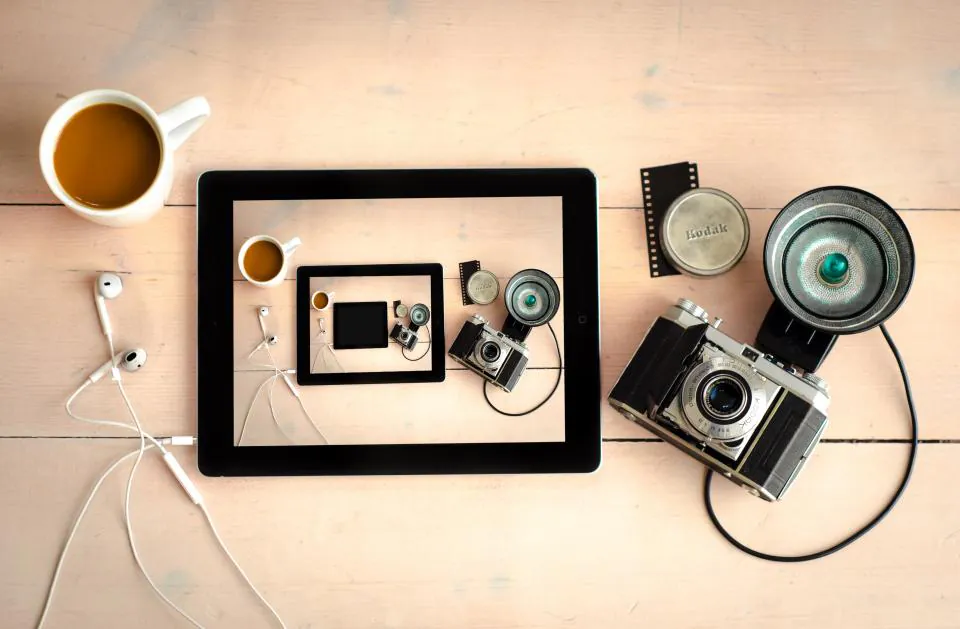
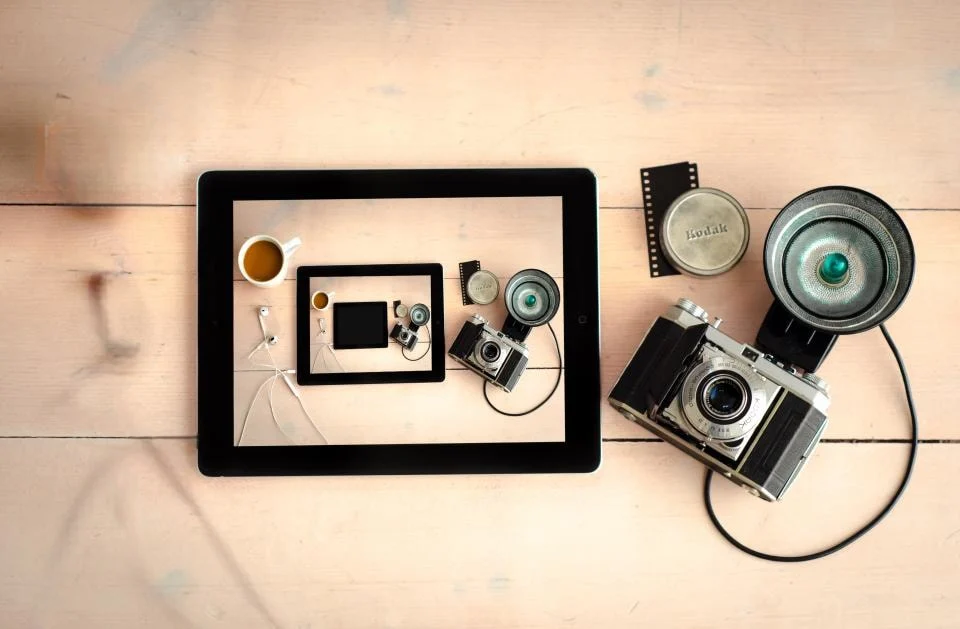
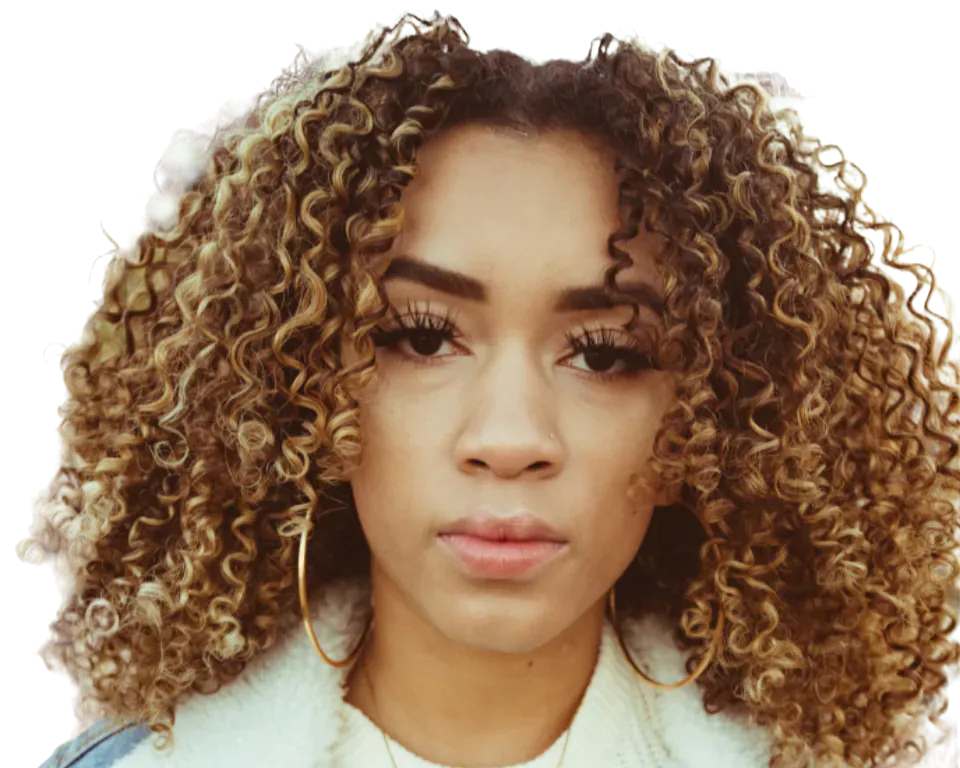
Mirroring is the most common reason people flip an image. Many front cameras save a selfie as a mirror of what you saw in the screen. Text on a shirt, a sign or a logo then reads backwards. Choose Mirror (left to right) to flip it back so the text reads the right way round. A photo you have mirrored once can also be flipped back at any time, because the original file is not changed.

A mirror image is also useful when a photo faces the wrong way for a layout. You can flip it so the subject faces into the page, which often looks more natural. A mirror image changes the position of everything in the frame, so check any text or signs after you flip it.
Flipping upside down or turning by 90 degrees

The flip tool has four choices. Mirror flips the picture from left to right. Upside down turns it over vertically. Rotate 90° left or right stands a sideways photo upright. Click the option you want, and the result shows at once.

Changing an option updates every file in your batch, so you can flip a whole folder of photos in one step. Download each image in its own format, or save all of them as one ZIP. Flip one image first to check the result, then apply the same step to the rest.

Straightening a tilted photo

The flip tool turns images by quarter turns and flips. A photo that is only slightly tilted needs a different tool. In the CutLift editor, use Rotate and straighten to turn the picture by any angle, with a guide to help you level the horizon.

Every flip and rotate here runs on your own device, so nothing is uploaded. The tool is free and works on phones, tablets and computers; downloads need a free account. It is a quick way to mirror a selfie before you post it, and the flip takes one click.

07Questions

Good to know

How do I unmirror a photo?

Choose Mirror. A mirrored selfie flips back to how the scene really looked, so text reads the right way.

Flip or mirror an image

Free to start. Your photo never leaves your device.

Open the editor

70 more tools

Keep going