ProUpscayl alternative

Upscale images in your browser, no install

Upscayl is a desktop app you download. When you can’t install software, or just want it quicker, CutLift upscales 2× or 4× with AI in the browser, on your own device.

Drop your photo hereIt opens in the editor. Nothing is uploaded. Choose a photoJPGPNGWebPHEICPSDRAW

No photo? Try ours Upscaling is part of CutLift Pro. Try every Pro feature free while you edit.

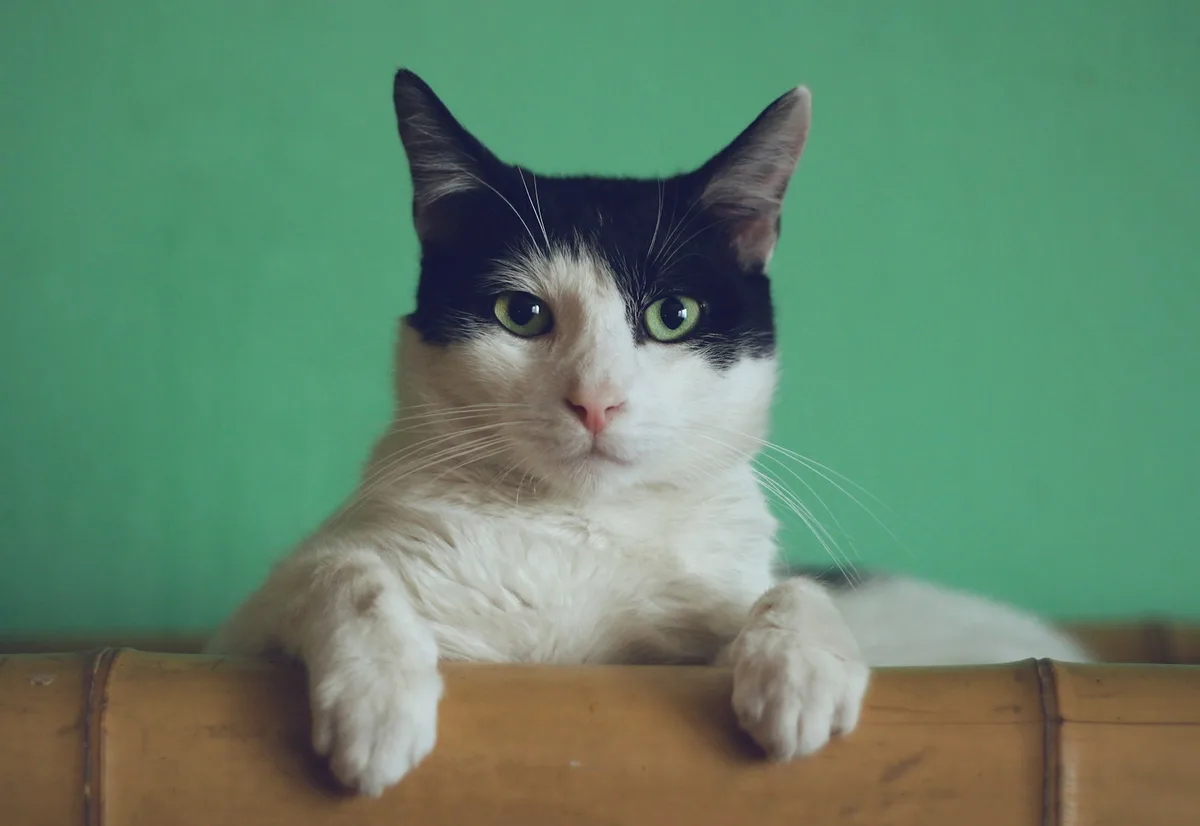
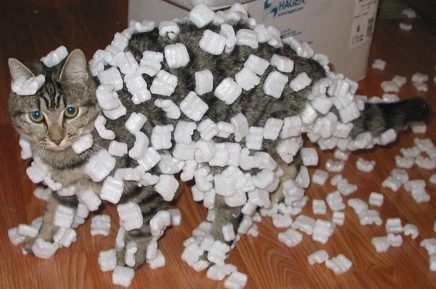
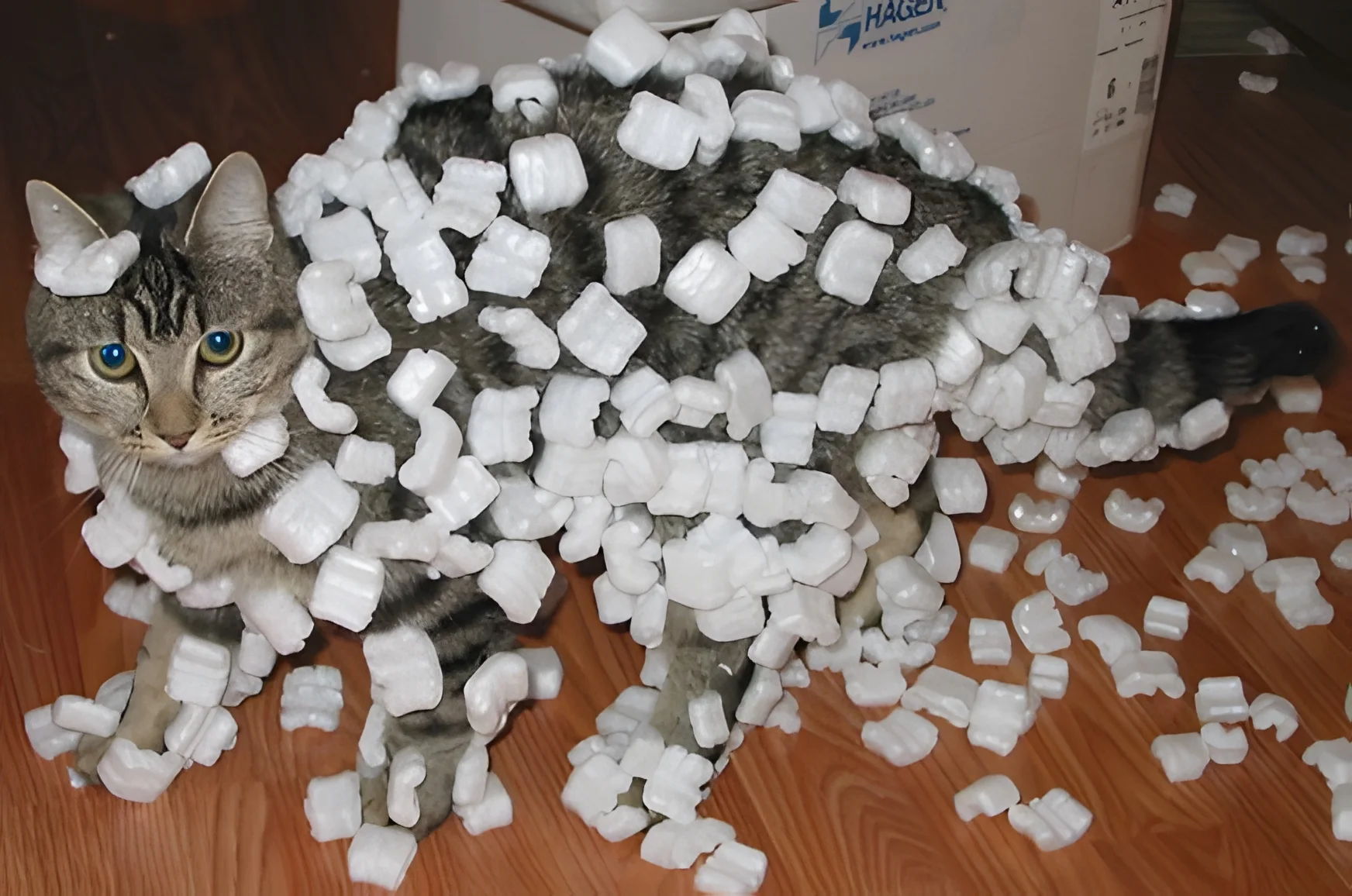
The original: a small 436 by 289 pixel photo of a cat covered in styrofoam peanuts, blown up and blockyThe same cat upscaled 4 times: sharp fur, whiskers and eyesoriginal · 436 × 289
4×

The lens shows the upscaled pixels

Photo: Sean McGrath, CC BY 2.0, via Wikimedia Commons.

Live demo01 / 04

01True to scale

Same photo, 16× the pixels

Each frame is drawn at its real size next to the others. Each size shows the photo at that resolution.

Upscale ×4

1744 × 1156

2,016,064 pixels, 16× as many as the original.

Live demo01 / 02

03How it works

Three steps. Seconds.

  1. 01Open a pictureAny image up to 1200 pixels on its long side: small photos, web images, cut-outs.
  2. 02Choose ×2 or ×4The AI redraws edges and texture as it enlarges. Compare before and after.
  3. 03DownloadSave the larger image. Upscaling is part of CutLift Pro; trying it is free.

04Why CutLift

Built to be the best one

  • Nothing to installRuns in Chrome, Edge, Firefox and Safari, so it works on Chromebooks, locked-down work laptops and borrowed computers.
  • On your deviceLike a desktop app, the picture is processed locally and never uploaded.
  • More than upscalingClean up, cut out and colour-correct in the same editor before or after you enlarge.
  • Honest limitsInputs up to 1200 px on the long side, so ×4 gives up to 4800 px. For bigger sources, a desktop upscaler may suit you better.

This is a CutLift Pro feature: $7.99/month plus tax where it applies, cancel anytime. Use it free while you edit; your first premium download is free.

05The guide

Upscaling without an install

When a browser upscaler fits better

Upscayl is a popular desktop app for enlarging images with AI. A desktop app needs to be downloaded and installed, and that is not always possible: Chromebooks, locked-down work laptops, school computers and borrowed machines often block it. Sometimes you just want to enlarge one picture without setting anything up.

CutLift is a browser photo editor with its own AI upscaler. Open the image, choose ×2 or ×4, compare the result and download it. The picture is processed on your own device, as with a desktop app, and never uploaded.
What the upscaler does, and its limits

The upscaler redraws edges and texture as it enlarges, so small, soft pictures come out sharper as well as bigger. It works on images up to 1200 pixels on the long side, which covers thumbnails, web images, old scans and cut-outs, and gives up to 4800 pixels at ×4. If you regularly enlarge very large photos, a desktop upscaler may suit you better; for quick jobs anywhere, the browser is faster to reach.

Free to try, part of Pro

Upscaling is a CutLift Pro feature. You can try it free in the editor and compare the result, and every account gets one free premium download. The rest of the editor is free: clean up dust with the healing brush, cut out the subject, fix colour with curves, then enlarge. Pro is $7.99 a month or $47.99 a year.

Getting the best enlargement

Clean the picture before you enlarge it: remove dust with the healing brush and lower heavy noise, because the upscaler treats noise as detail. Crop away what you don’t need so every new pixel goes to the subject. Choose ×2 when an image is only slightly too small and ×4 for thumbnails, icons and old photos, and compare both in the preview: on very soft sources, ×2 can look more natural.

When the enlarged picture is ready, the editor can also convert it to JPG, WebP or PDF, or compress it for the web, from the Convert panel.

07Questions

Good to know

Is there an online version of Upscayl?

Upscayl itself is a desktop app. CutLift is a different, browser-based editor with its own AI upscaler, so there is nothing to download.

Upscale images in your browser, no install

Free to start. Your photo never leaves your device.

Open the editor

70 more tools

Keep going