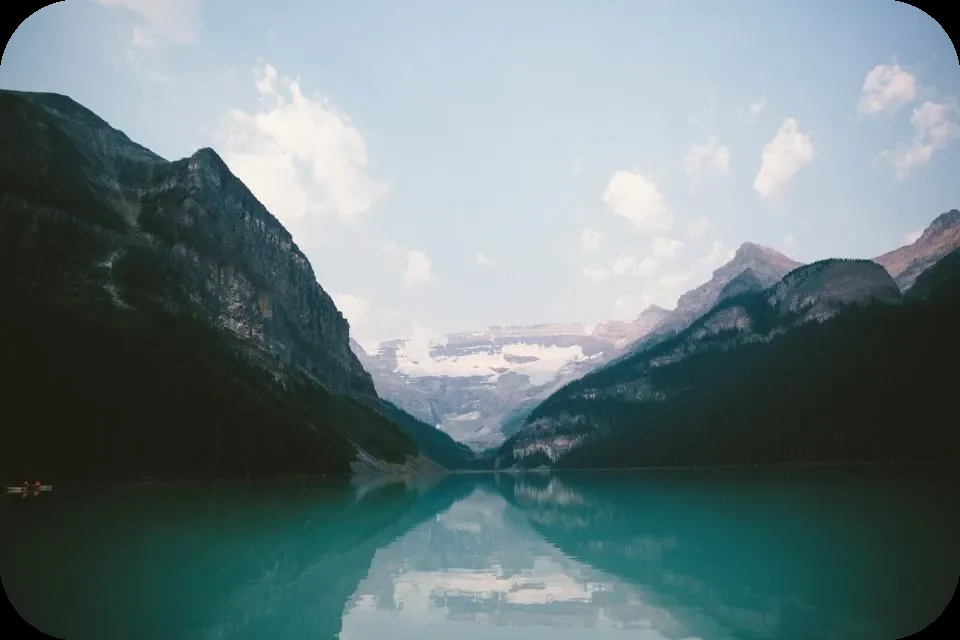
FreeRounded corners

Round the corners of any image

Soften the corners of a photo, screenshot or logo for slides, app mock-ups and websites. Choose the radius and get a PNG with see-through corners.

  • No upload
  • No watermark
  • Batch + ZIP
  • Free account
Need more? Open the full editor
imagePNG

or drop them anywhere on this page · up to 100 at once · paste works too

03How it works

Three steps. Seconds.

  1. 01Add your imagesPhotos, screenshots and graphics. Drop one or many, choose them, or paste one.
  2. 02Set the radiusFrom a subtle curve to a pill shape. Every file updates as you slide.
  3. 03Download the PNGThe corners are transparent, so the picture sits on any background.

04Why CutLift

Built to be the best one

  • Transparent cornersA PNG keeps the corners see-through, so they never show a white box.
  • Same curve on every sizeThe radius is a share of the short side, so a batch looks consistent.
  • Many files at onceDrop up to 100 images together and download them one by one or as a single ZIP.
  • Nothing is uploadedThe conversion runs in your browser, on your device. Your pictures never reach a server.

Free and unlimited. CutLift Pro adds batch processing, upscaling, sky replacement and studio exports for $7.99/month.

05The guide

Softer corners, clear edges

When to round the corners of an image

Rounded corners make a picture feel friendly and modern. Designers use them for slides, app mock-ups, product cards, blog images and profile banners, and a screenshot with soft corners looks far neater in a presentation than a sharp rectangle.

Drop an image, move the Corner radius slider, and download a PNG whose corners are see-through, so the picture sits cleanly on any background colour without a white box around it.
Picking the right radius

The radius is a share of the image’s short side, which keeps the curve looking the same on every size in a batch. A radius of 4 to 8 % gives a subtle, card-like softness, 12 to 20 % a bold app-icon curve, and 50 % turns a square into a circle and a wide image into a pill shape. For a perfect circle centred on a face or logo, use the Circle crop tool instead.

Why the result is a PNG

Rounded corners need transparent pixels outside the curve. PNG keeps them, while JPG would fill them with a colour. The picture itself stays at full resolution; only the corners change. Drop up to 100 images, download each or a ZIP, and nothing is uploaded: the work happens in your browser. Converting is free with no watermark, and a free CutLift account unlocks the downloads.

Rounded corners with a border or watermark

You can combine rounded corners with other finishing touches in the CutLift editor. Click Edit on a result to open it there: the Convert panel adds a border, a text watermark, pixelate or invert, shows the result live, and saves PNG, WebP, a PDF or a favicon. The radius slider there works the same way as on this page.

For logos and app icons, start from a square image with some empty space around the subject, so the curve doesn’t cut into it.

07Questions

Good to know

How do I round the corners of an image?

Drop it on the box above, move the Corner radius slider, then click Download.

Round the corners of any image

Free to start. Your photo never leaves your device.

Open the editor

70 more tools

Keep going