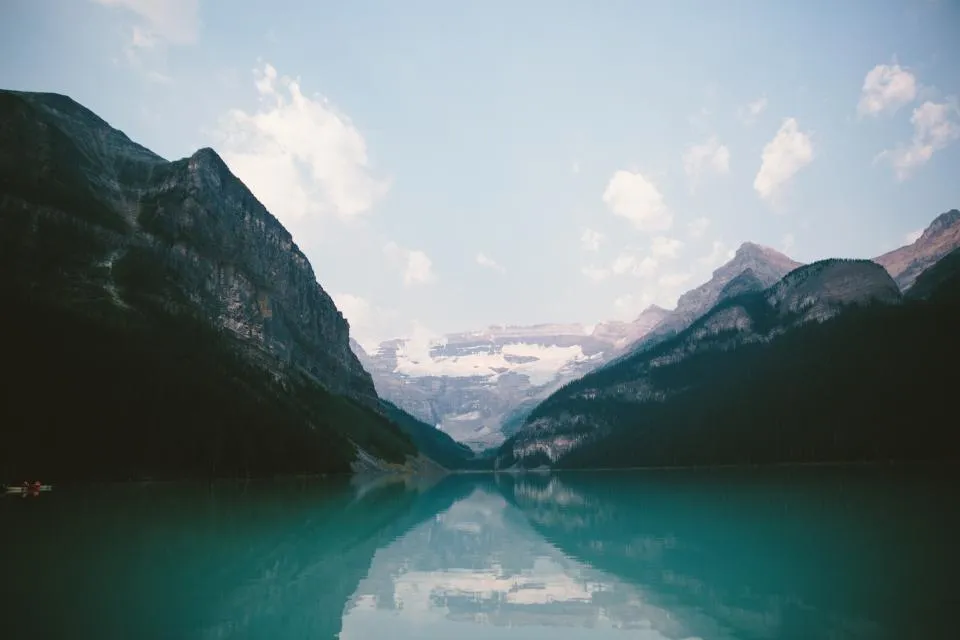
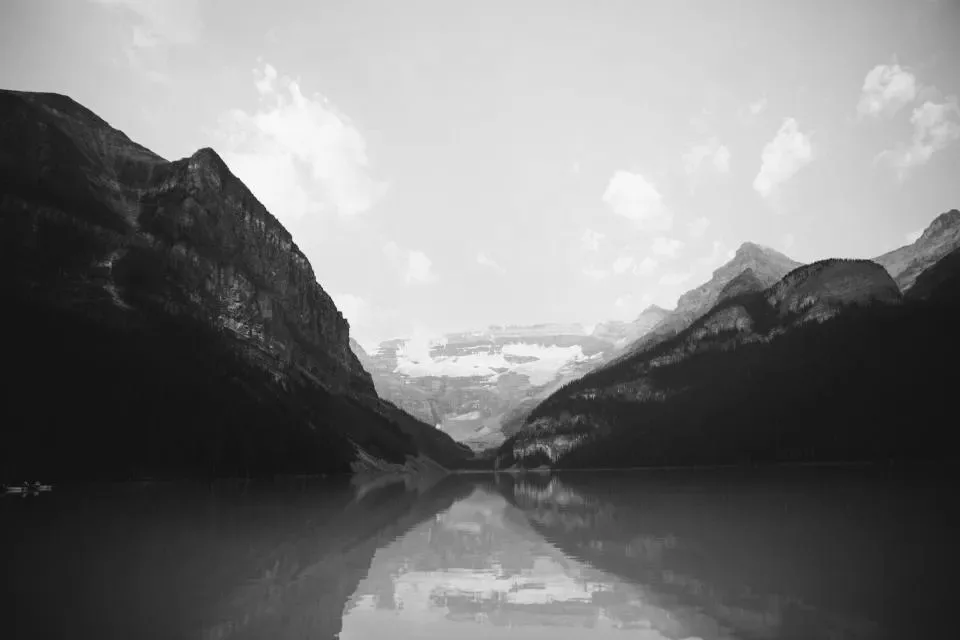
FreeBlack & white

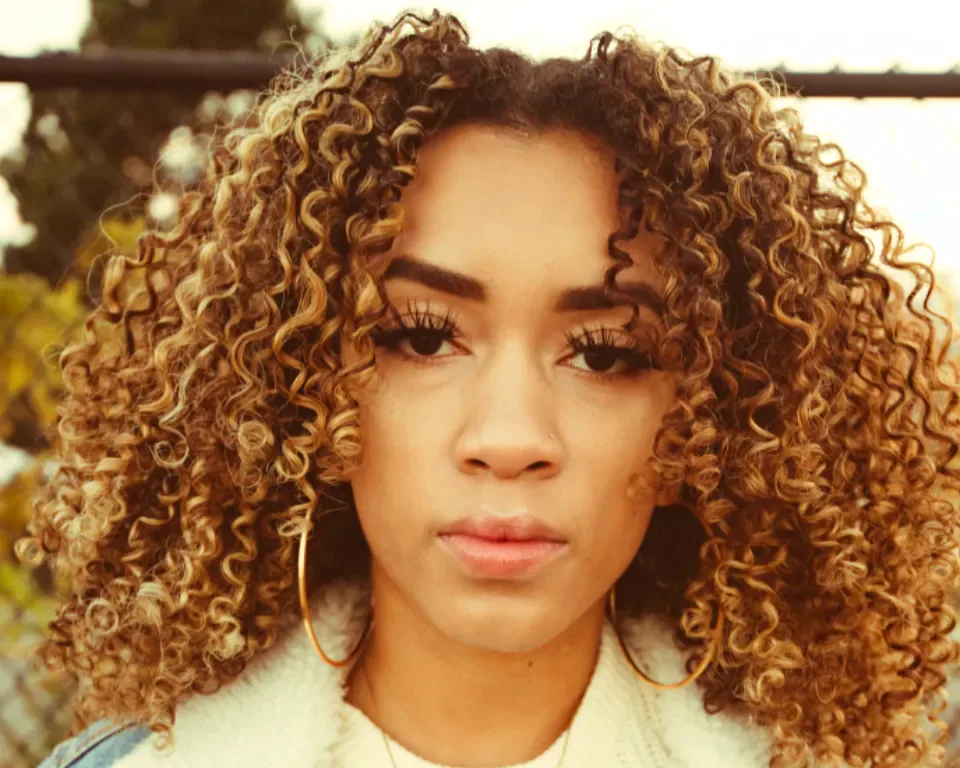
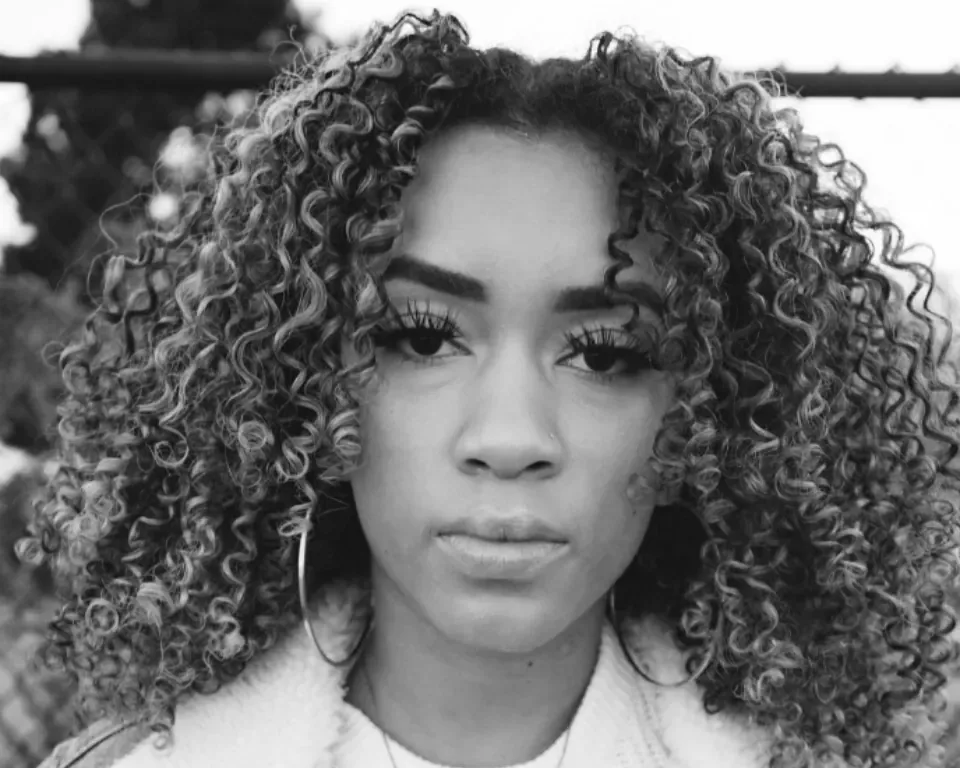
Make a photo black and white

Turn colour photos into rich black and white in one drop, with a contrast slider for extra punch. Free, instant and private.

  • No upload
  • No watermark
  • Batch + ZIP
  • Free account
Need more? Open the full editor
imageBlack & white

or drop them anywhere on this page · up to 100 at once · paste works too

03How it works

Three steps. Seconds.

  1. 01Add your photosDrop one or many on the box, choose them, or paste one with Ctrl or ⌘ + V.
  2. 02Set the contrastKeep it natural, or add contrast for a bold, classic look.
  3. 03DownloadSave each photo, or all of them as one ZIP.

04Why CutLift

Built to be the best one

  • True grey tonesColours become greys by how bright they look to the eye, not a flat average.
  • Contrast controlOne slider from soft and natural to deep and dramatic.
  • Many files at onceDrop up to 100 images together and download them one by one or as a single ZIP.
  • Nothing is uploadedThe conversion runs in your browser, on your device. Your pictures never reach a server.

Free and unlimited. CutLift Pro adds batch processing, upscaling, sky replacement and studio exports for $7.99/month.

05The guide

The black and white photo guide

How colours turn into greys

Many people search for a grayscale image, but a good black and white photo needs more than simply removing the colour. This tool turns each colour into a grey by how bright it looks to the eye. It uses the Rec. 709 weights, which make greens the brightest and blues the darkest. A green leaf therefore turns into a lighter grey than a blue sky of the same strength. Red falls between the two.

Because the greys follow perceived brightness, the tones of a scene stay in the right order. Foliage, skies and skin each keep their place from light to dark.
Setting the contrast for a classic look

After the photo turns black and white, use the Contrast slider. At the soft end, the greys stay gentle and natural. Move it towards the other end for deeper blacks and brighter whites, which gives a bold, classic look.

Try a few settings before you choose one. Compare the result on the same photo, and keep the one that suits the subject best. Portraits often look best with a softer setting, while landscapes and architecture can take more contrast.

Converting many photos and fine tuning in the editor

Drop up to 100 photos on the box, choose them, or paste one with Ctrl or ⌘ + V. Changing the contrast updates every photo. Download each one, or save them all as one ZIP. Photos taken in dim light often benefit from a little extra contrast, while bright outdoor shots may need less.

For more control, open a result with the Edit button. The CutLift editor has a Black & White adjustment with a slider for each colour, so you can darken the sky or lighten the skin, much like a darkroom filter. The conversion runs on your device, so nothing is uploaded, and it works on phones, tablets and computers. Keep the original photo as well, so you can try a different contrast at any time.

07Questions

Good to know

Is grayscale the same as black and white?

Yes, in everyday use. A grayscale image uses only shades of grey from black to white, which is what this converter makes.

Make a photo black and white

Free to start. Your photo never leaves your device.

Open the editor

70 more tools

Keep going