RequirementsUpdated
UK passport photo requirements
What HM Passport Office asks for in a printed or digital passport photo: the size, head height, background, glasses and how to make a photo that fits.
Make a UK passport photo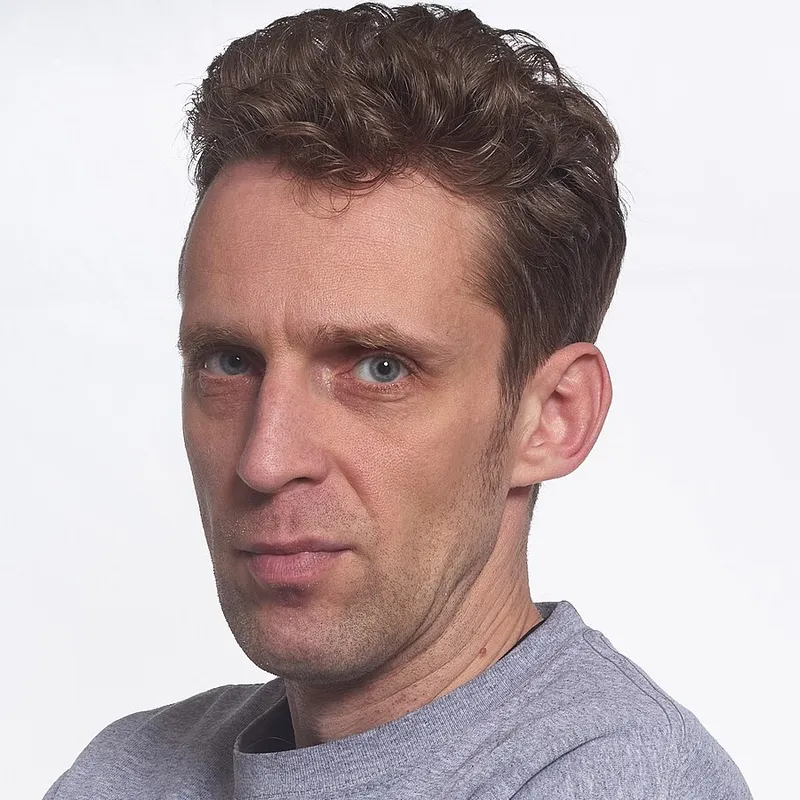
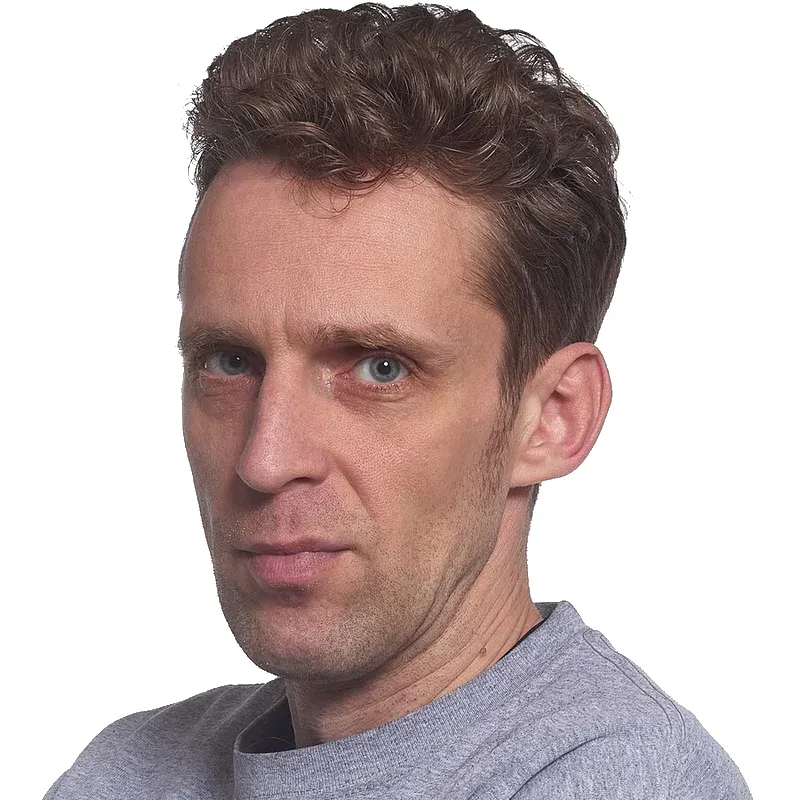
In short
- Printed size: 35 × 45 mm. Head from crown to chin: 29 to 34 mm.
- Background: plain cream or light grey, with clear contrast against you.
- Glasses: avoid them unless you must wear them; no tint, no glare, frames not over the eyes.
- Plain expression, mouth closed, eyes open, facing the camera.
- Taken in the last month. Digital photo: at least 600 × 750 px, 50 KB to 10 MB.
The rules at a glance
| Rule | UK passport photo |
|---|---|
| Printed size | 35 mm wide × 45 mm high |
| Head size | 29 to 34 mm, crown to chin |
| Background | Plain cream or light grey, no shadows |
| Glasses | Avoid; if needed, no tint, glare or shadow over the eyes |
| Expression | Plain, mouth closed, eyes open |
| How recent | Taken in the last month |
| Digital photo | At least 600 × 750 px, 50 KB to 10 MB, in colour, not edited |
| Printed photos | Two identical photos, colour, plain white photo paper, no border |
For a digital photo, GOV.UK says not to crop it and not to edit it with software, because it is cropped for you. For a paper application, use a print sized to 35 × 45 mm.
Make one with CutLift
CutLift’s passport photo maker supports 203 documents, including the UK passport. It runs 14 checks, sizes the photo to 35 × 45 mm and replaces the background with a light colour. Its 4×6 print sheet is made for printing at a photo shop. The checks and the preview are free. The clean photo and the 4×6 print sheet cost $3.99 per document, or are included in CutLift Pro. The photo is processed on your device, not uploaded. No government guarantees acceptance of a photo made with any tool, so check the result against the official page.
- 1Open your photoOpen a front-facing photo in the passport photo maker and pick the document.
- 2Read the checksThe 14 checks (head size, tilt, eyes, light and more) are free and tell you what to retake.
- 3Fit and levelThe tool scales, levels and moves your photo to the document’s size in mm. It never reshapes your face.
- 4Set the backgroundReplace the background with the colour the document asks for.
- 5Save or printSave the digital file, or make a 4×6 print sheet to print at a photo shop.
Questions
What size is a UK passport photo?
35 mm wide and 45 mm high, with your head 29 to 34 mm from crown to chin.
What colour background does a UK passport photo need?
A plain cream or light grey background that contrasts with you.
Can I wear glasses?
Avoid them unless you must. They cannot be tinted, and glare, shadows or frames must not cover your eyes.
How recent must the photo be?
Taken in the last month, and a new photo for each new passport.
What are the digital photo rules?
At least 600 pixels wide and 750 tall, between 50 KB and 10 MB, in colour and not edited with software.
Sources
Checked on 9 November 2026. Rules change: if something here is out of date, tell us at [email protected].