RequirementsUpdated
Etsy listing photo size
What Etsy asks for in listing photos: size, shape, file types and thumbnail crops, and a simple way to make photos that look good in search and on the listing page.
Edit a product photo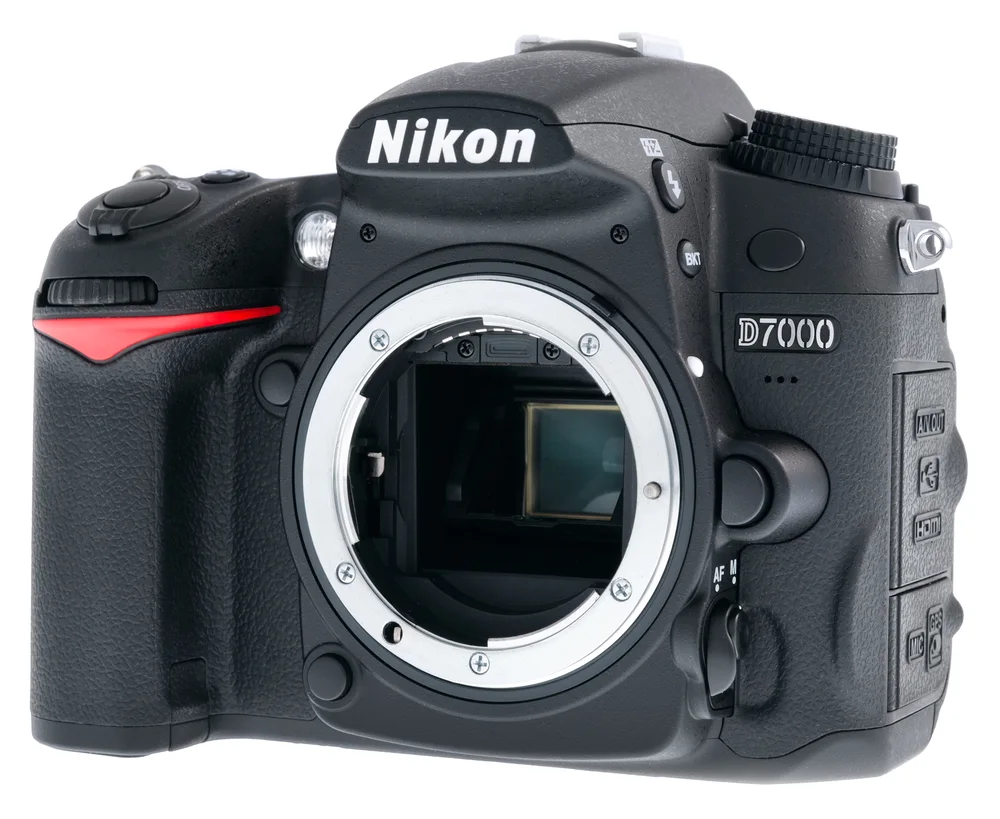
In short
- Make listing photos at least 2000 px wide and 2000 px tall.
- The first photo should be at least 635 px in both directions, or it can show lower in search.
- File types: .jpg, .gif, .png, .svg or .heic. Animated GIFs and transparent PNGs are not supported.
- Etsy warns that images over 1 MB may not finish uploading on a slow connection.
- Etsy crops photos to square, portrait and landscape thumbnails, so keep the item centred with space around it.
Size, shape and file rules
| Item | What Etsy says |
|---|---|
| Size | At least 2000 px wide and 2000 px tall |
| First photo | At least 635 px in both directions; horizontal or square |
| File types | .jpg, .gif, .png, .svg, .heic |
| Not supported | Animated GIFs, transparent PNGs |
| File size | No fixed limit given; over 1 MB may not finish uploading on slow connections |
Your first photo also sets the shape for the photos after it. Etsy’s page suggests horizontal (landscape) images and says to avoid square crops. Check Etsy’s help page before you upload, as these rules can change.
The 1 MB warning and the 2000 px advice pull in opposite directions. Save as JPG and lower the quality a little until the file is small enough, but keep the pixels.
Plan for the thumbnail crops
Etsy shows your photo as a square, a portrait and a landscape thumbnail in different places. If the item fills the whole frame, one of those crops will cut it off.
- Shoot from further back than you think you need.
- Keep the main item centred.
- Check that it still reads clearly in all three crops.
- Use Etsy’s thumbnail adjustment tool to fine-tune the crop.
Make clean listing photos
A plain, even background makes handmade items look consistent across a shop. In CutLift the background removal is free and runs on your own device, so nothing is uploaded and there is no watermark. A free account is needed to download.
- 1Open the photoOpen your shot in the product photo editor.
- 2Remove the backgroundThe AI finds the item. Brush in any part it missed.
- 3Pick a backdropUse white, a soft colour, or another background colour that suits the item.
- 4Leave roomKeep the item centred with a margin so the thumbnail crops do not cut it.
- 5Save a JPGOpen Convert, save as JPG and set the longest side to 2000 px or more.
Many listings to update? Batch background removal (CutLift Pro) cuts out a whole folder with the same settings.
Questions
What size should Etsy listing photos be?
Etsy says at least 2000 pixels wide and 2000 pixels tall. The first photo should be at least 635 pixels in both directions.
What file types does Etsy accept?
.jpg, .gif, .png, .svg and .heic. Animated GIFs and transparent PNGs are not supported.
Is there a maximum file size?
Etsy’s page gives no hard limit, but warns that images over 1 MB may not finish uploading on a slow connection.
Should the first photo be square?
Etsy’s page says the first photo should be horizontal or square, and advises uploading horizontal images rather than square crops.
Can I make listing photos for free?
Yes. CutLift removes backgrounds and saves JPG or PNG for free, in your browser, with no watermark.
Sources
Checked on 9 November 2026. Rules change: if something here is out of date, tell us at [email protected].