RequirementsUpdated
YouTube thumbnail size
The size, shape and file rules YouTube gives for custom thumbnails today, for videos and for Shorts, and a quick way to make one that stands out.
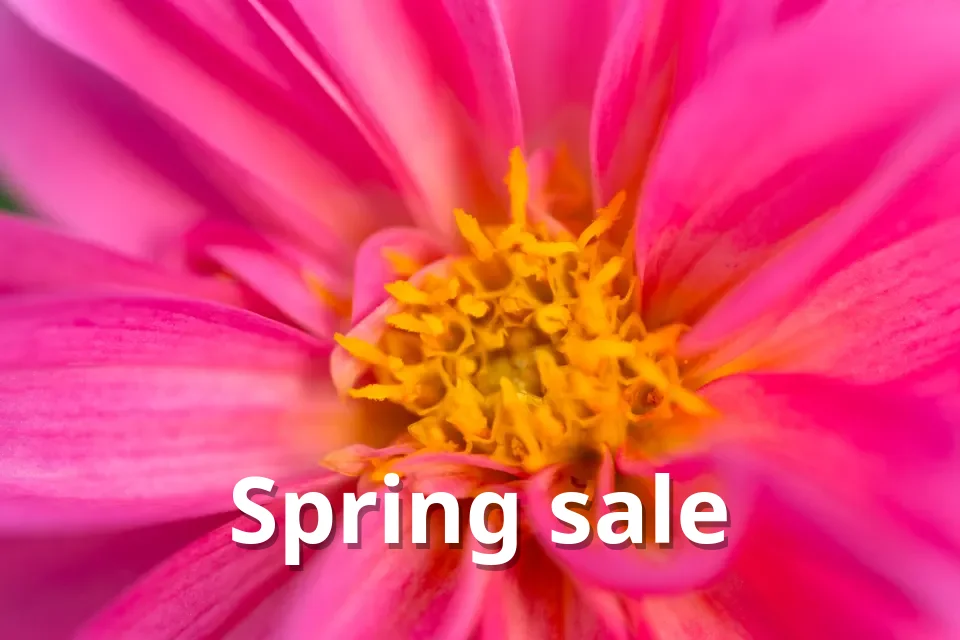
Add bold text to a photo
In short
- Video thumbnails: 16:9. YouTube recommends 3840 × 2160 px; the minimum width is 640 px.
- Shorts thumbnails: 9:16, 2160 × 3840 px recommended, at least 640 px tall.
- Formats: JPG or PNG.
- File size: up to 50 MB from a computer, 2 MB from the mobile app.
- Custom thumbnails need a verified YouTube account.
The sizes at a glance
| Videos | Shorts | |
|---|---|---|
| Recommended size | 3840 × 2160 px | 2160 × 3840 px |
| Minimum | 640 px wide | 640 px tall |
| Shape | 16:9 (landscape) | 9:16 (portrait) |
| Formats | JPG, PNG | JPG, PNG |
| Largest file | 50 MB (computer), 2 MB (phone app) | 50 MB (computer), 2 MB (phone app) |
Many older guides still say 1280 × 720 and 2 MB. That size still works, but YouTube’s own help page now recommends 3840 × 2160, and uploads from a computer can be up to 50 MB.
Make it readable at a small size
Most people see your thumbnail at the size of a stamp, next to a dozen others. What works at that size:
- One subject, cut out and large: a face or the product, not a whole scene.
- Three to five words at most, in a thick font with a dark shadow behind it.
- A background that contrasts with the subject: a plain colour or a blurred photo.
- Keep text away from the bottom-right corner, where YouTube shows the video length.
Make a thumbnail in the browser
CutLift has everything for a classic thumbnail on the free plan: background removal, a 16:9 YouTube crop, bold text presets with shadows. Nothing is uploaded, and there is no watermark.
- 1Cut out the subjectOpen a frame or a photo and click Remove background. The subject goes on its own layer.
- 2Set the backgroundAdd a plain colour or a gradient behind it, or blur the original background instead.
- 3Crop to 16:9Use the crop tool’s YouTube preset so the picture is exactly 16:9.
- 4Add the titleUse Add text with the Poster preset: a heavy white font with a dark shadow that reads on any background.
- 5Save as JPG or PNGSave at 1920 × 1080 or larger and upload it in YouTube Studio under Thumbnail.
Questions
What is the best YouTube thumbnail size?
YouTube recommends 3840 × 2160 pixels at 16:9. 1920 × 1080 and 1280 × 720 also work; the minimum width is 640 pixels.
What is the maximum thumbnail file size?
50 MB when you upload from a computer, and 2 MB from the YouTube mobile app.
What size is a Shorts thumbnail?
9:16, with 2160 × 3840 pixels recommended and at least 640 pixels tall.
Why can’t I upload a custom thumbnail?
Custom thumbnails need a verified YouTube account. Verify it in YouTube Studio, then try again.
Can I make a thumbnail for free?
Yes. CutLift removes the background, crops to 16:9 and adds text for free, in your browser, with no watermark.
Sources
Checked on 9 November 2026. Rules change: if something here is out of date, tell us at [email protected].