RequirementsUpdated
US passport photo requirements
The size, head position, background and file rules the U.S. Department of State sets for a passport photo, and how to make a photo that fits them at home.
Make a US passport photo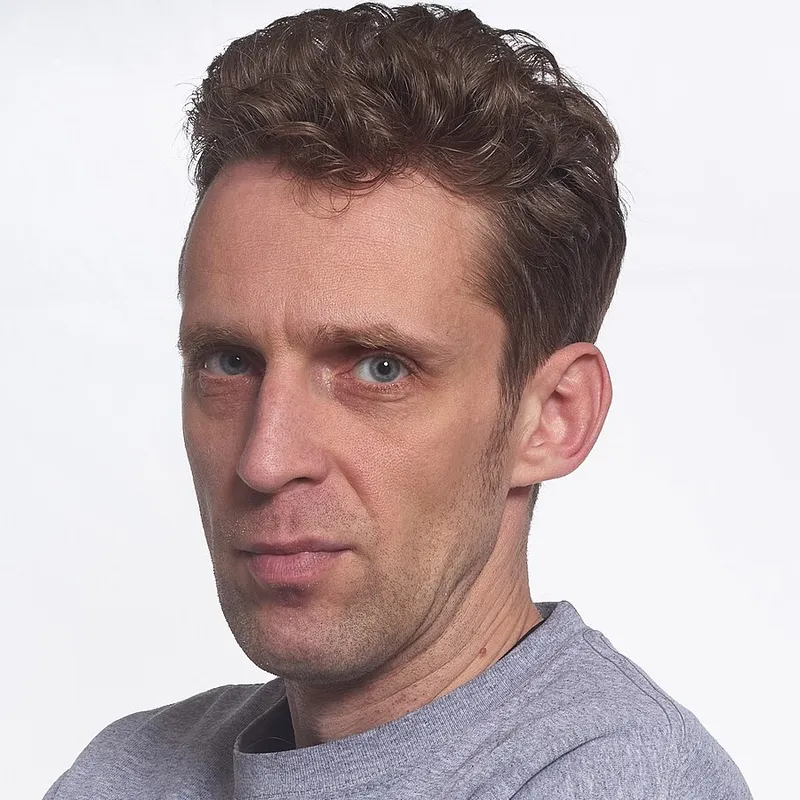
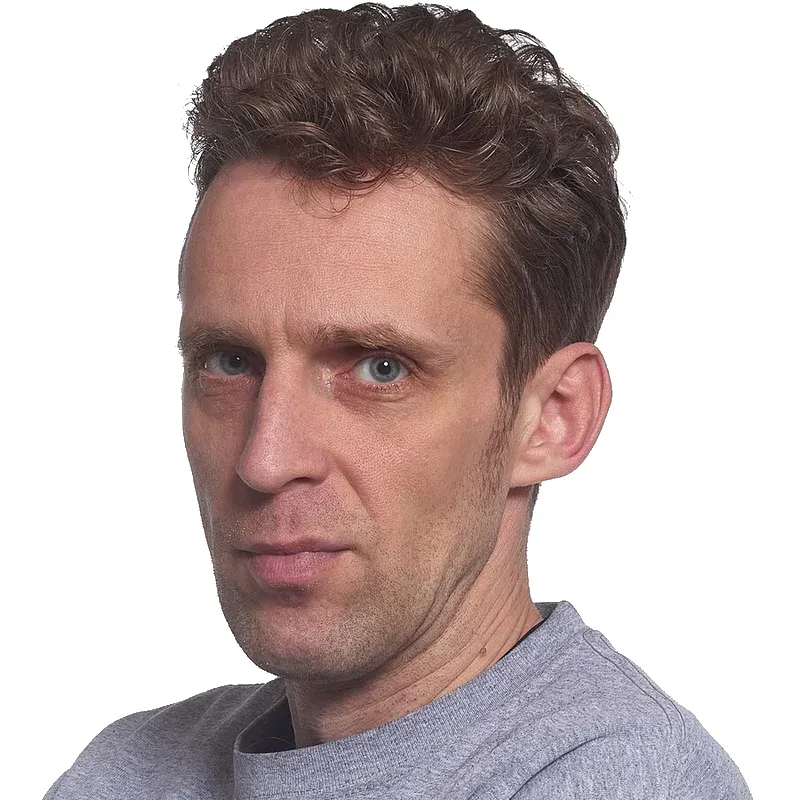
In short
- Size: 2 × 2 inches (51 × 51 mm).
- Head: 1 to 1⅜ inches (25 to 35 mm) from chin to top of the head.
- Background: plain white or off-white, no shadows.
- No glasses. Plain expression or a natural smile, both eyes open, facing the camera.
- Taken in the last 6 months. Digital photo: JPEG, 600 × 600 px minimum, up to 1200 × 1200 px, under 240 KB.
The rules at a glance
| Rule | US passport photo |
|---|---|
| Photo size | 2 × 2 inches (51 × 51 mm), square |
| Head size | 1 to 1⅜ inches (25 to 35 mm), chin to top of head |
| Background | White or off-white, no shadows |
| Glasses | Not allowed |
| Expression | Neutral, or a natural smile; eyes open, face forward |
| How recent | Taken within the last 6 months |
| Digital file | JPEG, 600 × 600 to 1200 × 1200 px, 240 KB or less |
Filters, retouching and AI changes are not allowed. A tool should only scale, level, move and change the background, never change how you look.
Make one with CutLift
CutLift’s passport photo maker supports 203 documents, including the US passport. It runs 14 checks, sizes the photo to the document’s size in mm and swaps the background for white. The checks and the preview are free. The clean photo and the 4×6 print sheet cost $3.99 per document, or are included in CutLift Pro. The photo is processed on your device, not uploaded. No government guarantees acceptance of a photo made with any tool, so check the result against the official page.
- 1Open your photoOpen a front-facing photo in the passport photo maker and pick the document.
- 2Read the checksThe 14 checks (head size, tilt, eyes, light and more) are free and tell you what to retake.
- 3Fit and levelThe tool scales, levels and moves your photo to the document’s size in mm. It never reshapes your face.
- 4Set the backgroundReplace the background with the colour the document asks for.
- 5Save or printSave the digital file, or make a 4×6 print sheet to print at a photo shop.
Need only a white background on another photo? Try white background. Need to resize to exact pixels? Use resize image.
Questions
What size is a US passport photo?
2 × 2 inches (51 × 51 mm), with the head between 1 and 1⅜ inches (25 to 35 mm) tall.
Can I wear glasses in a US passport photo?
No. Glasses are not allowed in a US passport photo.
What background colour is needed?
Plain white or off-white, with no shadows.
How old can the photo be?
It must be taken within the last 6 months.
Can I make the photo at home?
Yes, if it follows the rules. CutLift checks the photo and fits it to the size; the final decision is always the government’s.
Sources
Checked on 9 November 2026. Rules change: if something here is out of date, tell us at [email protected].