RequirementsUpdated
LinkedIn profile photo size
The size and file rules LinkedIn gives for your profile photo and background photo, and a quick way to give a headshot a clean background.
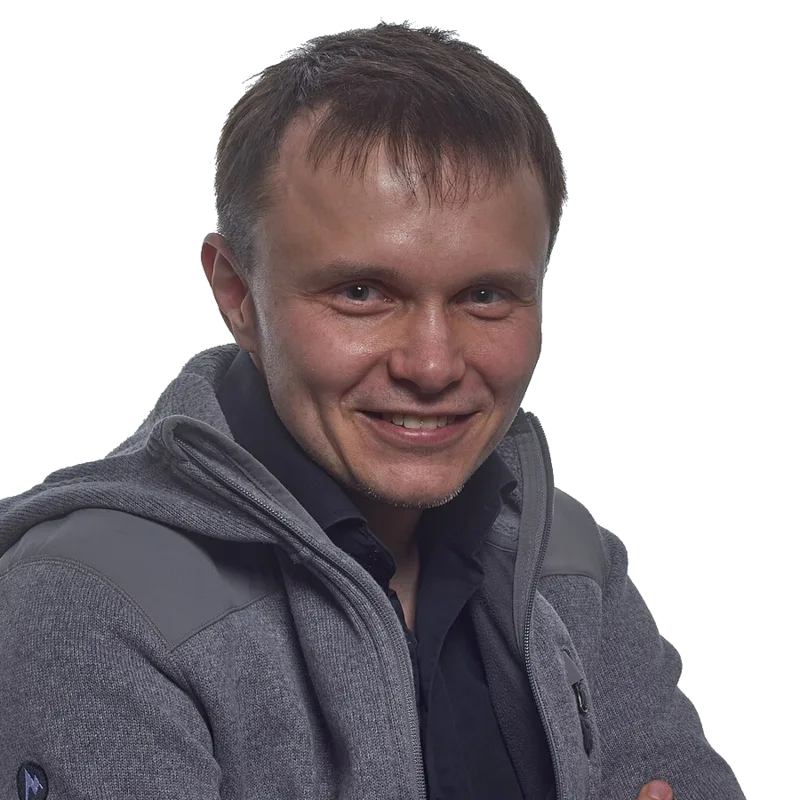
Fix your headshot background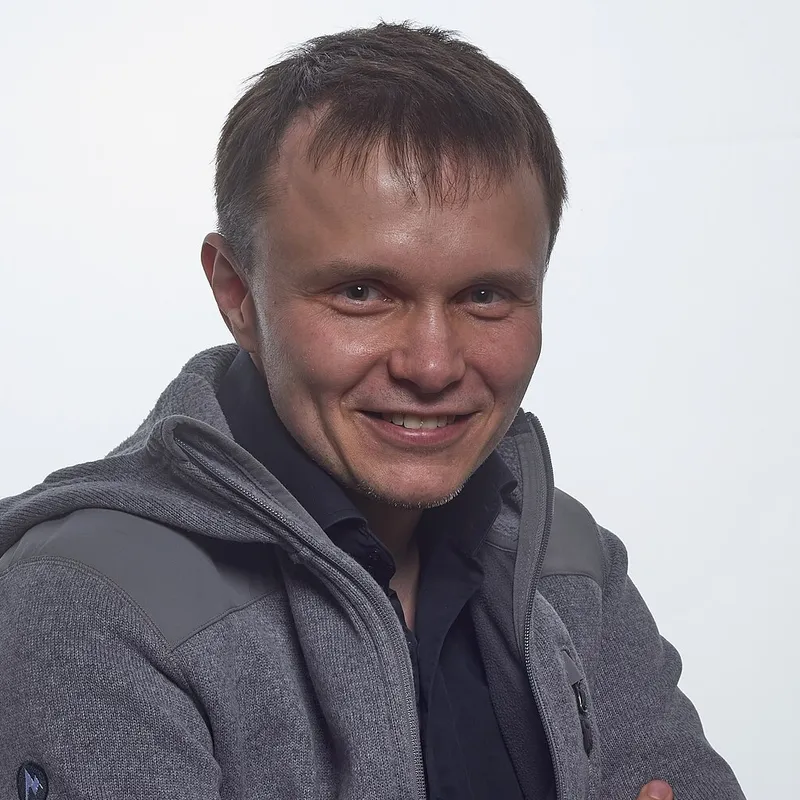
In short
- Profile photo: at least 400 × 400 px and at most 7680 × 4320 px.
- File types: PNG or JPG. GIFs are not supported.
- File size: 8 MB at most.
- Background photo: LinkedIn suggests 1584 × 396 px, JPG or PNG, under 8 MB.
- LinkedIn shows the profile photo as a circle, so keep your face centred.
The sizes at a glance
| Profile photo | Background photo | |
|---|---|---|
| Size | 400 × 400 px minimum, 7680 × 4320 px maximum | 1584 × 396 px suggested |
| File types | PNG, JPG | JPG, PNG |
| File size | 8 MB at most | Under 8 MB |
| Not supported | GIF |
The 1584 × 396 size is a suggestion, not a hard rule. If you upload another size, LinkedIn lets you crop it. See LinkedIn’s help pages for the current numbers.
What makes a good profile photo
- Your face large in the frame, centred, so the circle crop keeps it.
- A plain background with no clutter behind you.
- Even light on your face, from the front or a window.
- A photo that looks like you today.
- Start with a sharp file well above 400 px, so it stays clear when shown large.
The 400 px figure is a minimum. A larger, sharp original gives a cleaner result when LinkedIn scales it down.
Give your headshot a clean background
In CutLift the background removal is free and runs on your device, so your photo is not uploaded. There is no watermark, and a free account is needed to download.
- 1Open the headshotOpen your photo in the headshot background tool.
- 2Remove the backgroundThe AI finds you. Brush in any hair it missed.
- 3Pick a colourChoose a soft grey, blue or white, or blur the real background.
- 4Crop squareUse the 1 : 1 crop with your face centred.
- 5Save a JPGOpen Convert, save as JPG, and keep the size at 400 px or larger.
For the banner, crop wide with the 3 : 1 Banner preset, then save at 1584 px wide. Tidy skin with blemish removal if you like.
Questions
What size is a LinkedIn profile photo?
LinkedIn asks for at least 400 × 400 pixels and at most 7680 × 4320 pixels, as PNG or JPG, up to 8 MB.
What size is the LinkedIn background photo?
LinkedIn suggests 1584 × 396 pixels, as JPG or PNG under 8 MB.
Can I use a GIF?
No. LinkedIn says GIFs are not supported for profile photos.
Why does my photo look cropped?
LinkedIn shows the profile photo as a circle. Keep your face in the middle with some space around it.
Can I change my headshot background for free?
Yes. CutLift removes or blurs the background for free in your browser, with no watermark.
Sources
- LinkedIn Help: Photo won’t upload to your profile
- LinkedIn Help: Add or change the background photo on your profile
Checked on 9 November 2026. Rules change: if something here is out of date, tell us at [email protected].