How-toUpdated
How to make a YOLO dataset from your own photos
A good dataset is mostly planning and checking. This guide goes from a folder of photos to a folder layout Ultralytics YOLO can train on.
Label photos for YOLO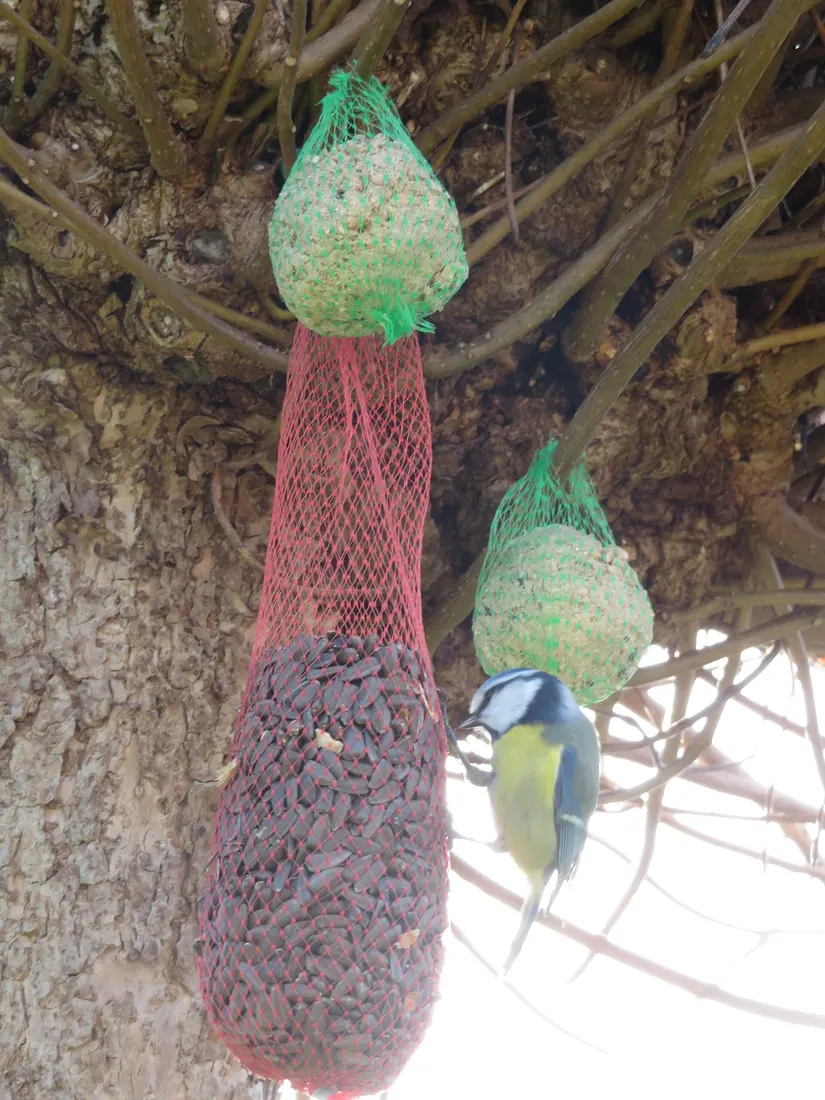
In short
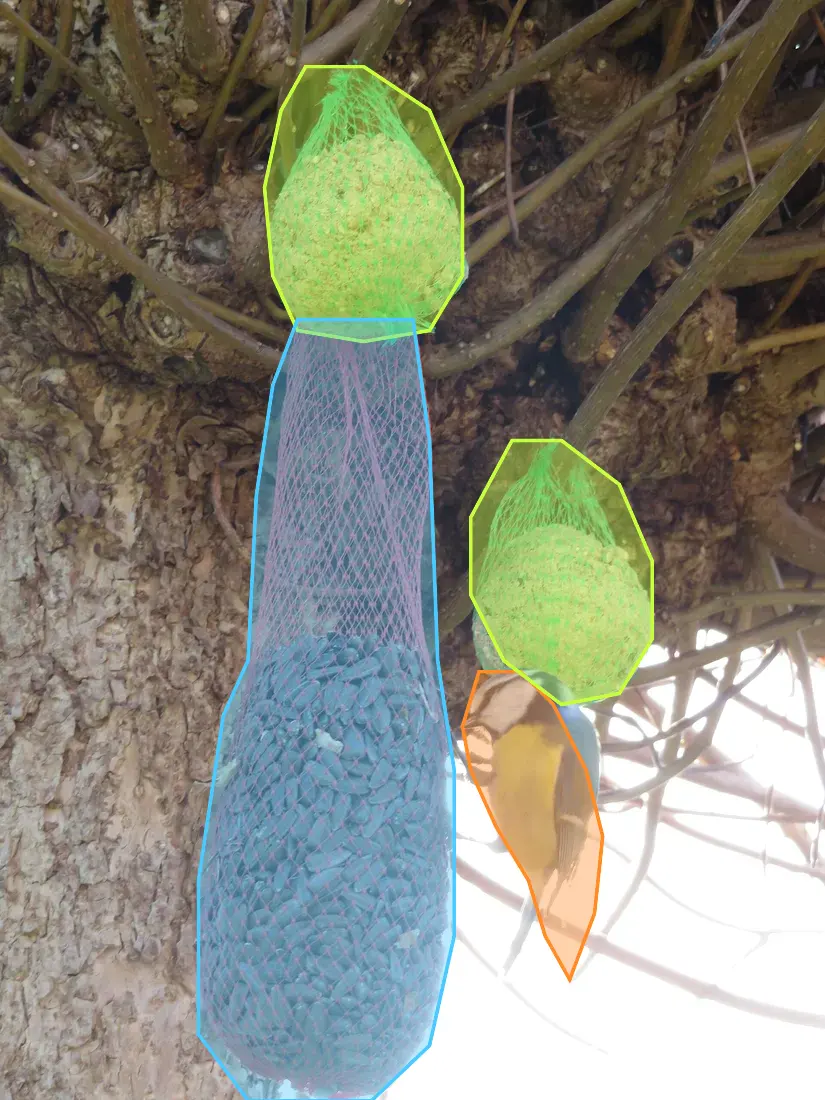
- Segmentation labels: one .txt per image, one line per object: class index, then x y pairs.
- Coordinates are normalised to 0 to 1 by image width and height; each polygon needs at least 3 points.
- Keep images/ and labels/ as separate folders with matching sub-folders.
- A dataset YAML names the root path, train and val, and the class names.
- In CutLift, YOLO export is a Pro feature (Studio exports); labelling runs in your browser and nothing is uploaded.
Plan before you label
- Write the class list first and keep the names short and fixed (for example bird, feeder).
- Collect photos in the conditions the model will see: light, angle, distance and clutter.
- Include photos without the object, so the model learns what is not one.
- Set aside some photos for validation now, and do not label them differently.
Label and export
- 1Add the photosOpen the images in the YOLO dataset maker. They stay on your device.
- 2Select each objectUse AI select, Quick Selection, a lasso or the Pen to outline it. See polygon annotation for tight outlines.
- 3Give it a classPick a class from your list. The list carries over to the next photo, so each name keeps its number.
- 4ExportOpen File, then Export, tick YOLO and download the ZIP. It holds the label files and classes.txt (Pro).
Arrange the folders and check them
Ultralytics expects images and labels in separate folders at the same level, with matching names. Labels placed inside the image folder can be missed.
| Part | What it must be |
|---|---|
| Label file | Same base name as the image, with .txt |
| Each line | class-index x1 y1 x2 y2 ... xn yn |
| Coordinates | Between 0 and 1, relative to width and height |
| Dataset YAML | path, train, val and names (index to class name) |
- 1Split the photosCopy about 80% into images/train and the rest into images/val. Move each .txt to the same place under labels/.
- 2Write the YAMLSet path, train and val, and list the names in the same order as classes.txt.
- 3Spot-checkOpen three label files: indexes must match your list and no value may be above 1.
Rows with five numbers (class, centre x, centre y, width, height) are boxes, not polygons. They are not valid in a segmentation dataset.
Need COCO instead?
The same labels also export as COCO JSON in CutLift Pro. See COCO and YOLO annotation and the image labeling tool.
Questions
Is YOLO export free in CutLift?
YOLO and COCO export are CutLift Pro (Studio exports). Every account gets one free premium download to try it. Mask PNGs stay free.
Are my photos uploaded?
No. Labelling and export run in your browser.
How many photos do I need?
It depends on the task and the variety. Start small, train, look at the mistakes, and add photos that cover them.
Can lines have different lengths?
Yes. Each polygon can have its own number of points, with at least 3.
Detection or segmentation?
This guide covers segmentation, with polygon lines. Boxes use a different line format.
Sources
Checked on 9 November 2026. Rules change: if something here is out of date, tell us at [email protected].