How-toUpdated
How to remove a background without Photoshop
You do not need a Photoshop subscription to cut out a person, a product or a pet. Here is the quick free way, and what to do when the edges need more care.
Remove a background free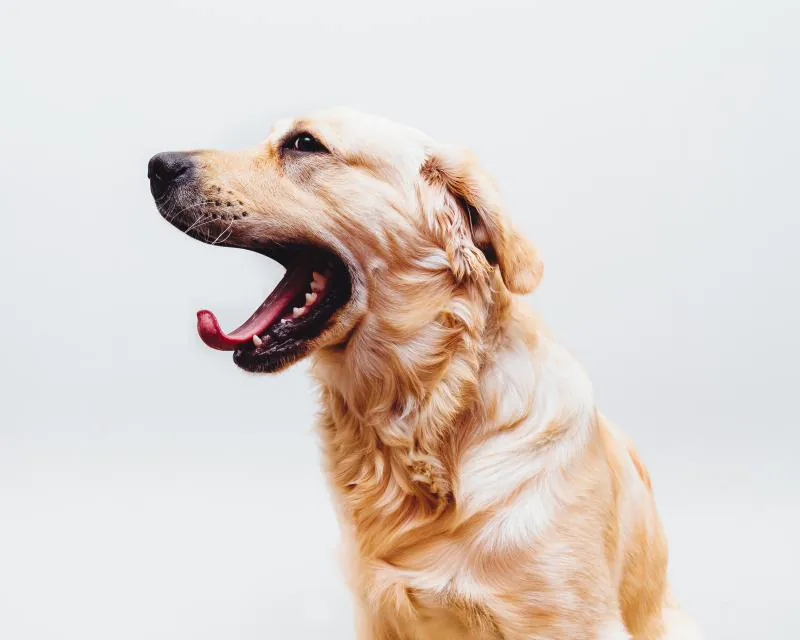
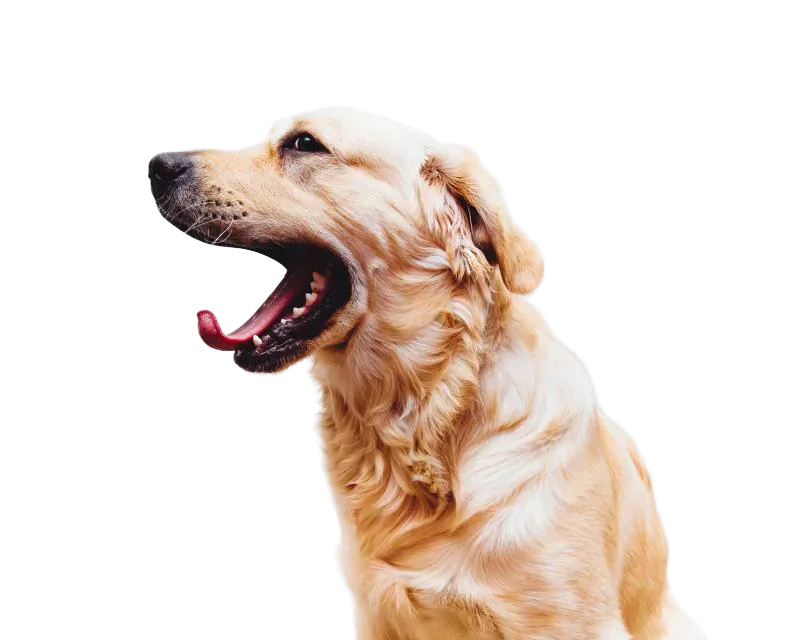
In short
- Fastest: open the photo in a browser editor and click Remove background. No install.
- In CutLift background removal is free and unlimited, with no watermark and a full-size PNG.
- The photo is processed on your device, so it is not uploaded.
- A free account is needed to download the result.
- Fix misses by brushing; for hair and fur, check the edge on a dark and a light background.
Your options
Photoshop automates the job with its own Remove background action (community experts describe it as Select Subject plus a layer mask). Other tools can do the same without a subscription.
| Way | Good for | Watch out for |
|---|---|---|
| One-click browser tool | Most photos: people, products, pets | Fine hair and glass may need a touch-up |
| Click-to-select, then cut | One object in a busy scene | Takes a few more clicks |
| Manual outline (Pen or lasso) | Hard-edged objects such as boxes | Slow on curves and hair |
| Colour range | Plain backgrounds, such as a white wall | Fails when the subject shares the colour |
The quick way, step by step
- 1Open the photoGo to the background remover and drop in a JPEG, PNG, WebP or HEIC (in Safari) photo.
- 2Click Remove backgroundThe AI finds the main subject and hides the rest. You will see a checkerboard where the background was.
- 3Check the edgesZoom in. Brush back anything that was cut by mistake, and brush away leftovers.
- 4Test on a new backgroundPut a dark colour, then a light one, behind the cutout. A halo shows up on one of them if the edge is rough.
- 5DownloadSave a PNG to keep the transparency, or JPG with a solid background colour.
Keep the file as PNG if you will place it on other designs later. JPG cannot store transparency.
When it is not perfect
- Busy scene, several objects: click on the object you want instead of cutting out everything.
- Hair, fur or plants: use a softer edge, and check the result on both a dark and a light background.
- Transparent or shiny things: brush in the parts the AI skipped, then lower the edge softness a little.
- Hard-edged shapes: a Pen outline gives clean straight lines.
If you are looking for a full editor to replace Photoshop, see the Photoshop alternative.
Questions
Is there a free way to remove a background without Photoshop?
Yes. CutLift removes backgrounds for free, with no limit and no watermark. You need a free account to download.
Is my photo uploaded?
No. The cut-out is computed on your own device.
Which format should I save?
PNG, because it keeps the transparent background. Use JPG only when you put a solid colour behind the subject.
Can I do many photos at once?
Yes. Batch background removal is a CutLift Pro feature.
Can it handle hair?
Often, and you can brush fixes. Hair and fur refinement is a CutLift Pro feature for the softest edges.
Sources
Checked on 9 November 2026. Rules change: if something here is out of date, tell us at [email protected].